REGISTRATIONS CLOSE SOON!
00
DAYS
00
HOURS
00
MINS
00
SECS
Digital Character Illustration + Digital Painting & Rendering Bundle
80+ lessons, and 25+ hours of guided training to build confident digital illustration and rendering skills.
Build the skills to actually finish your work.
Tired of scattered tutorials, overwhelming theory, and slow progress?
Skip the guesswork and streamline your learning with a structured, proven approach!
Build confidence, improve faster, and complete your illustrations without frustration.
No more wasted time,just effective learning that gets results!
Start Your Journey Today.
Enroll now and take the first step toward mastering digital character art.
What My Students Are Doing
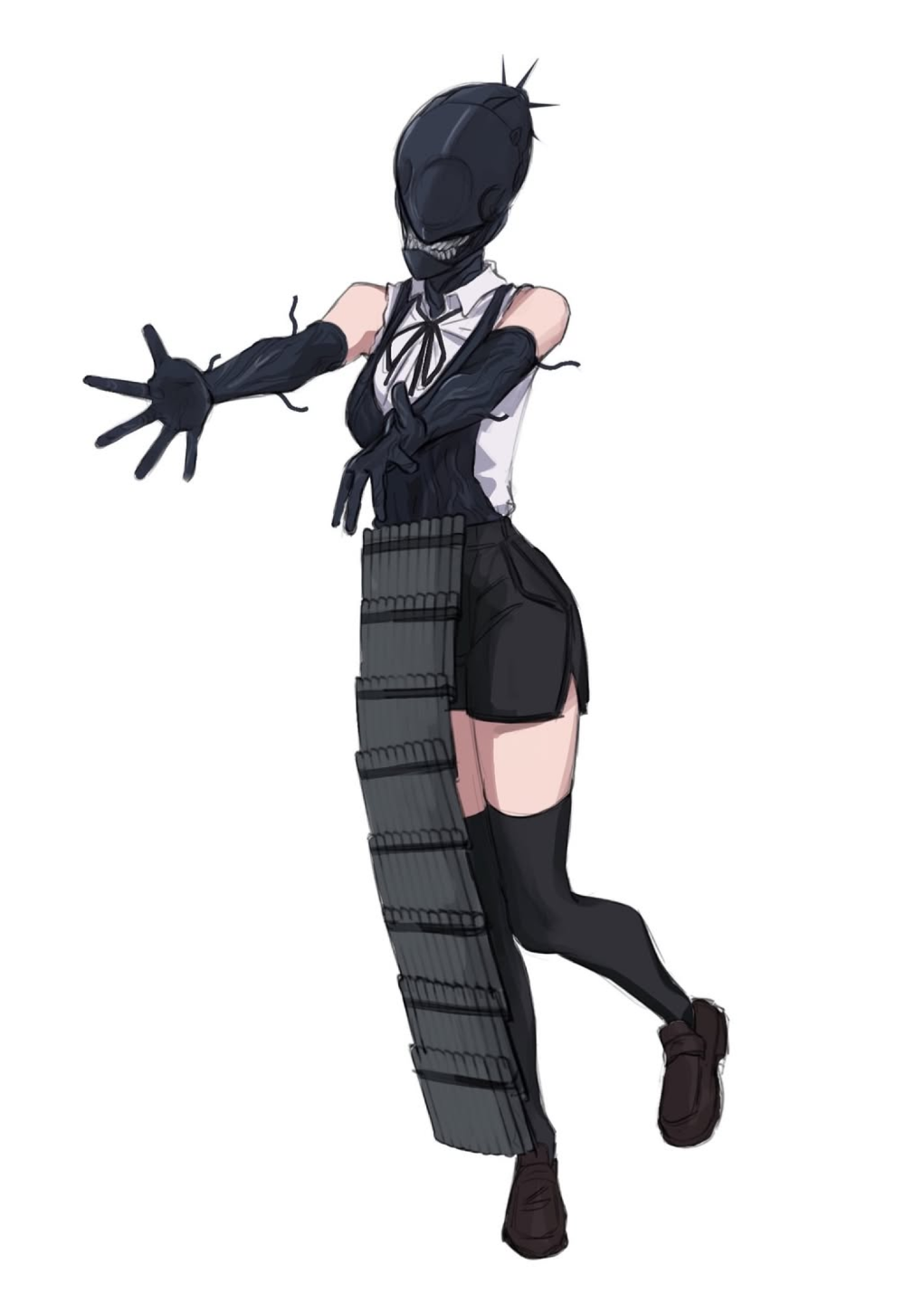
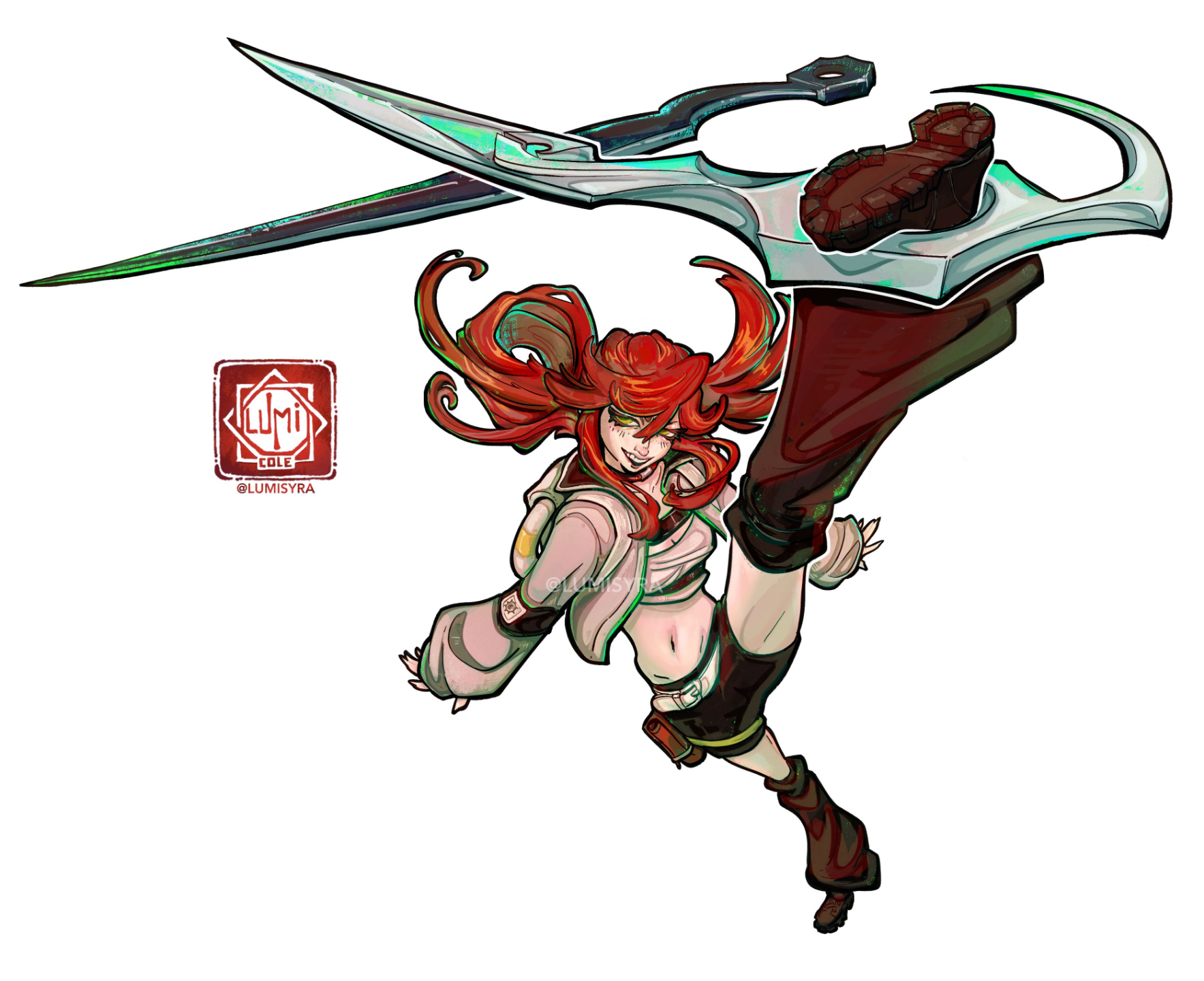
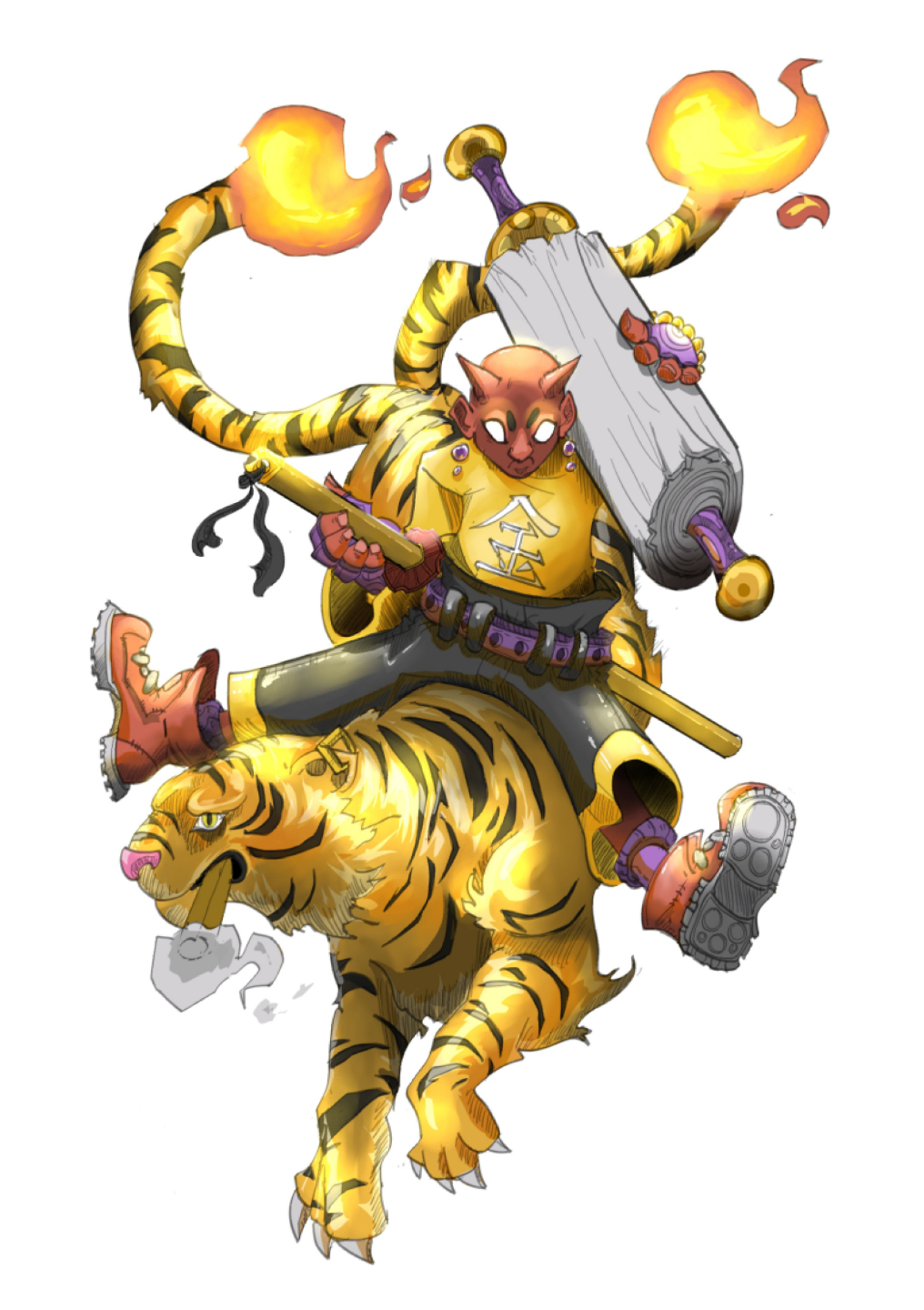
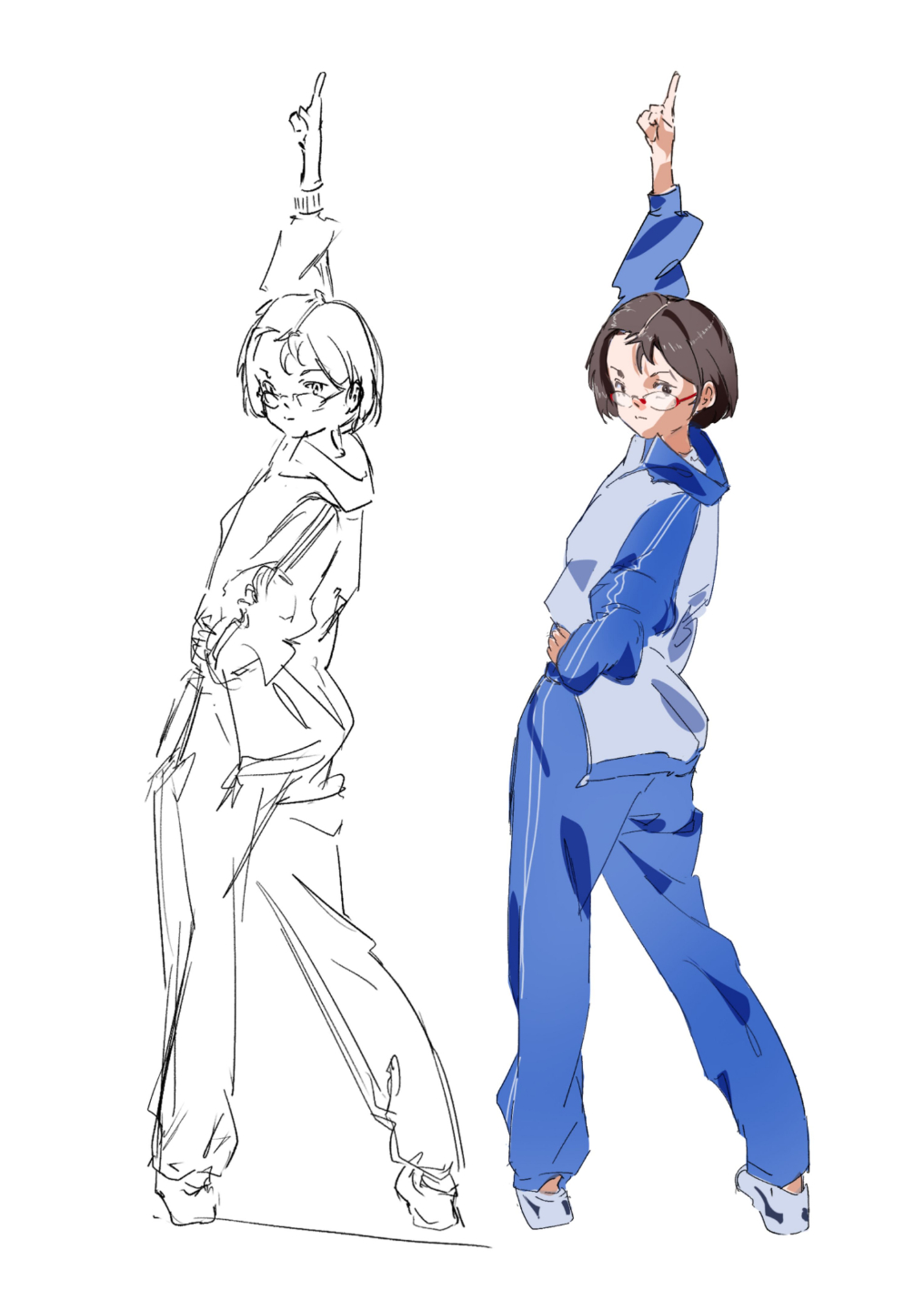
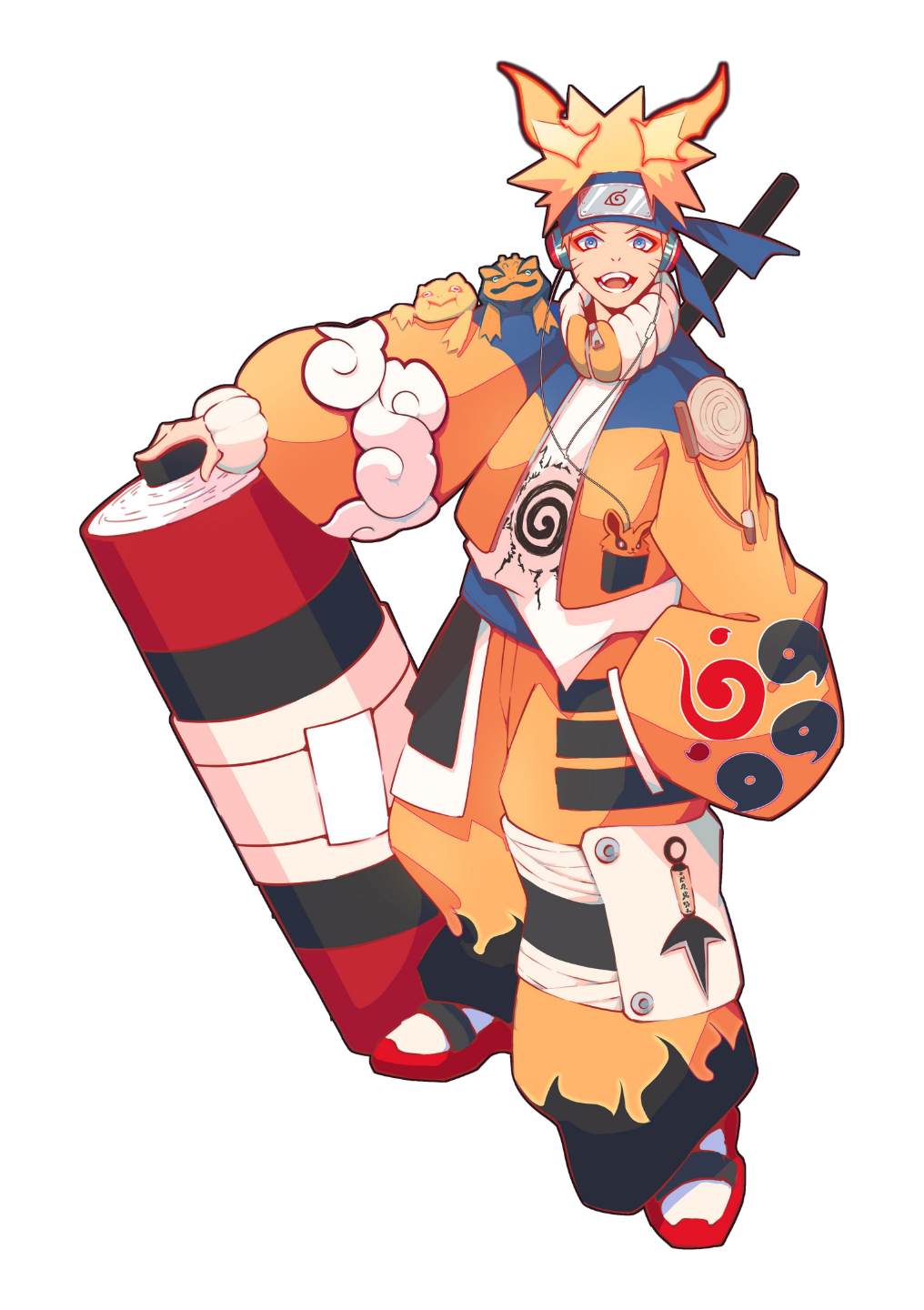
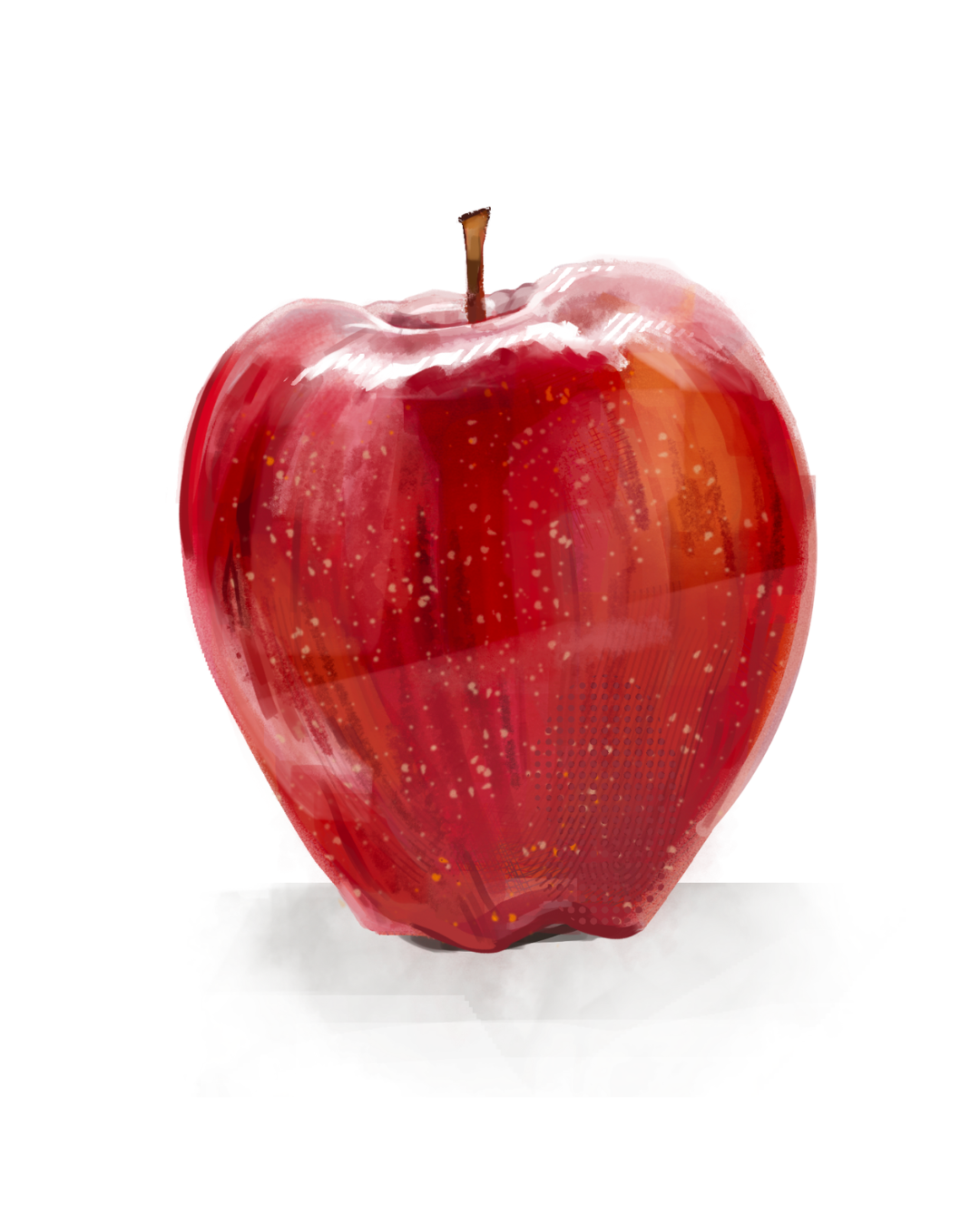
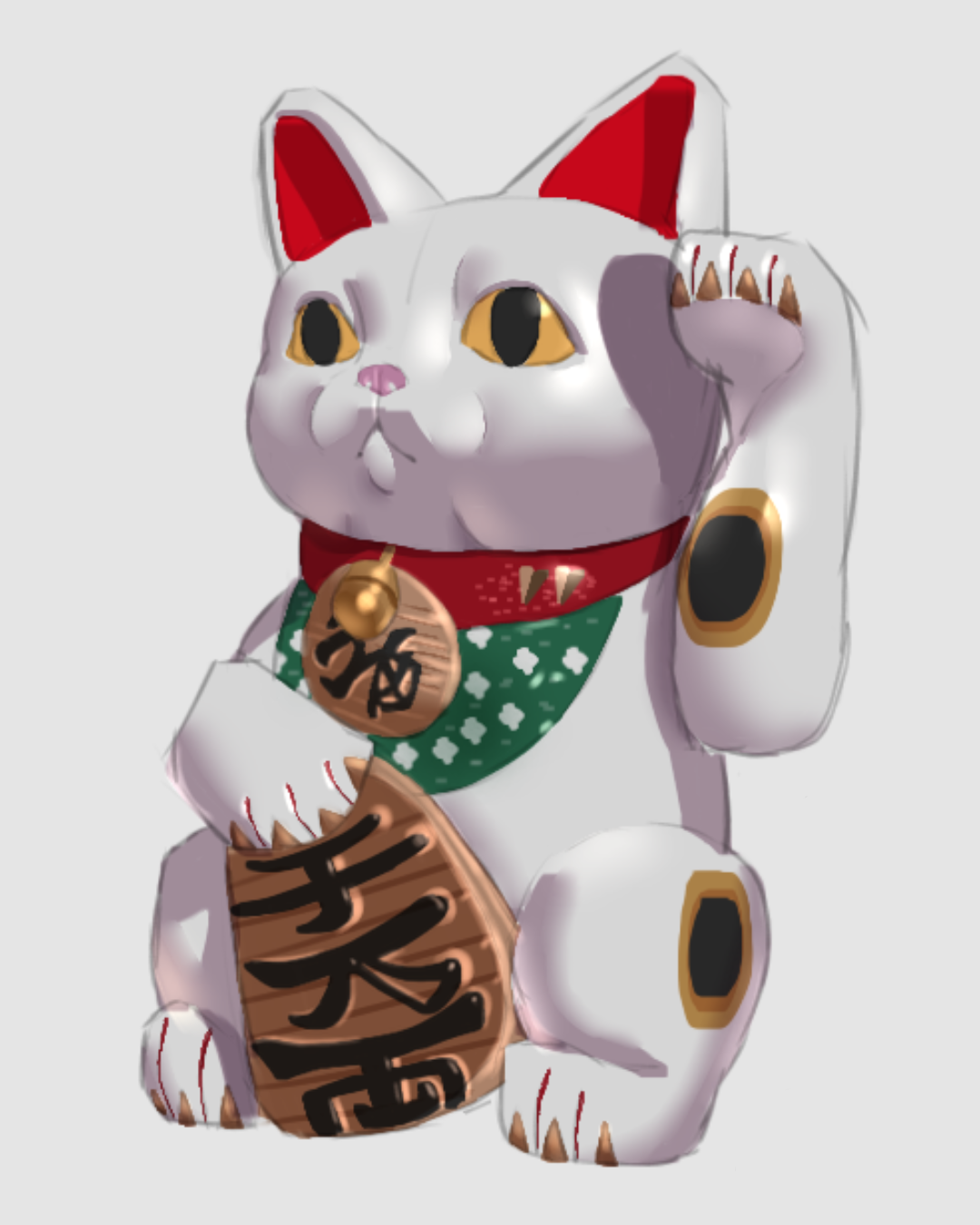
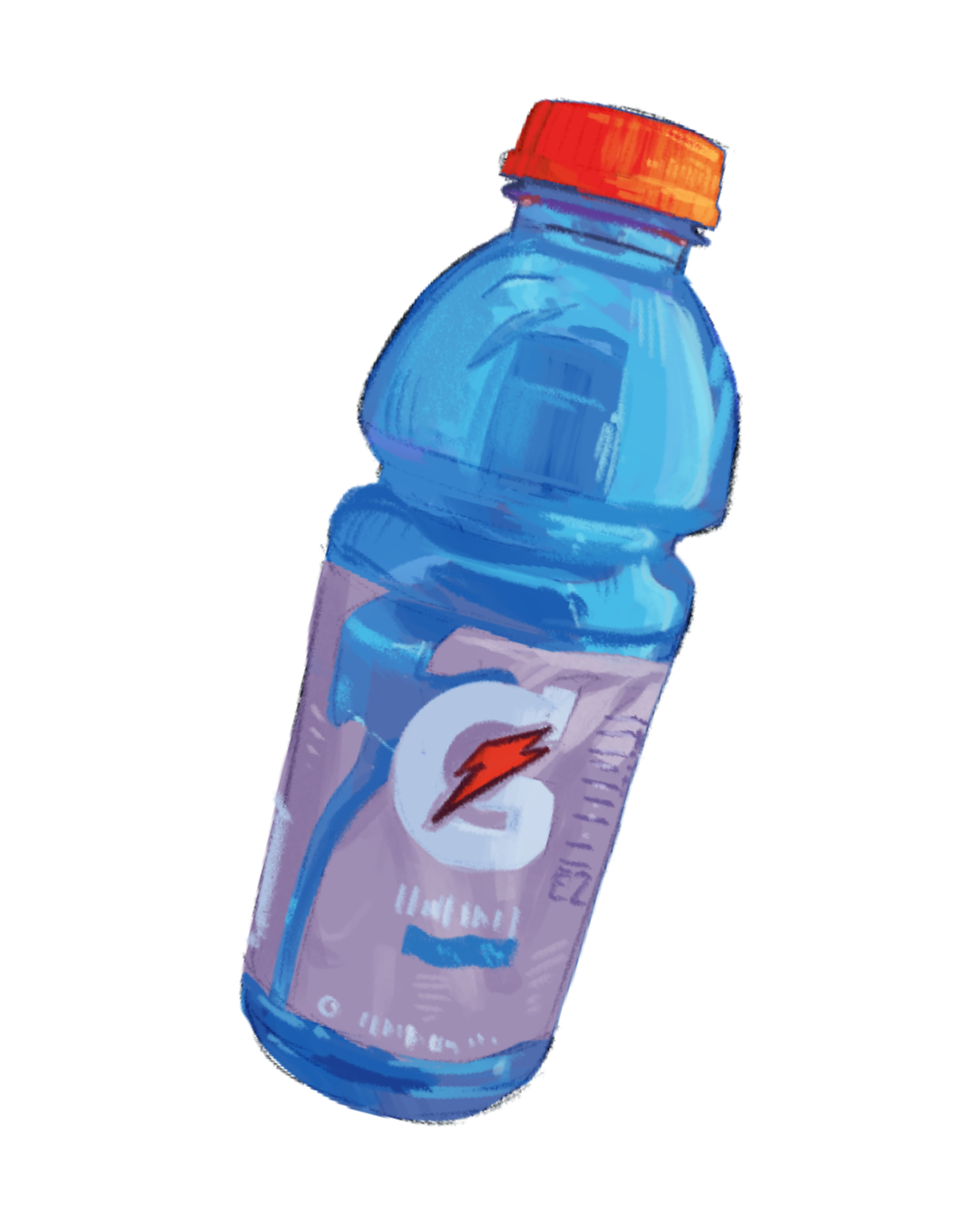
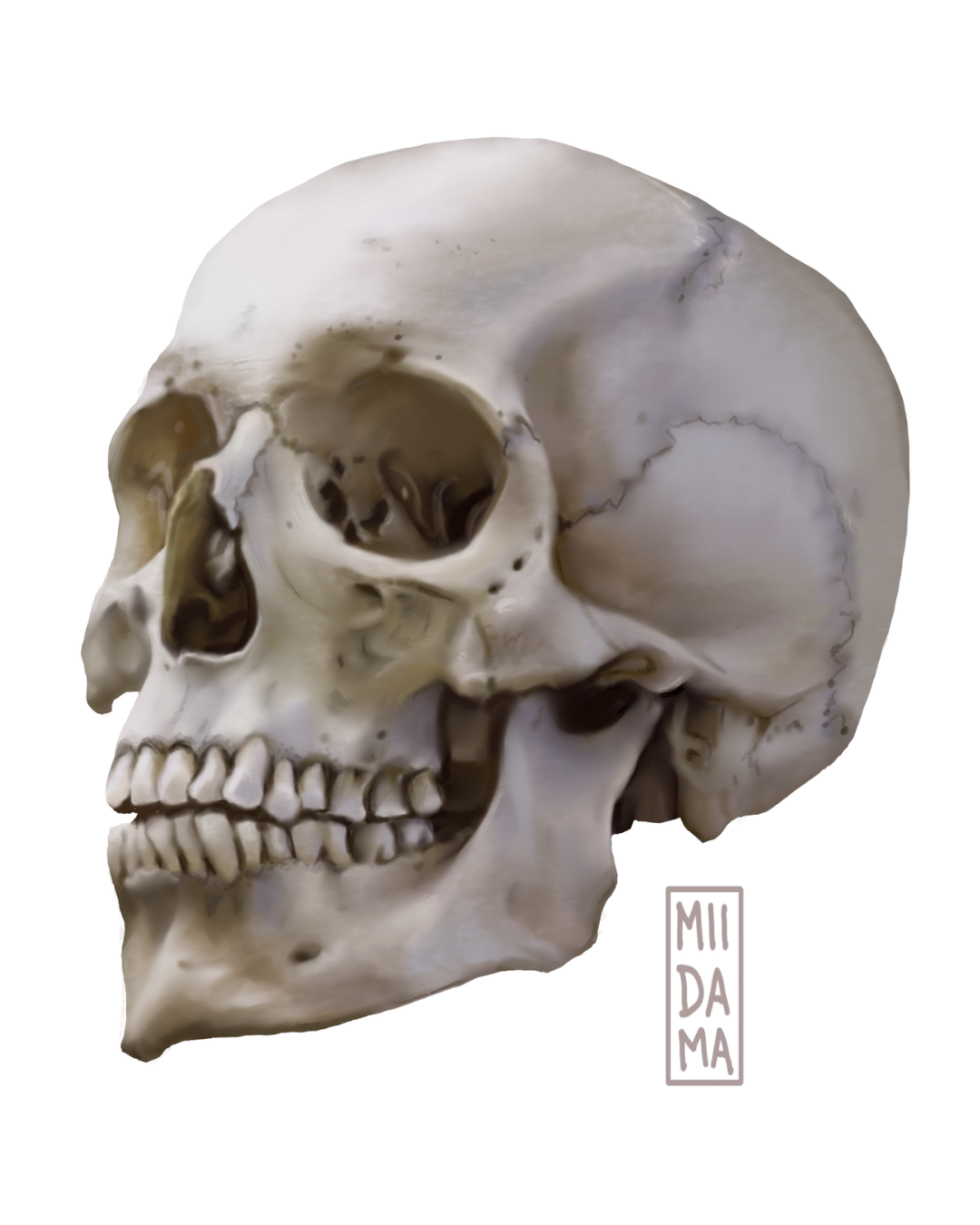
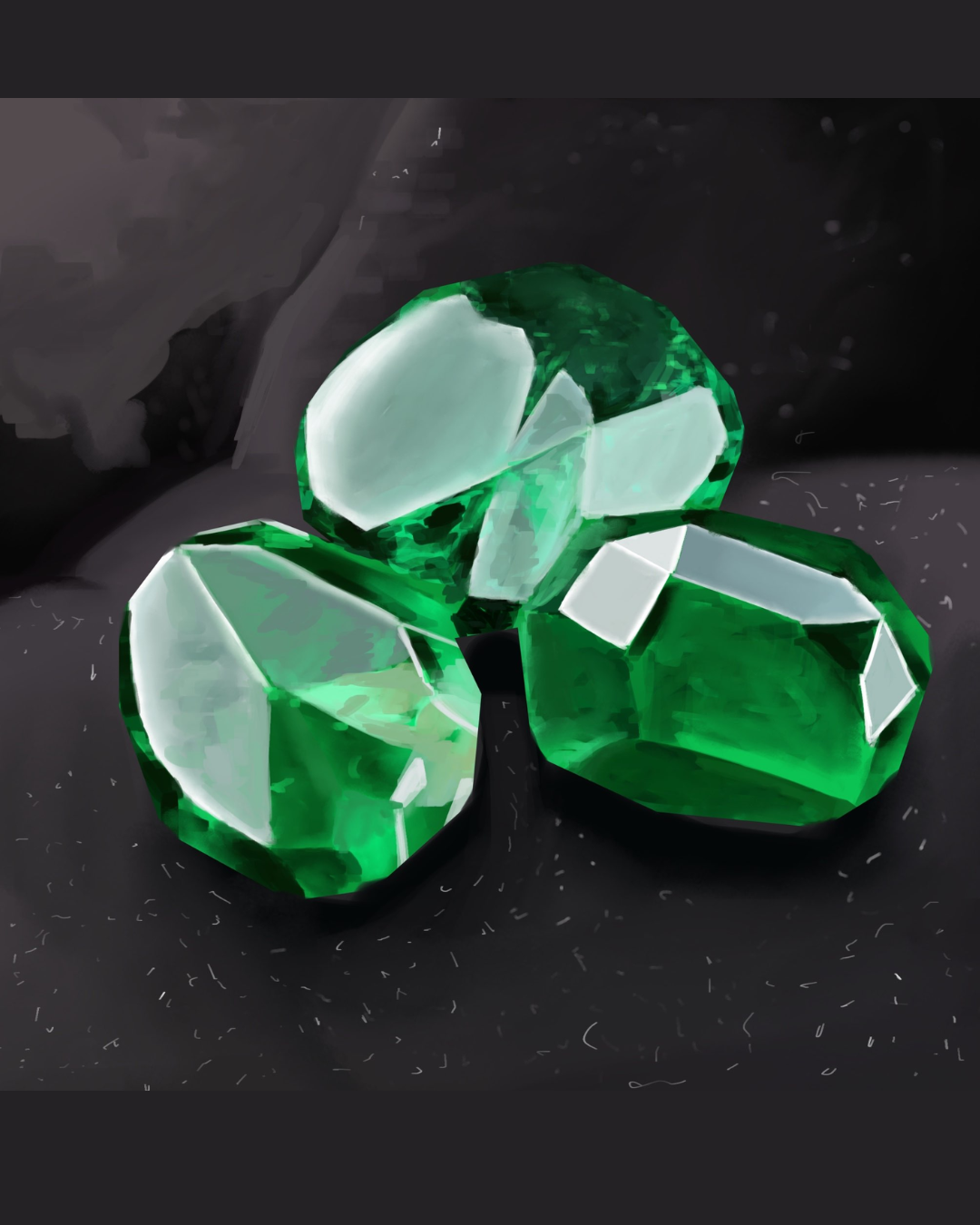


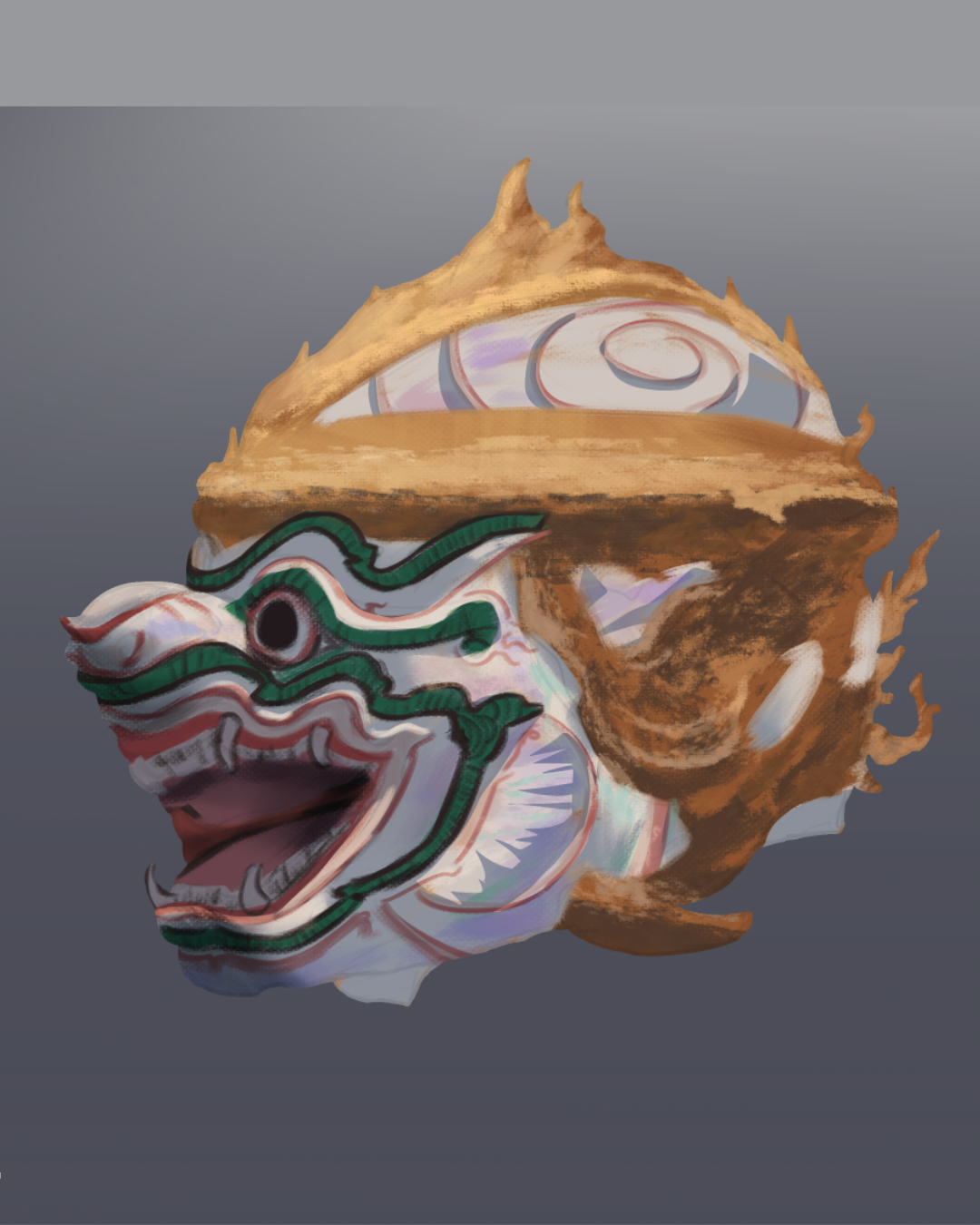
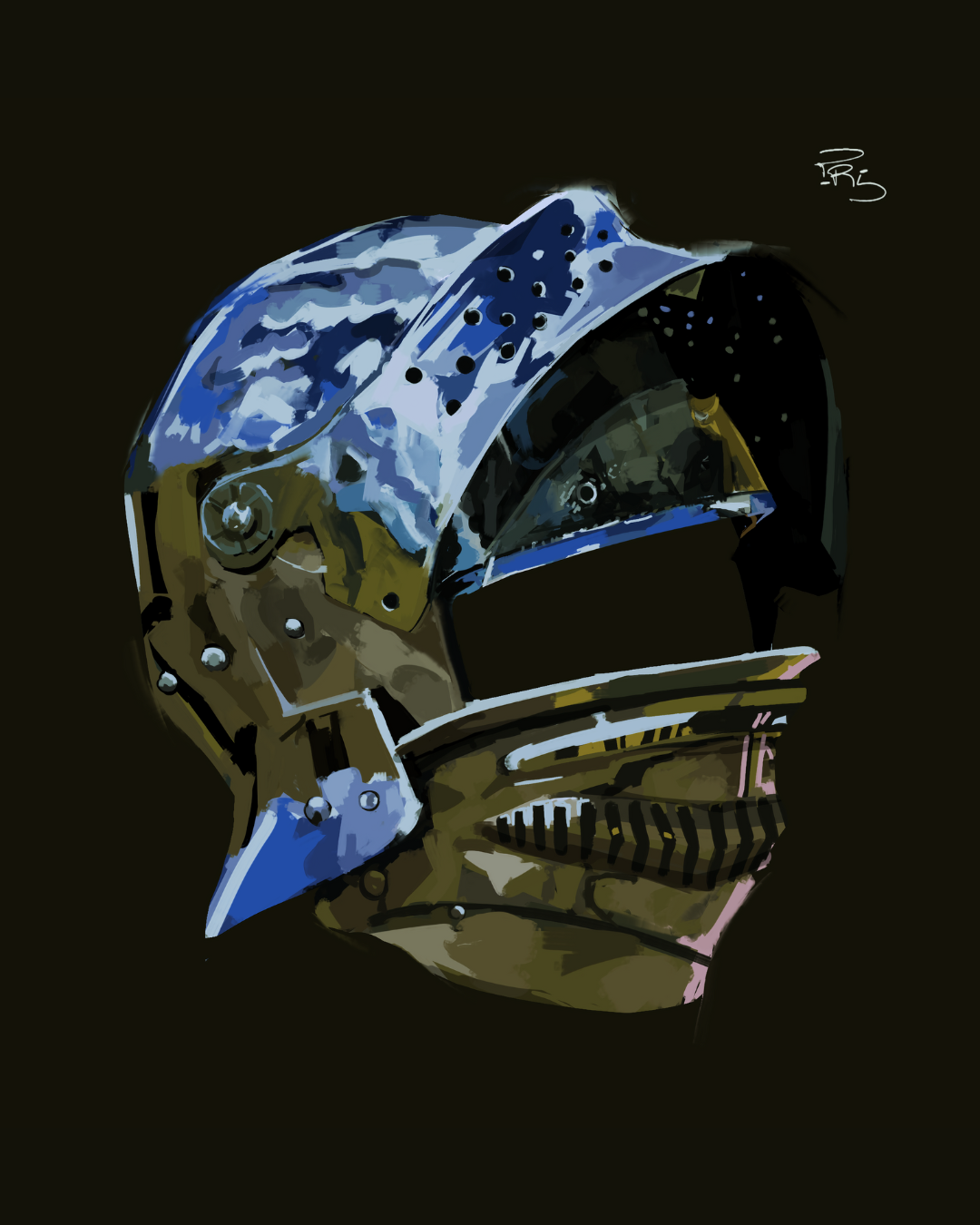
These are real students. No filters, no commissions.
Courses Content
Unlock your full artistic potential with two comprehensive courses designed to take you from beginner to advanced levels in digital art!
Basics of Digital Illustration – Master the foundations with 7+ modules packed with 15+ hours of learning and 70+ full-length video lessons. Perfect for beginners, intermediates, and brand-new artists!
Digital Painting & Rendering – Elevate your skills with 7 modules, offering 9+ hours of training and 15+ in-depth video lessons to refine your techniques and bring your artwork to life.
Learn at your own pace: pause, replay, and practice as much as you need.
Follow a structured path: start from the fundamentals and progress to advanced techniques.
Suitable for ALL skill levels. No prior experience needed!
Two courses, one goal: Helping you become a confident digital artist!
Remember, artistic growth is a marathon, not a sprint!
Course Curriculum
A structured curriculum for learning modern character illustration.
0
Introduction
5 lessons • 30 mins
Introduction
5 lessons • 30 mins
- Lesson 0.1: Welcome to the Course
- Lesson 0.2: Meet your Instructor
- Lesson 0.3: Syllabus (Course-Runthrough)
- Lesson 0.4: My expectations from you
- Lesson 0.5: What you'll need
1
Setting your Artist Goals
5 lessons • 1 hour
Setting your Artist Goals
5 lessons • 1 hour
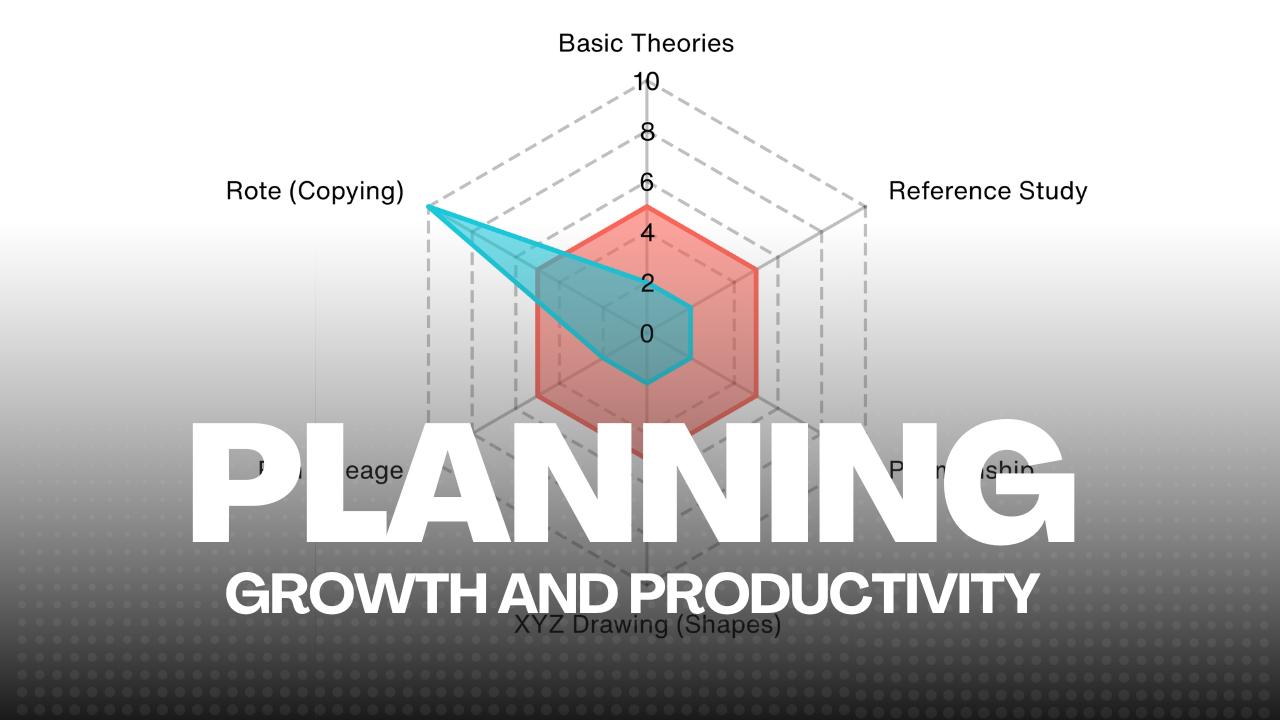
- Lesson 1.1: How to improve in art QUICKLY
- Lesson 1.2: The "Seiryoku-zenyo" Principle
- Lesson 1.3: Visual Hierarchy
- Lesson 1.4: Valuable Resources
- Lesson 1.5: Keyboard Ergonomics for Fast Skill Triggers
2
Illustration Drafting
9 lessons • 2 hrs 30 mins
Illustration Drafting
9 lessons • 2 hrs 30 mins
- Lesson 2.1: Controlling your Brush
- Lesson 2.2: Lineart Minimalist vs Maximalist
- Lesson 2.3: Line Density & Line Economy
- Lesson 2.4: DEMO: Maneki Neko Lineart Exercise
- Lesson 2.5: DEMO: Female Figure Exercise
- Lesson 2.6: Gesture, Flow, and Poses
- Lesson 2.7: DEMO: Gesture Exercise (QUICK)
- Lesson 2.8: Composition and Thumbnails
- Lesson 2.9: DEMO: Thumbnailing
3
Drawing and Construction
7 lessons • 1 hr 40 mins
Drawing and Construction
7 lessons • 1 hr 40 mins
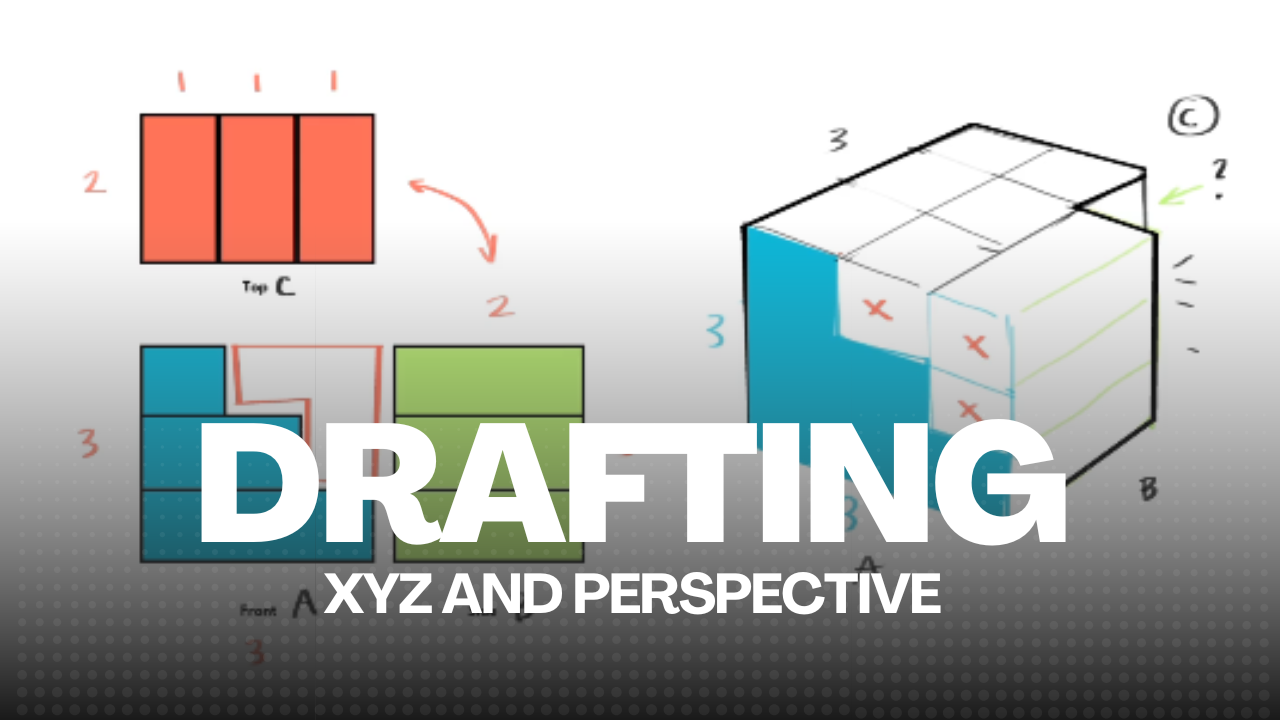
- Lesson 3.1: Perspective Intro
- Lesson 3.2: 1-3 Point Perspective
- Lesson 3.3: Seeing in "XYZ"
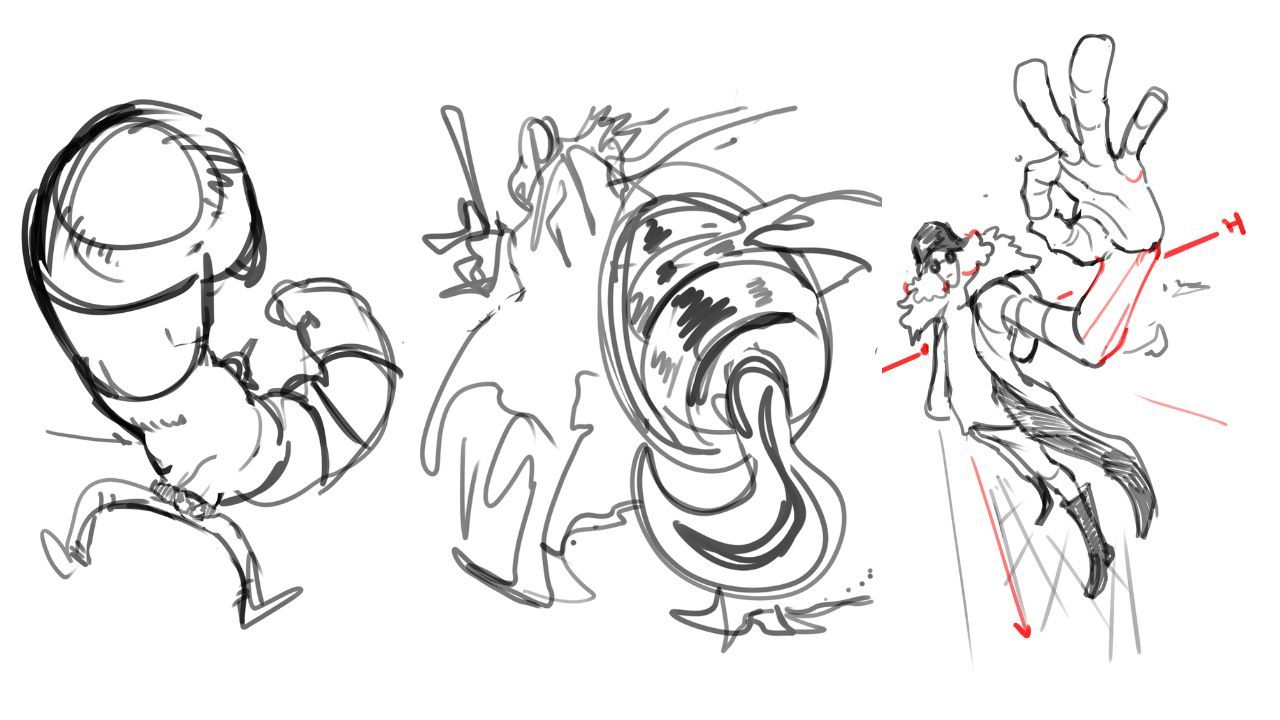
- Lesson 3.4: Constructing 3D Forms: Foreshortening
- Lesson 3.5: Constructing 3D Forms: Primitive Shapes
- Lesson 3.6: Mannequinization
- Lesson 3.7: Character Staging
4
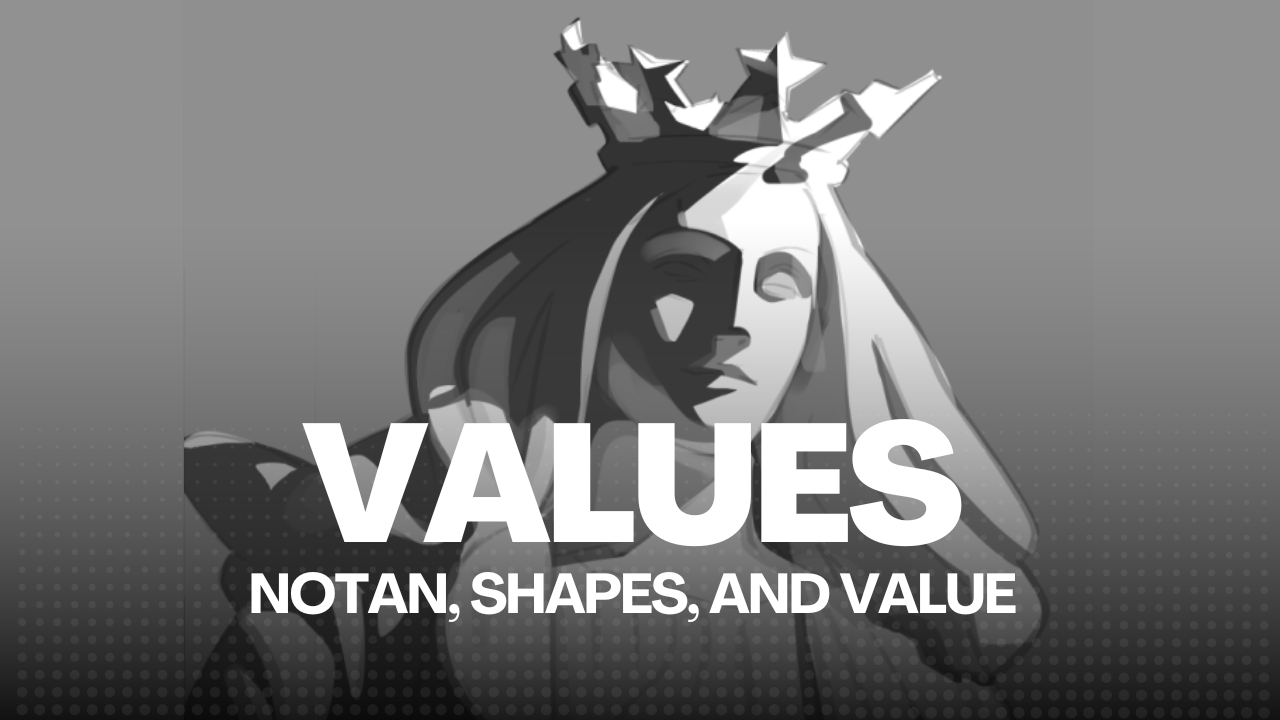
Shapes and Values
10 lessons • 2 hrs 10 mins
Shapes and Values
10 lessons • 2 hrs 10 mins
- Lesson 4.1: SUPERVISION: GRAYSCALE MODE
- Lesson 4.2: VALUE is KING
- Lesson 4.3: Shape Language
- Lesson 4.4: Shape Design
- Lesson 4.5: Value Distillation and Notan
- Lesson 4.6: DEMO: Value Distillation
- Lesson 4.7: Atmospheric Perspective
- Lesson 4.8: A and B Method
- Lesson 4.9: Shading Primitive Shapes
- Lesson 4.10: Hard and Soft Shadows
5
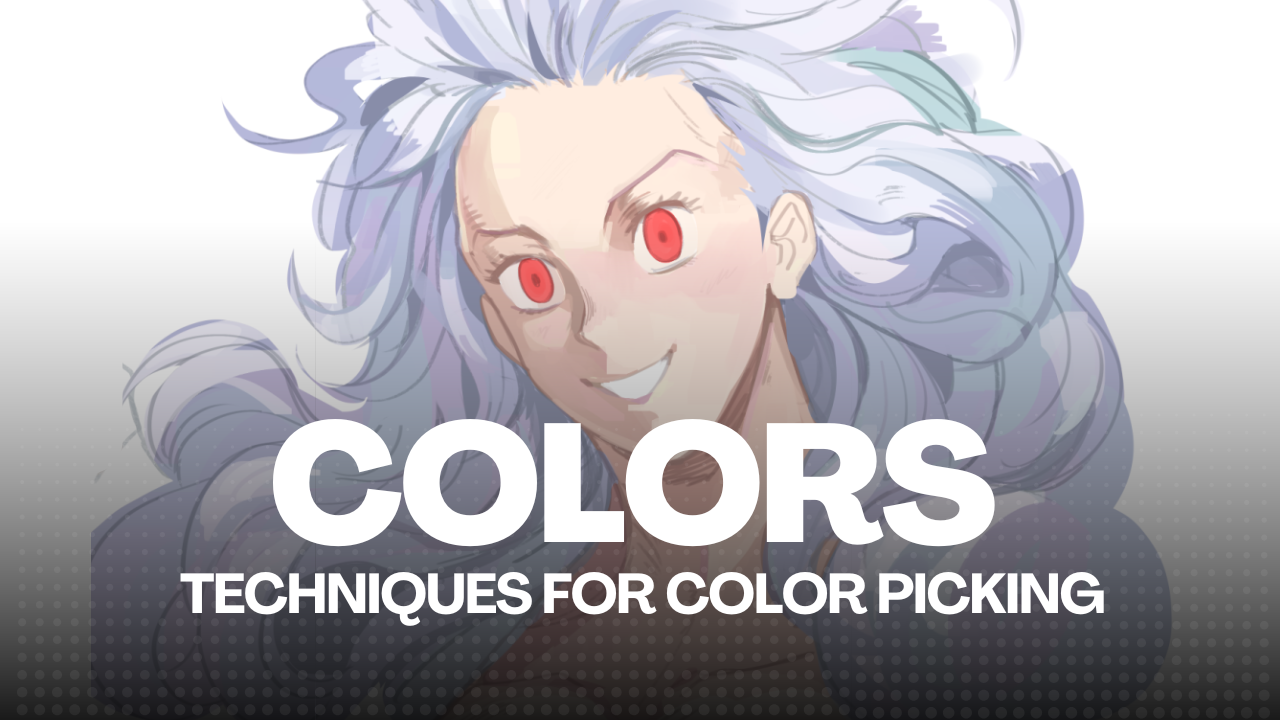
Color Dynamics
8 lessons • 2 hrs 10 mins
Color Dynamics
8 lessons • 2 hrs 10 mins
- Lesson 5.1: Basic Color Theory
- Lesson 5.2: How to pick colors (HSV)
- Lesson 5.3: Non Color Theory
- Lesson 5.4: DEMO: Color Picking Manually
- Lesson 5.5: Color Harmonies
- Lesson 5.6: Adjustment Layers
- Lesson 5.7: Color Context and Relativity
- Lesson 5.8: Color Blocking DEMO
6
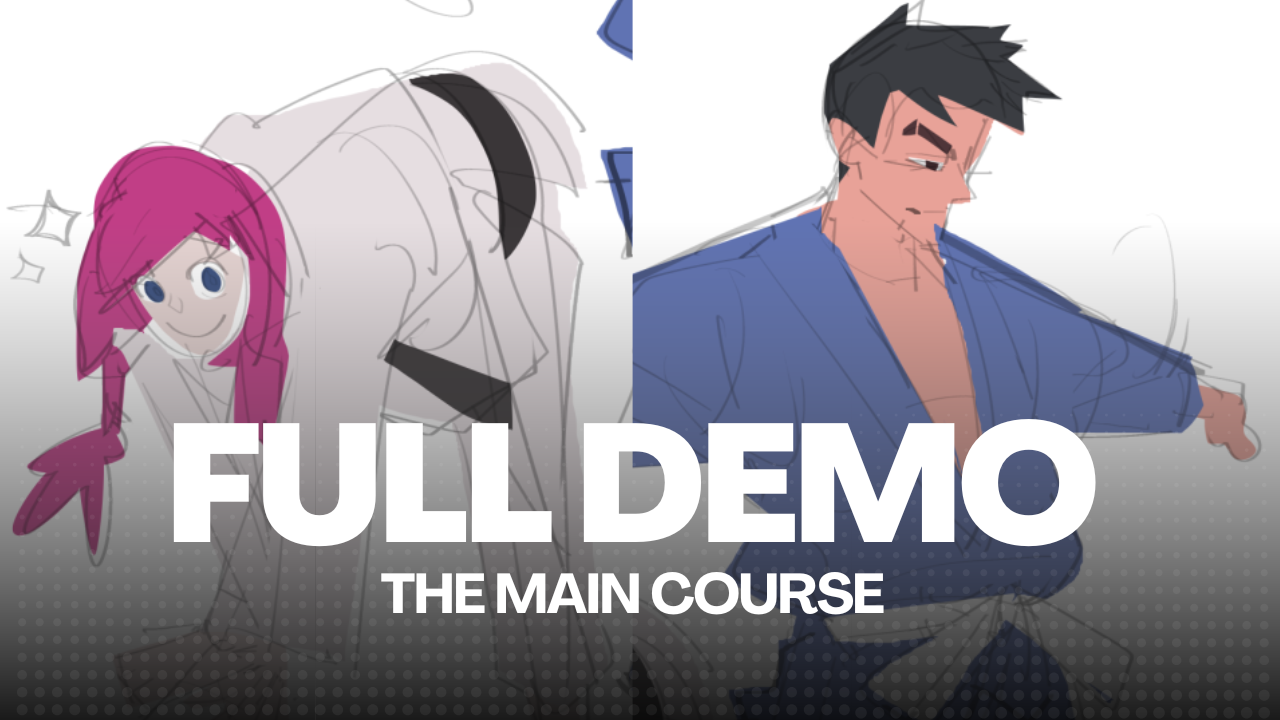
Full Demo
1 lesson • 7+ hrs
Full Demo
1 lesson • 7+ hrs
- Lesson 6.1: Full Demonstration
What You'll Learn
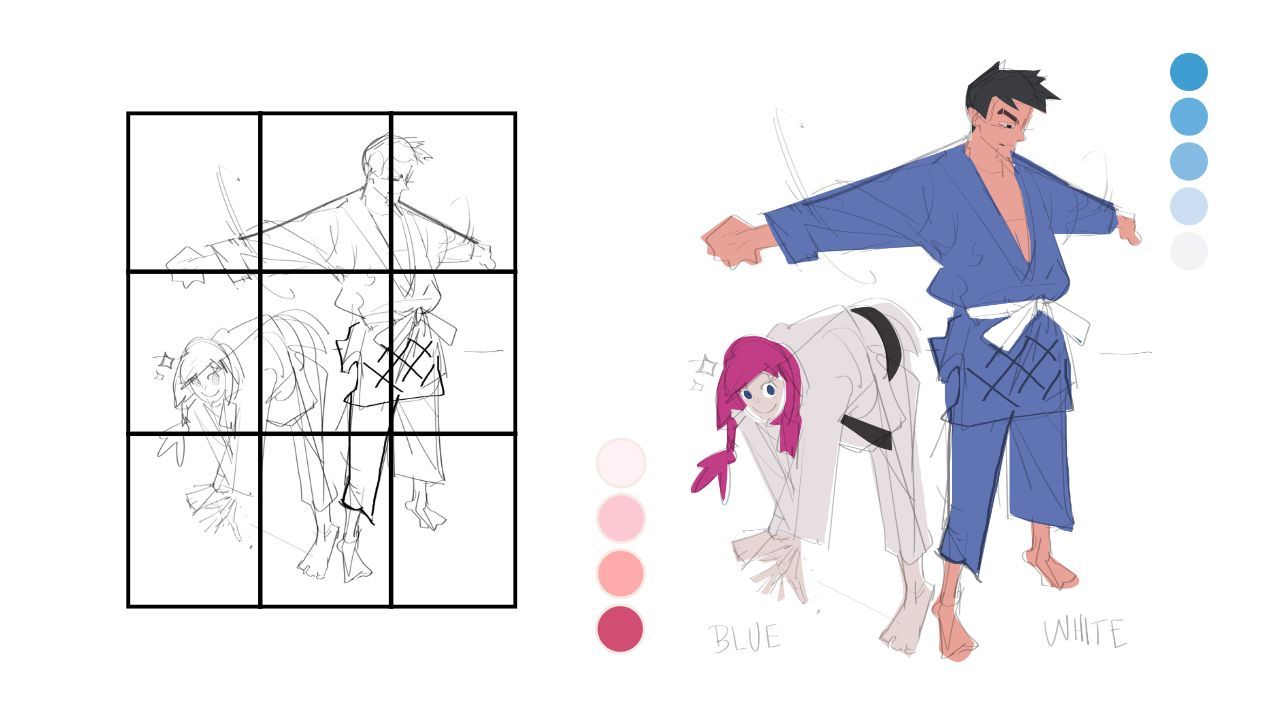
Character Structure
How to build and draft character forms that work logically and anatomically.
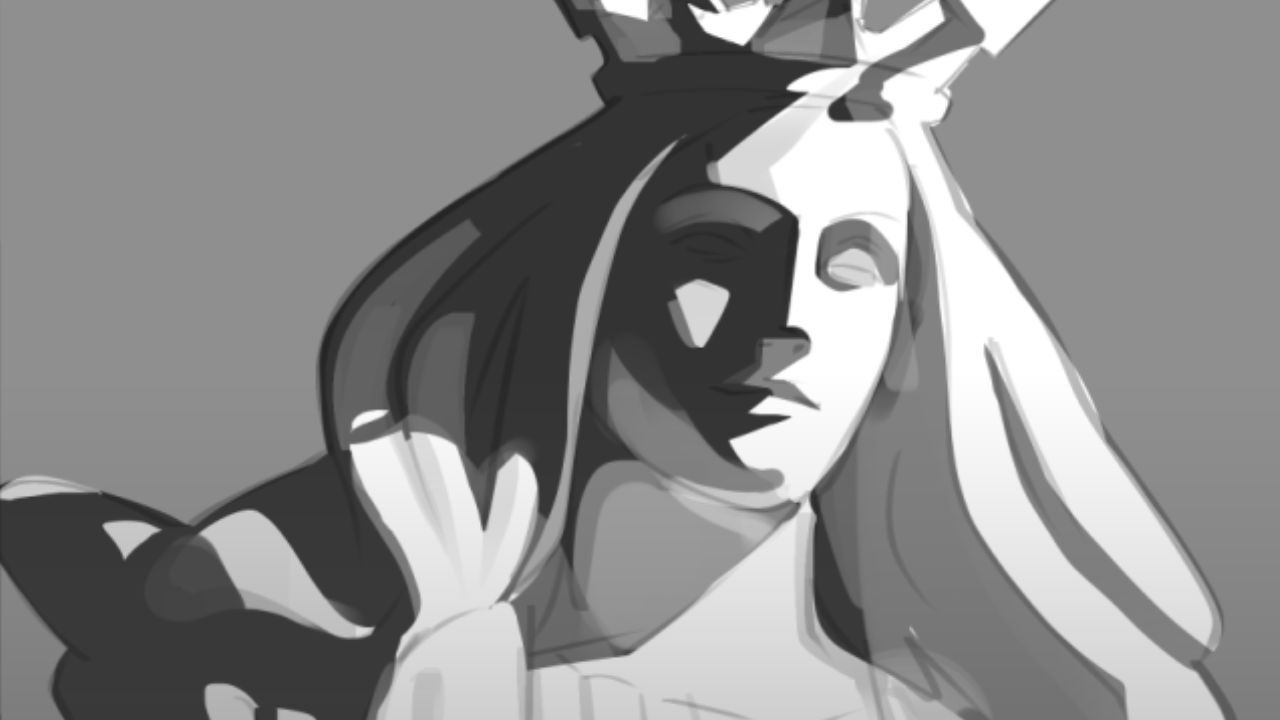
Composition & Design
Perspective fundamentals and spatial techniques to bring depth and
dimension to your drafts.
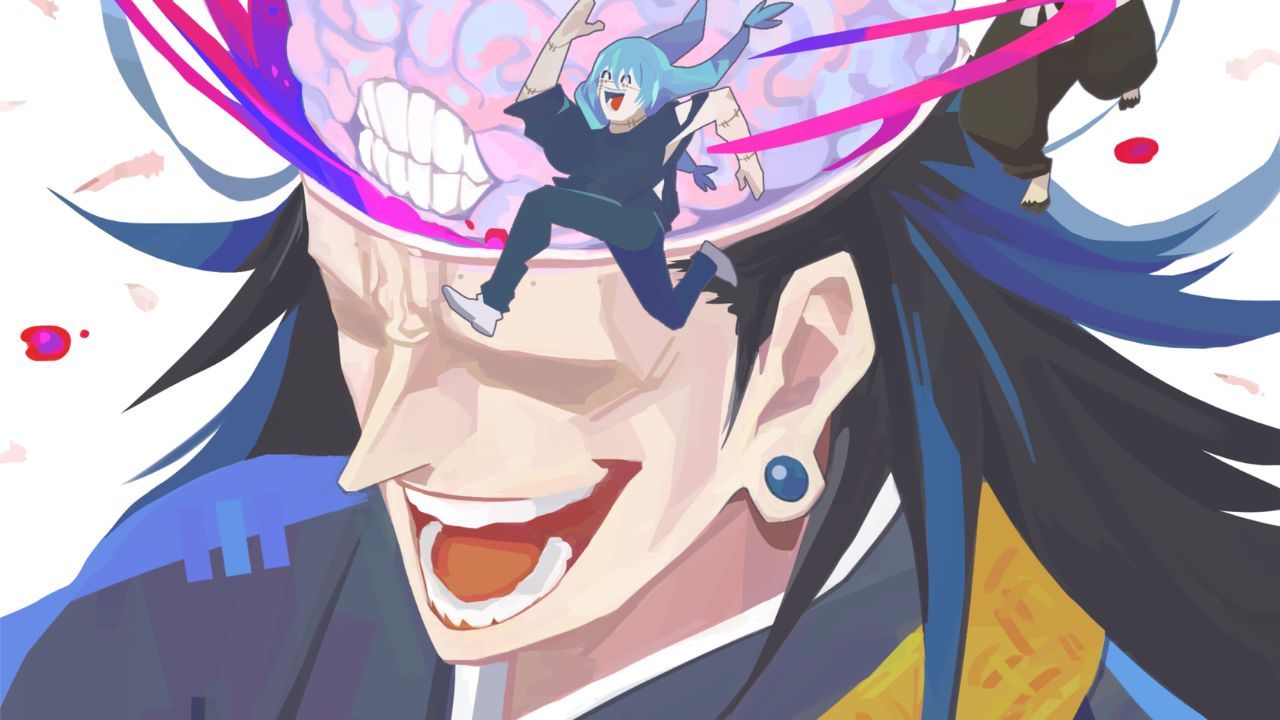
Value & Depth
Create dynamic compositions and focal points, with effective shapes and precise value control.
Color Theory & Mood
How to use color theory and lighting principles to create vivid and cohesive compositions.
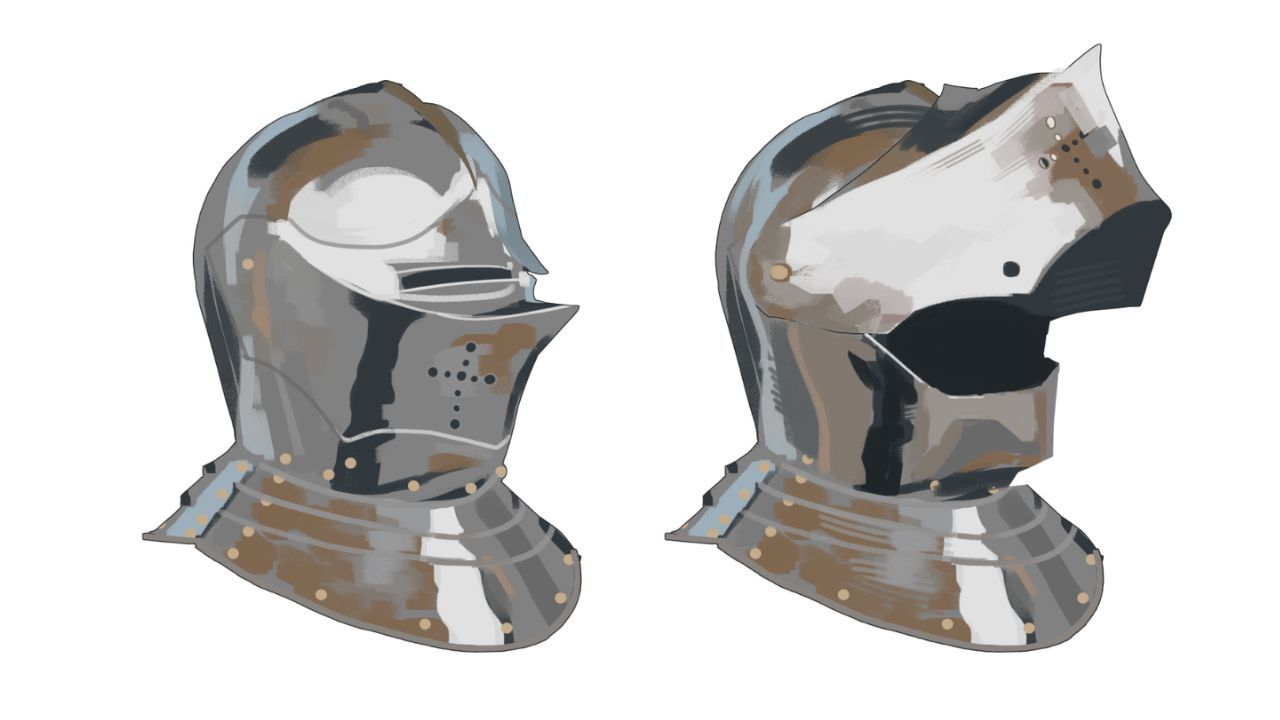
Finishing Techniques
Learn the rendering techniques and understand how to control quality when expressing details.
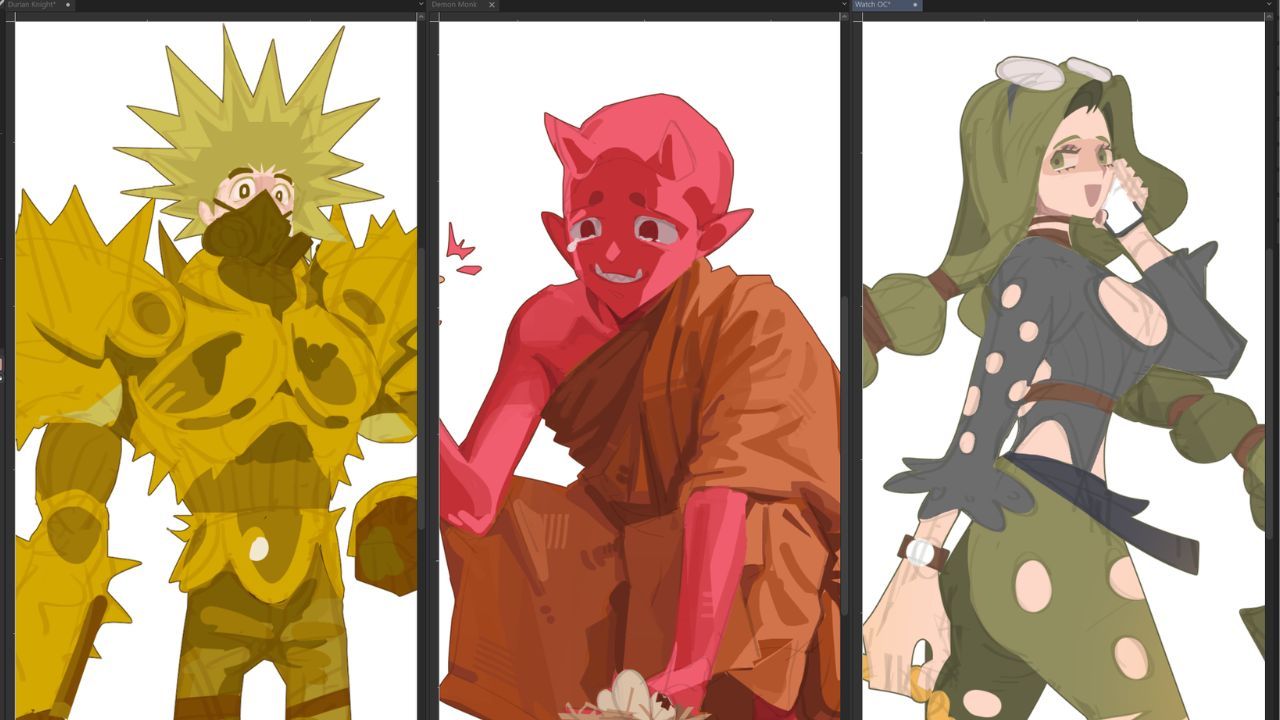
From Sketch to Finish
Watch a complete step-by-step process of designing a character from concept to final render.
Course Curriculum
A structured curriculum for learning painting and rendering.
1
Foundations & Airbrush Control
4 lessons • 2 hours
Foundations & Airbrush Control
4 lessons • 2 hours
- Lesson 1.1: Intro to Digital Painting and Rendering
- Lesson 1.2: Anatomy of a Shadow
- Lesson 1.3: Project 01 – Airbrush Control
- Lesson 1.4: 3D Bonus References – Core Shapes
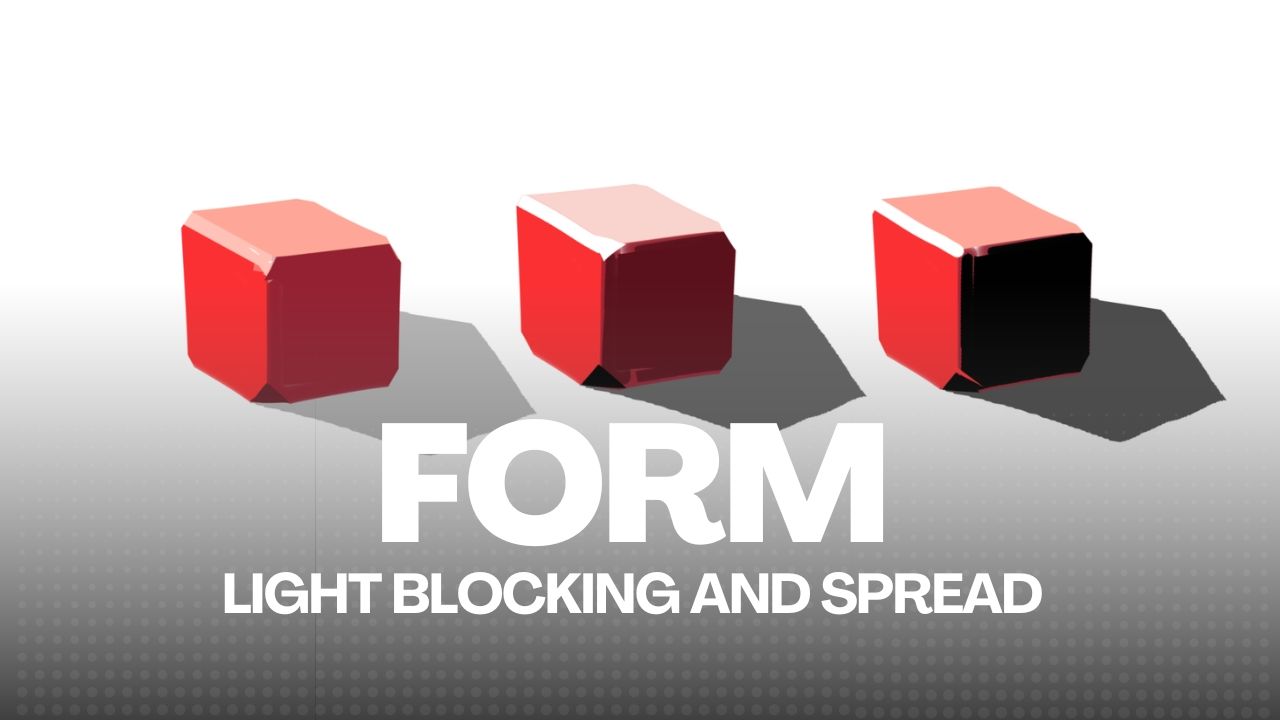
2
Color Picking & Blocking
3 lessons • 1 hr 30 mins
Color Picking & Blocking
3 lessons • 1 hr 30 mins
- Lesson 2.1: Supervision – Grayscale Mode
- Lesson 2.2: How to Paint Color Logic
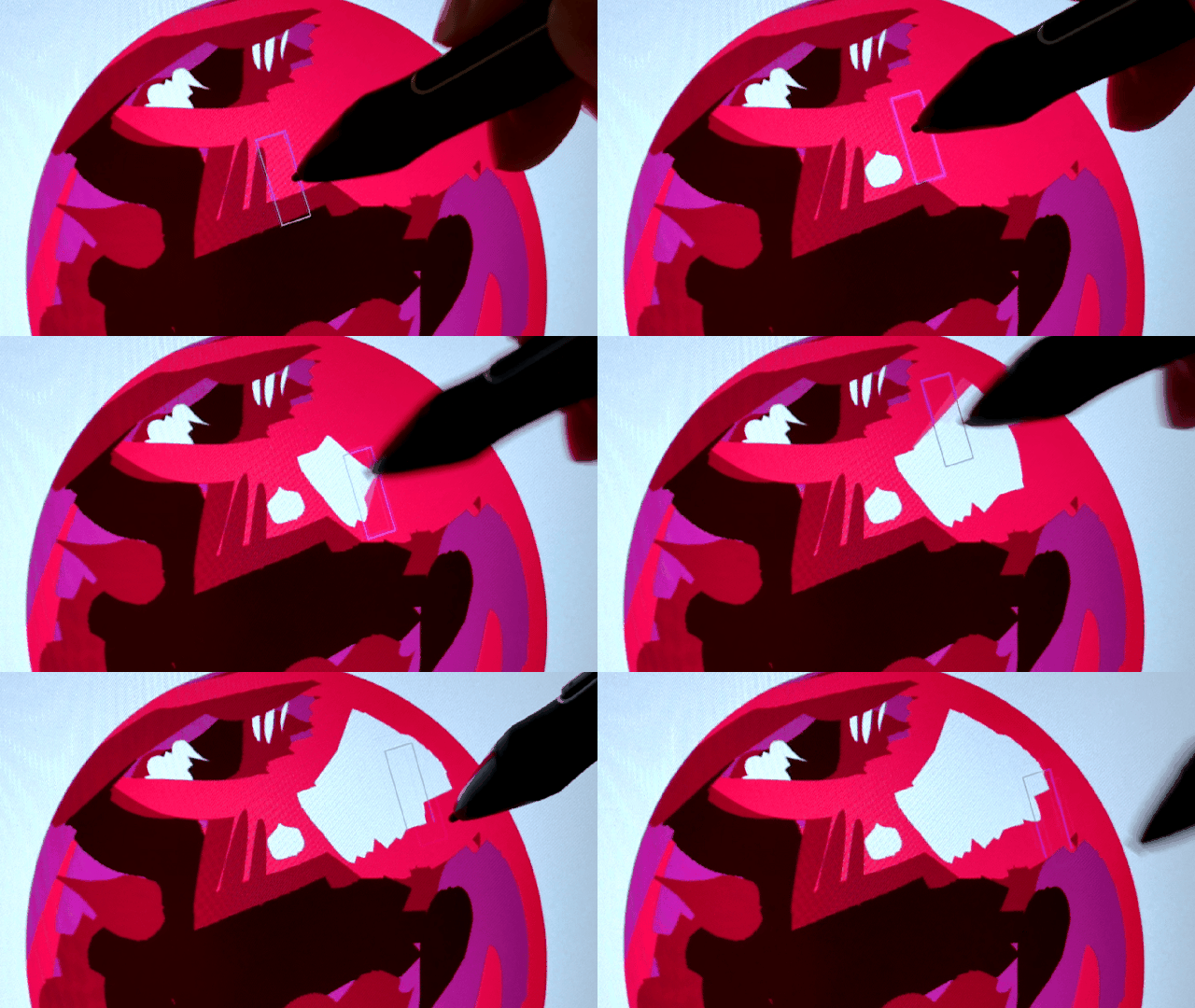
- Lesson 2.3: Project 02 – Color Blocking
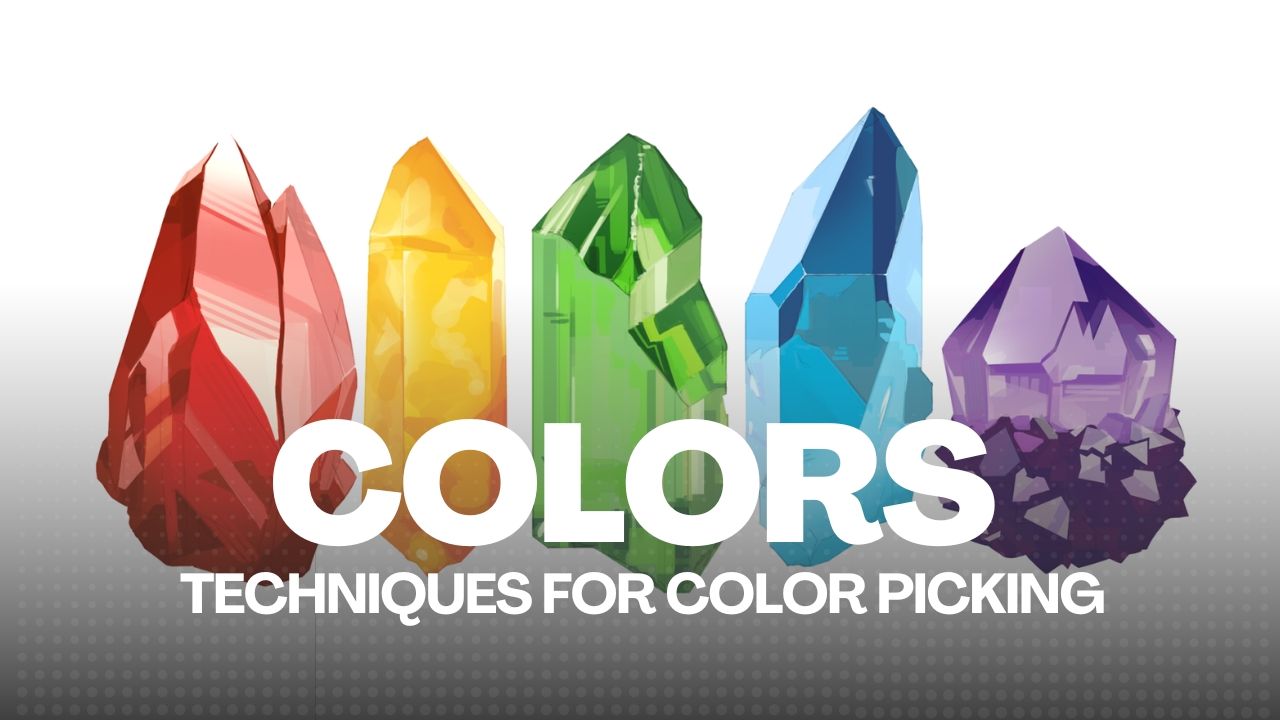
3
Planes & Value Control
3 lessons • 2 hours
Planes & Value Control
3 lessons • 2 hours
- Lesson 3.1: Brush Output Control
- Lesson 3.2: Seeing in Polygons
- Lesson 3.3: Project 03 – Soft and Hard Forms
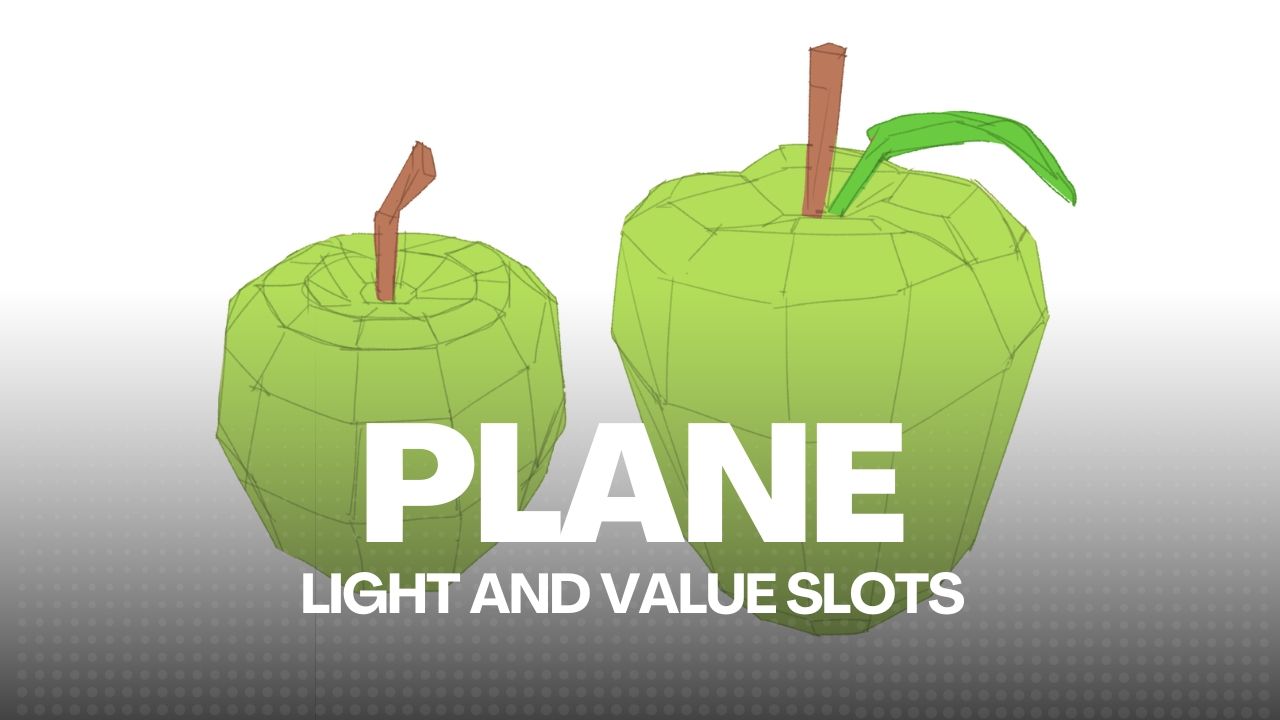
4
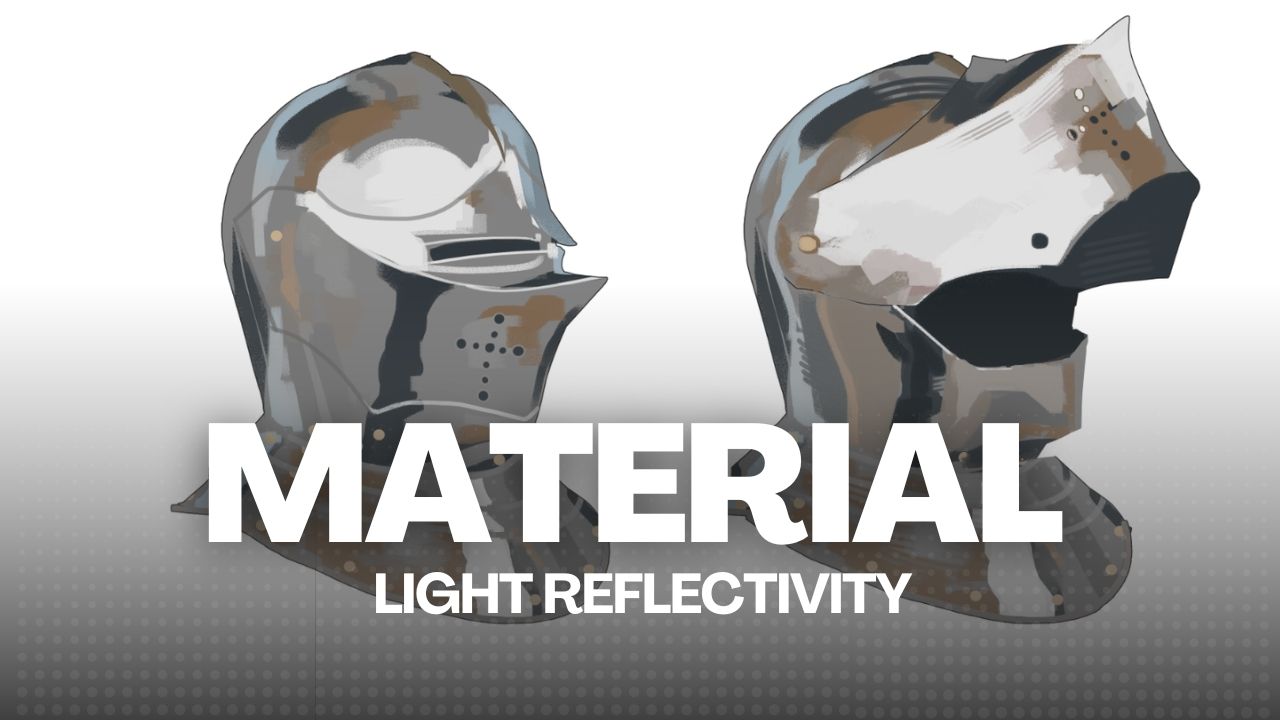
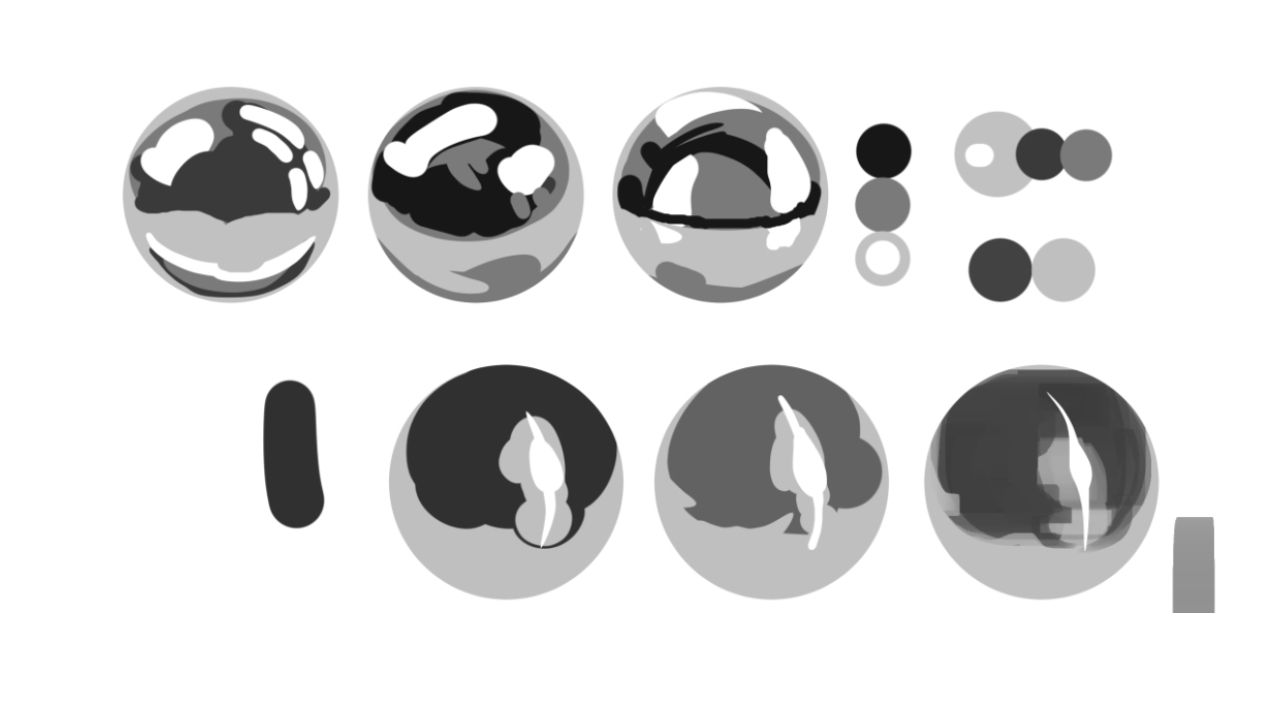
Materials and Reflectivity
2 lessons • 1 hr 30 mins
Materials and Reflectivity
2 lessons • 1 hr 30 mins
- Lesson 4.1: What are Materials
- Lesson 4.2: Project 04 – Metallics and Plane Changing
5
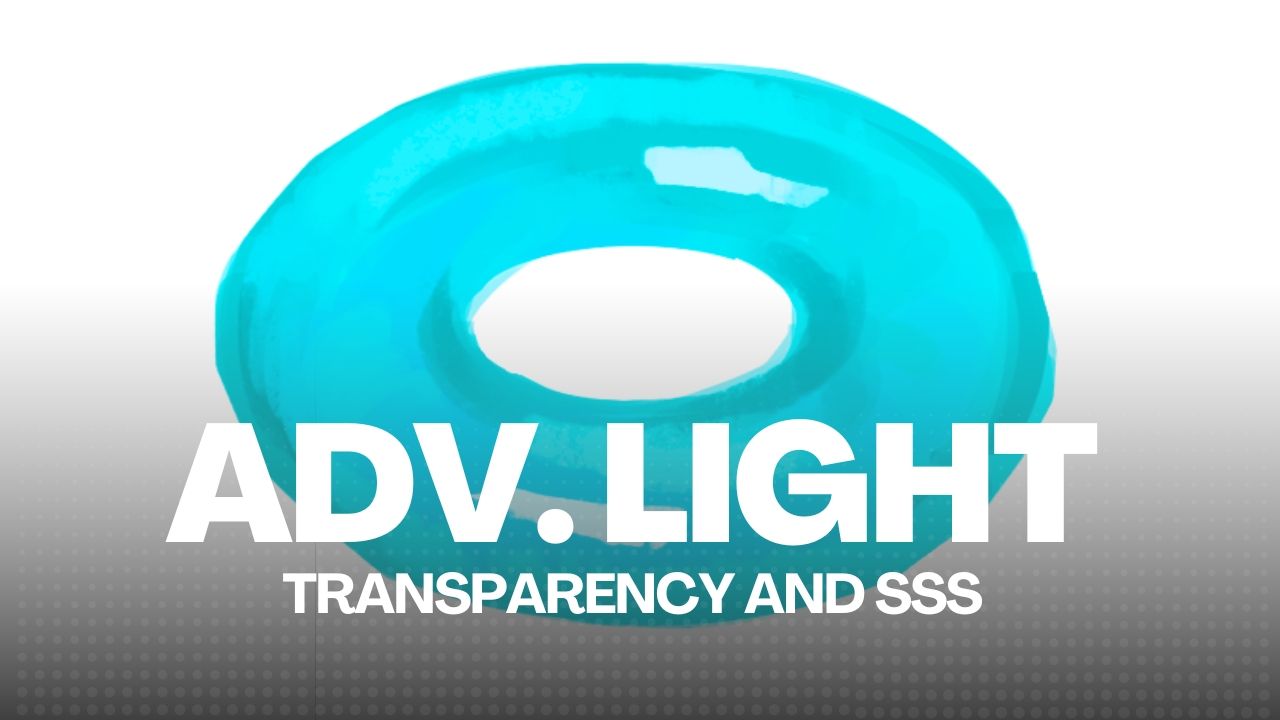
Advanced Light, Transparency & SSS
3 lessons • 2 hours
Advanced Light, Transparency & SSS
3 lessons • 2 hours
- Lesson 5.1: 3D Form and Light References – Bonus Shapes
- Lesson 5.2: Project 05 – Subsurface Scattering
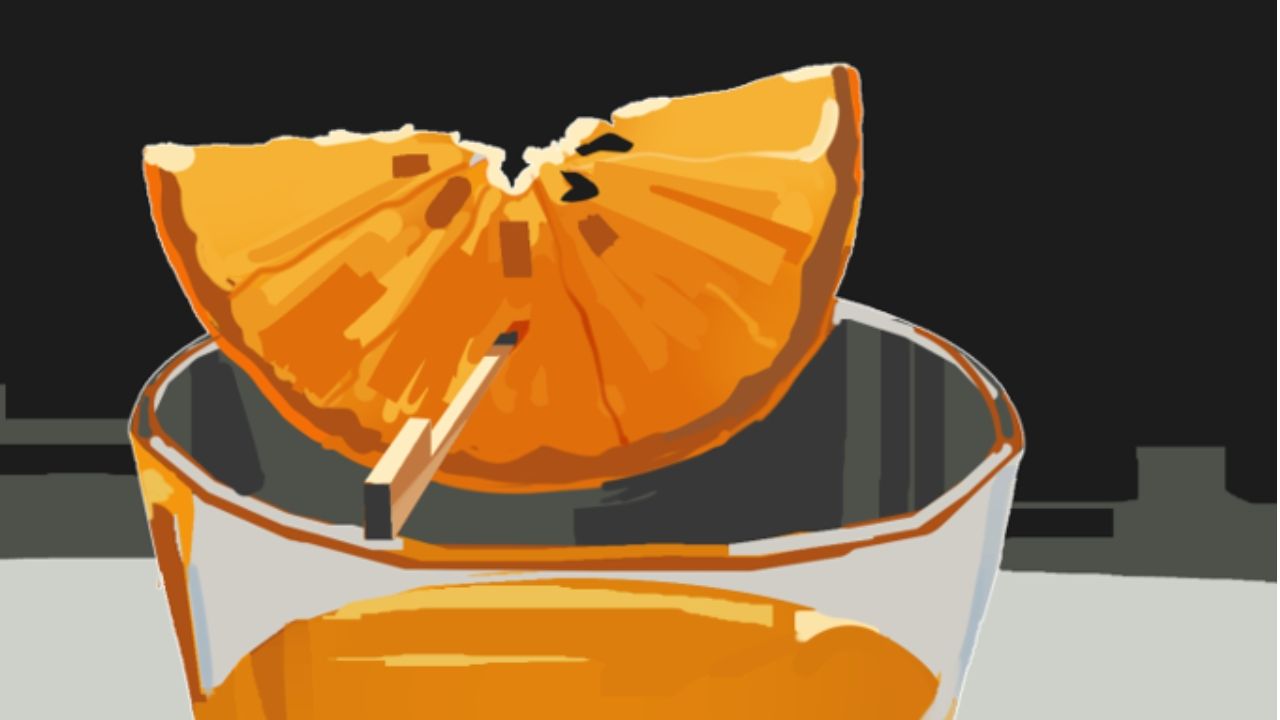
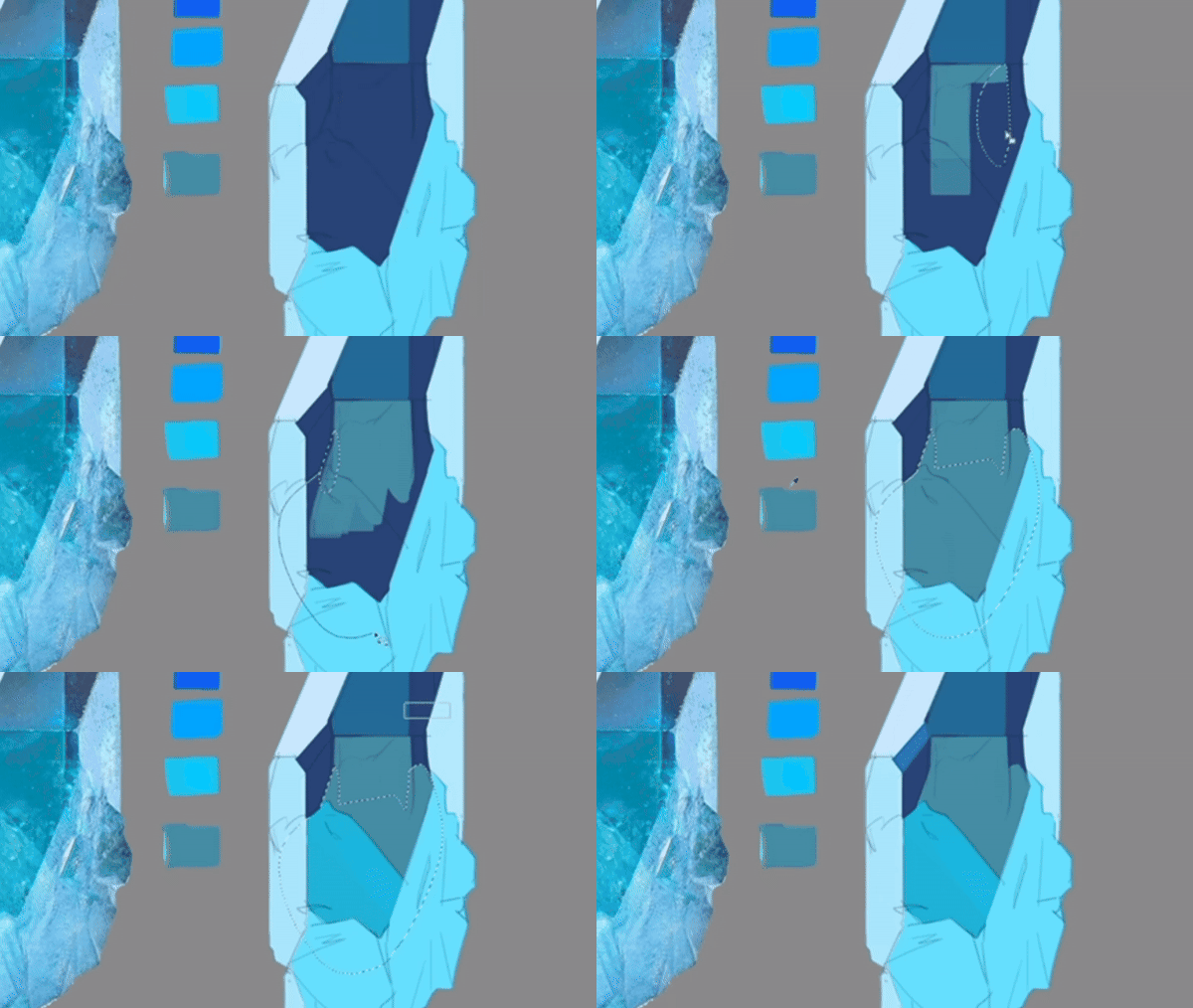
- Lesson 5.3: Project 06 – Translucency and Transparency
6
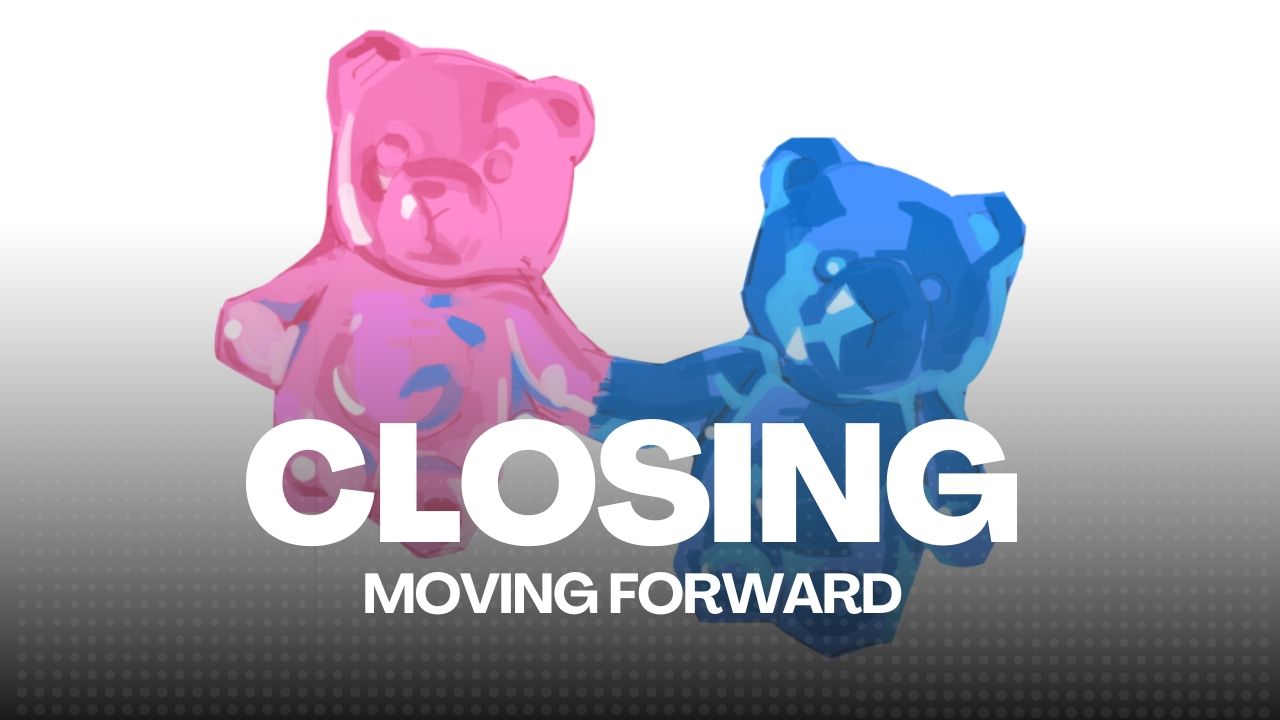
Closing
2 lessons
Closing
2 lessons
- Lesson 6.1: Downloadable Lessons
- Lesson 6.2: Moving Forward
★
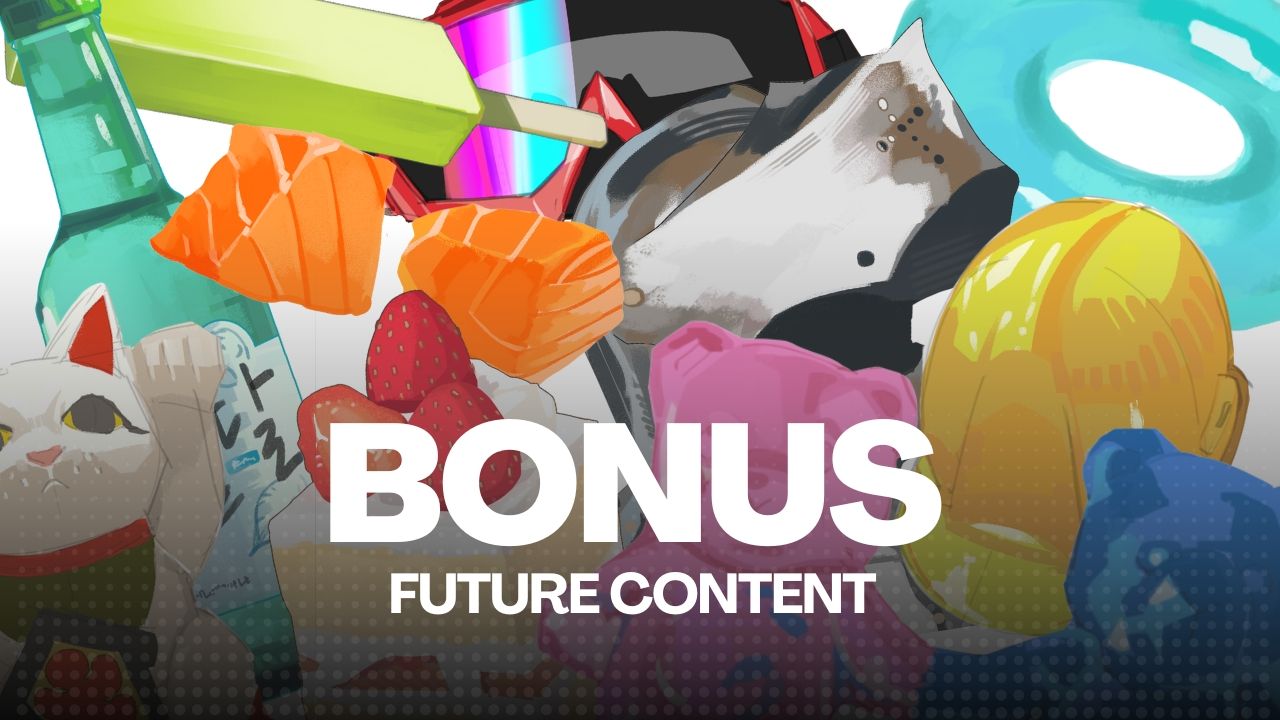
Bonus Lessons
TBA • Drip: Schedule
Bonus Lessons
TBA • Drip: Schedule
- Future content dripping at 60 days
What You'll Learn
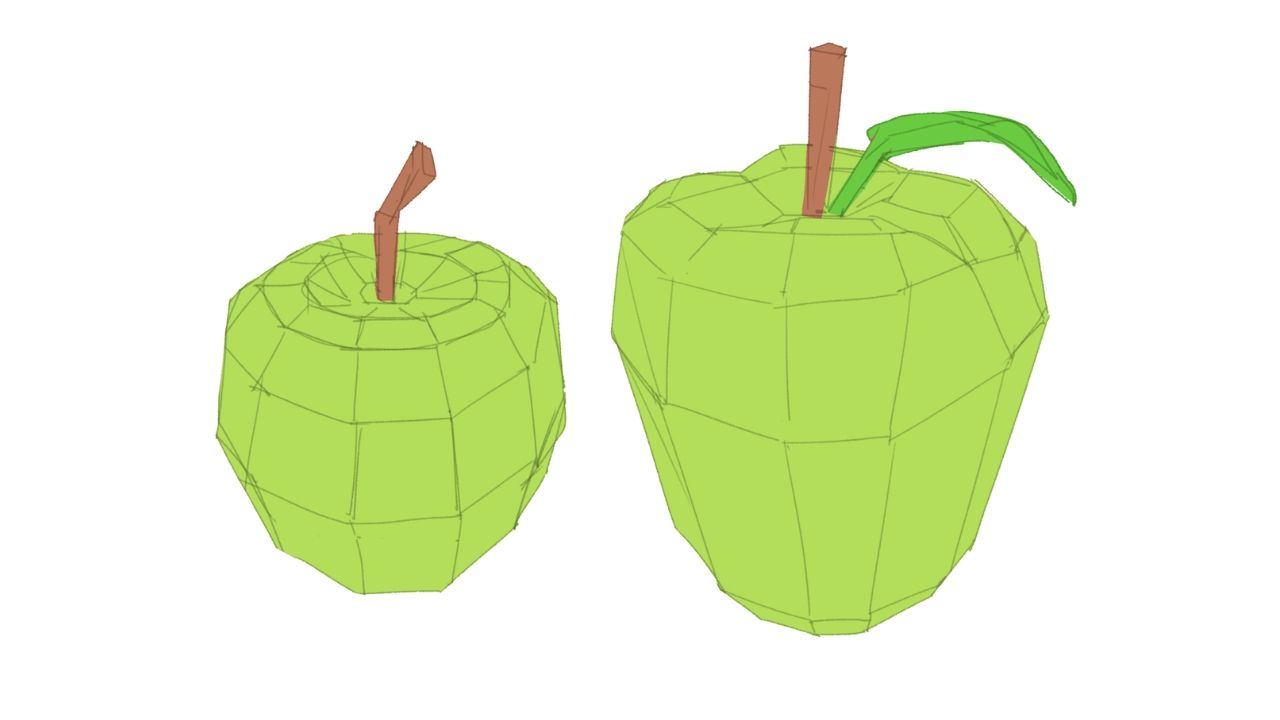
Form & Value Planning
Learn shape abstraction, break forms into planes, assign clear values, and set up strong foundations for rendering.
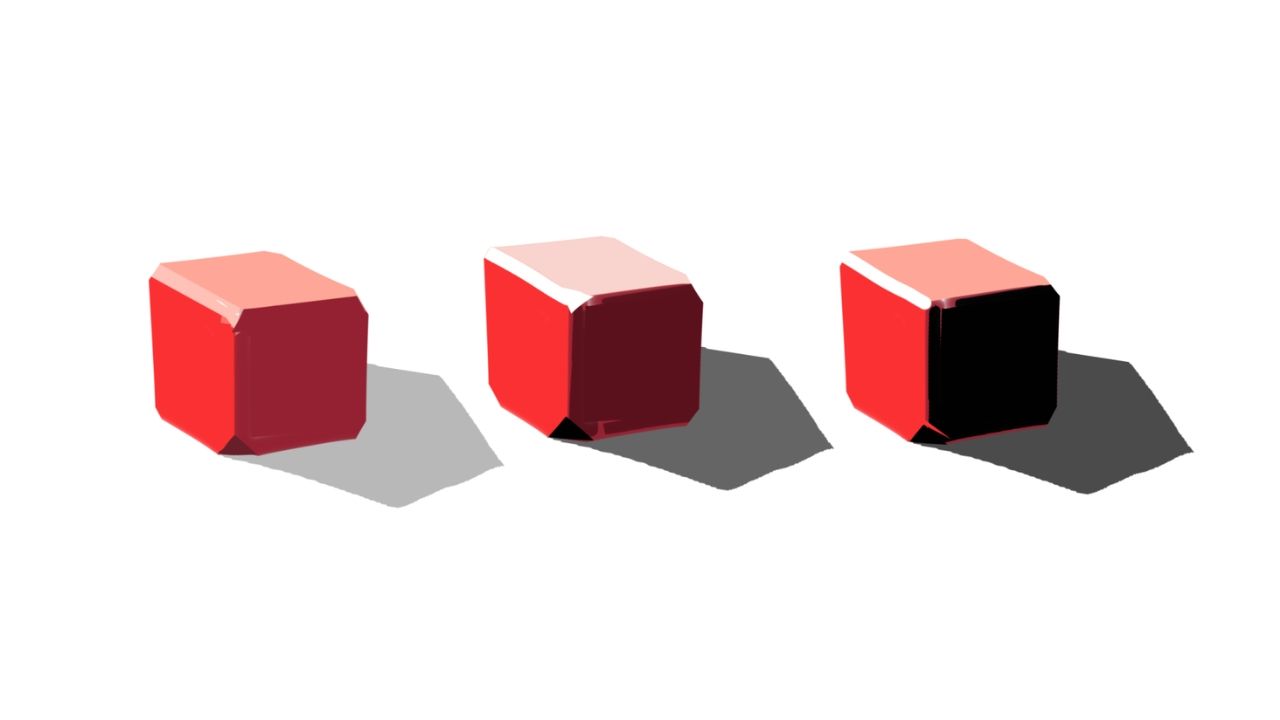
Structure and Depth
Understand 3D structure, chamfers, and planing to give your forms solidity and accurate depth.
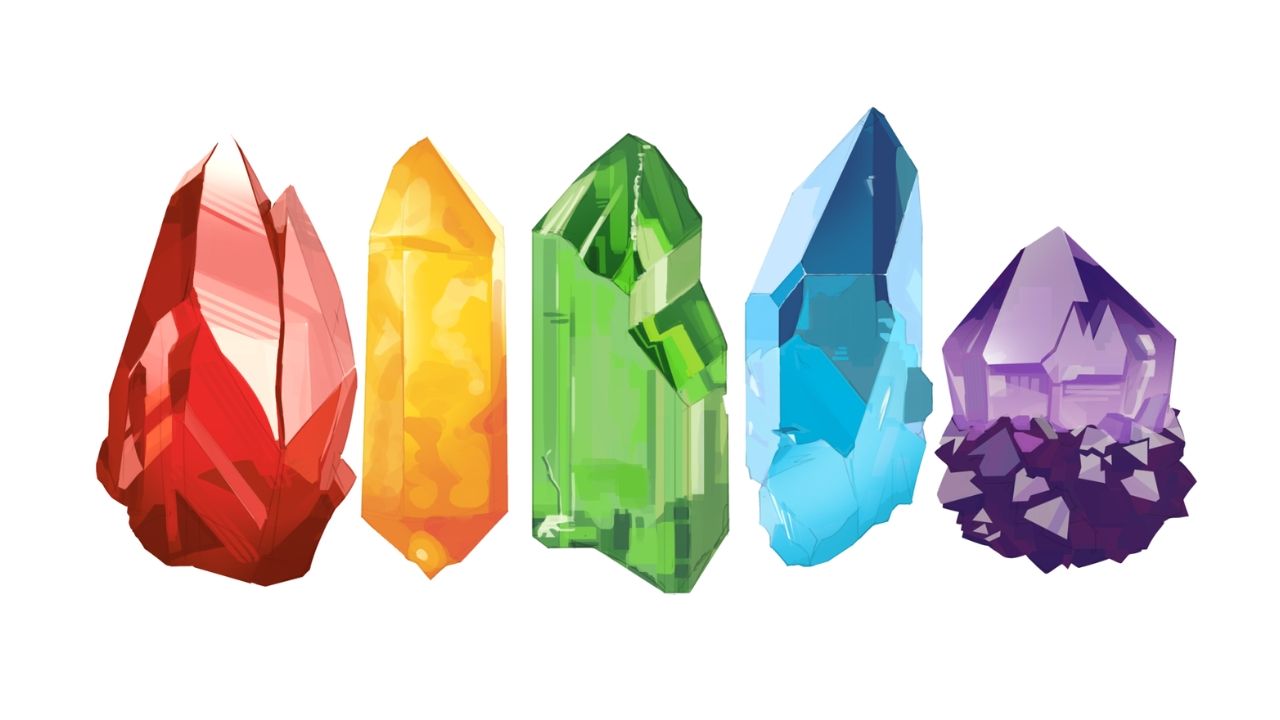
Confident Color Choices
Build confidence in color picking by mastering value, hue shifts, and believable palettes that match your ideas.
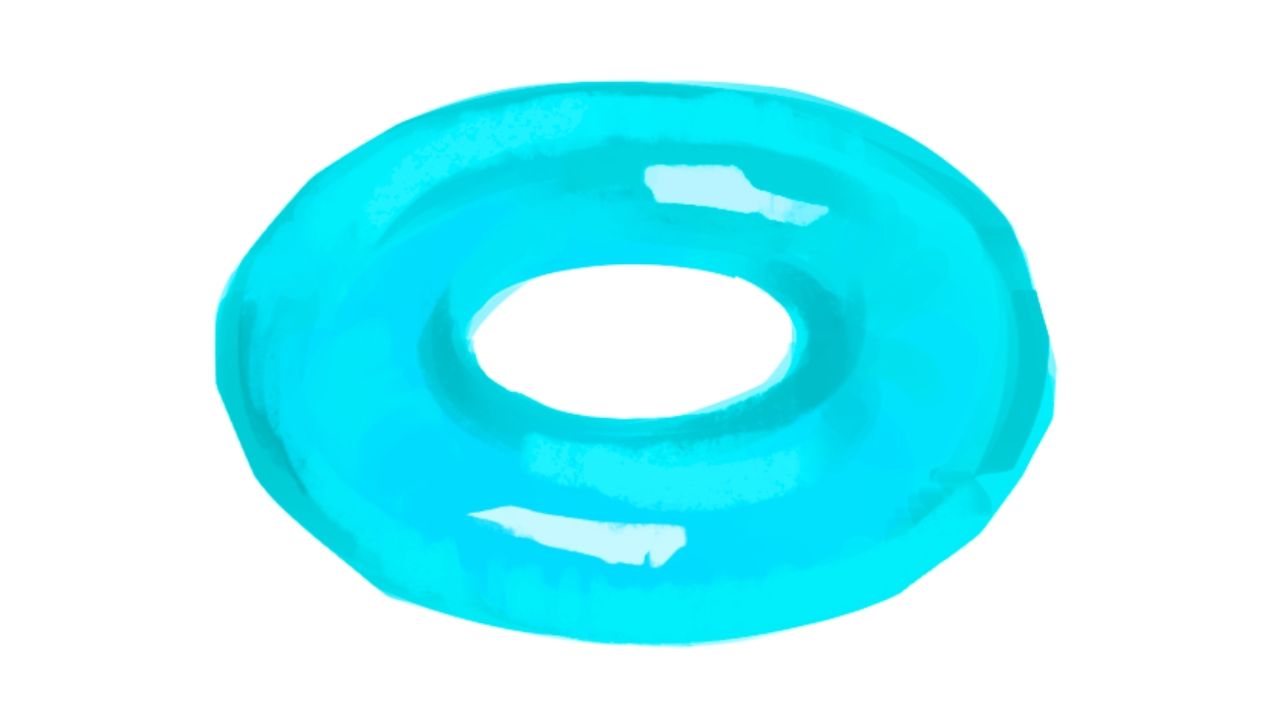
Surface Rendering
Simplify complex surfaces and blend colors for natural material rendering.
Smooth Transitions
Master blending techniques for smooth transitions without muddying your colors.
Capstone Painting Studies
Put it all together in real time references alongside me and apply every skill step by step.
Easy-To-Use Platform
✅ Watch a FREE Lesson Preview
Throughout these courses, you’ll learn essential techniques, productivity tips, and discover all the tools you need to complete digital character illustrations with confidence. I’m here to guide you, every step of the way.
The courses were designed to be as practical and intuitive as possible. Long pauses, retakes, and needless scenes were all edited out, leaving you only with the essential experience of learning efficiently.
You can review the lessons as many times as you want, where you want, and when you want!
INCLUDED IN THE COURSES

Unlimited Access
Enroll once, access forever.
You may learn at your own pace, revisit lessons as much as you want, and anywhere you want.
No deadlines, No pressure.

Private Community
You'll have access to a supportive community of fellow artists. Connect privately with fellow artists, share insights, your progress, and receive feedback under my supervision and tutelage.
There will be 5 Moderators on staff ;)
Direct Feedback
I'll be involved at every step of this process! Any questions, comments, or feedback regarding the courses, content, and exercises will be answered by me.
Feel free to reach out!
Learn Only What Matters
Learn Smarter, Improve Faster
As a self-taught artist, I know the frustration of scattered resources, disorganized learning, and exercises that don’t deliver results. Instead of endlessly experimenting, we should focus on what truly works.
That’s why I created these courses: a clear, essentials-only approach designed to accelerate your progress. I’ve distilled years of experience into a structured system that keeps you focused on what matters most: creating fully polished character illustrations.
No more information overload. No more guesswork. Just practical, results-driven techniques that get you where you want to be: faster.
Stop feeling stuck, join me and fast-track your artistic growth today!
SIGN UP NOWInstructor's Work
Hey, I'm AJ! (Touch) ✌️
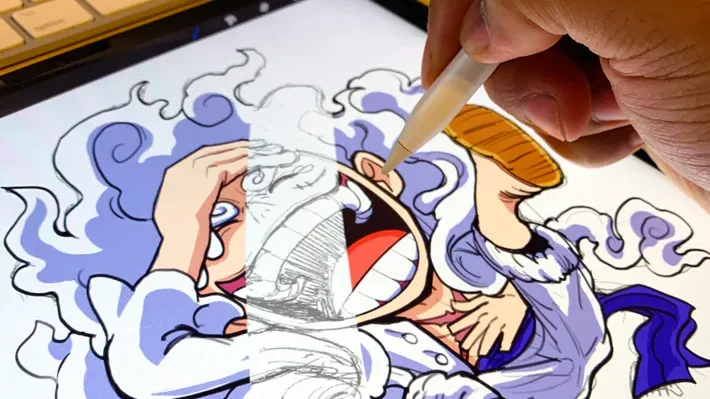
I've been a self-taught digital artist for 20+ years. I used to think we got better by copying cool art. But I noticed the best artists weren't special. They were simply brave enough to try drawing anything! They explored and understood colors, forms, structure, and light so well that they could switch art styles, take on any project, and never feel stuck!
They had a completed range and workflow.
That's what the fundamentals give you: FREEDOM.
Once you understand how these fundamentals actually work,
you stop fighting your illustrations, and start making them work.
These courses are a collection of what worked.
"Digital Painting is a skill, not a gift, and with the right system you can learn how to own every rendering decision you make".
Here's what happens after you enroll
Recommended Programs

Clip Studio Paint
⭐ Recommended

Photoshop
✅ Compatible

Procreate
✅ Compatible
These courses are taught using Clip Studio Paint— it is recommended you install any version for an optimized learning experience.
The core rendering principles remain the same across ANY art program. Adobe Photoshop, Procreate, Krita, etc. but certain brushes, settings, features, and shortcuts should be adjusted accordingly.
Use whichever art software you are most comfortable with.
These software are not provided with the courses.













REGISTRATIONS CLOSE SOON!
Learn digital art once and for all!
00
DAYS
00
HOURS
00
MINS
00
SECS
Get immediate access to
Bundle: Digital Character Illustration + Digital Painting and Rendering!
TWO OPTIONS TO ACHIEVE YOUR GOALS
Here you can find two options that only differ in how you want to pay. The first option is a one-time payment, and the second is a monthly option with six monthly payments. The price displayed below is in USD, but you can pay with ANY currency.
If you decide to purchase the courses separately, their total value would be $597. By choosing the bundle offer, you save $100!
Let's start learning digital art!
14-Day Guarantee Policy
If you’re not satisfied with the courses for any reason, you can request a full refund within 14 days, as long as you haven’t completed more than 60% of the courses. I want every student to feel supported and confident in their purchase.
This guarantee exists because I only want you to keep the courses if it truly helps you.
Feel free to explore the lessons and experience the program with zero pressure and lifetime access if you decide to stay.
STILL DECIDING? HERE ARE QUESTIONS I HEAR MOST...
Frequently Asked Questions
Are the courses live?
What are the payment methods?
Can I buy the courses as a gift to someone?
Why should I start this journey with you?
Will I have access to the courses right away?
Can I pay with any currency?
Do you have a refund policy?
Will the registrations reopen soon?
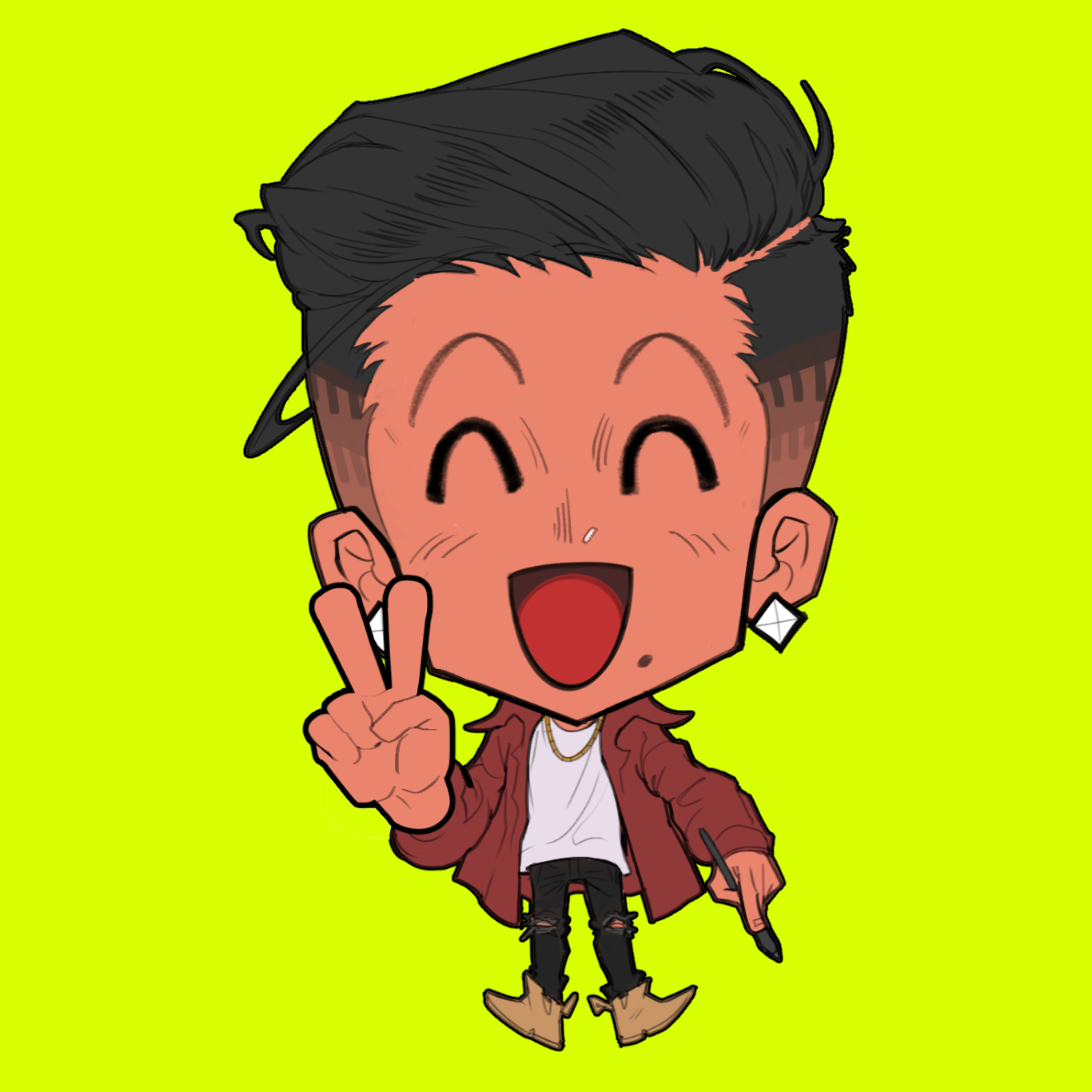
Illustrator, AJ Touch
[Current]
Based in Southeast Asia
Freelance Character Illustrator
International Judoka
Art Educator
Career & Community
[Exhibition & Events]
Anime Expo
San Diego Comic Con
Anime NYC
Twitch Con
[Platforms]
Twitch (Streaming)
Discords (10k+ Members)
Instagram (122k+ Followers)
[Art Courses]
Digital Art Basics: Character Illustration (2024)
Digital Painting & Rendering (2025)
Dynamic Perspective Drawing (2026)