REGISTRATIONS CLOSE SOON!
00
DAYS
00
HOURS
00
MINS
00
SECS
Digital Painting & Rendering
A clear system to learn painting and rendering with confidence.
9+ hours and 6 modules.
NO ENDLESS TRIAL-AND-ERROR. No wasted months.
Your Sketches Are Good. But Your Finished Work Doesn't Match Your Vision.
You know what good art looks like. You can see it everywhere—the colors, the lighting, the polish. But when you sit down to render, something breaks. Your techniques feel experimental. Your colors lack confidence. Your work looks amateur compared to the vision in your head.
You've watched tutorials, practiced rendering, studied references. But nobody's teaching you the system—the order for learning, techniques to practice, and the decision-making process for which tools to use to polish your illustrations and paintings.
So you continue adding shadows, over-blending, or airbrushing, hoping that eventually things will click together. It doesn't.
That gap between your final vision and your current experience level isn't a talent problem. It's a workflow problem.
Choose Your Own Route
| Art School | YouTube | This Course | |
|---|---|---|---|
| Time to complete | 4–6 years | No clear path | 9+ hours |
| Structured roadmap | ✕ Generic curriculum | ✕ Random order | ✓ Linear, essentials-only |
| Lifetime access | ✕ Expires by term | ✕ Videos disappear | ✓ Access forever |
| Direct feedback | ✕ Office hours only | ✕ Comment section | ✓ AJ answers every question |
| Money-back guarantee | ✕ None | ✕ None | ✓ 14-day full refund |
This course is a skill and technique-focused path, that you can take in order to supplement your skill-to-vision gap.
It covers everything specific to digital painting and rendering. Treat this course like your rendering roadmap—it's a complete, step-by-step repeated process you'll internalize to help assess the level of polish to assign to your wor, project by project.
Every module solves a specific rendering problem in your workflow. Each lesson builds on the last. By the end, you won't just understand painting techniques, but you'll slowly watch the quality of your work soar.
You'll have a repeatable system for learning and conducting digital paintings studies you can trust.
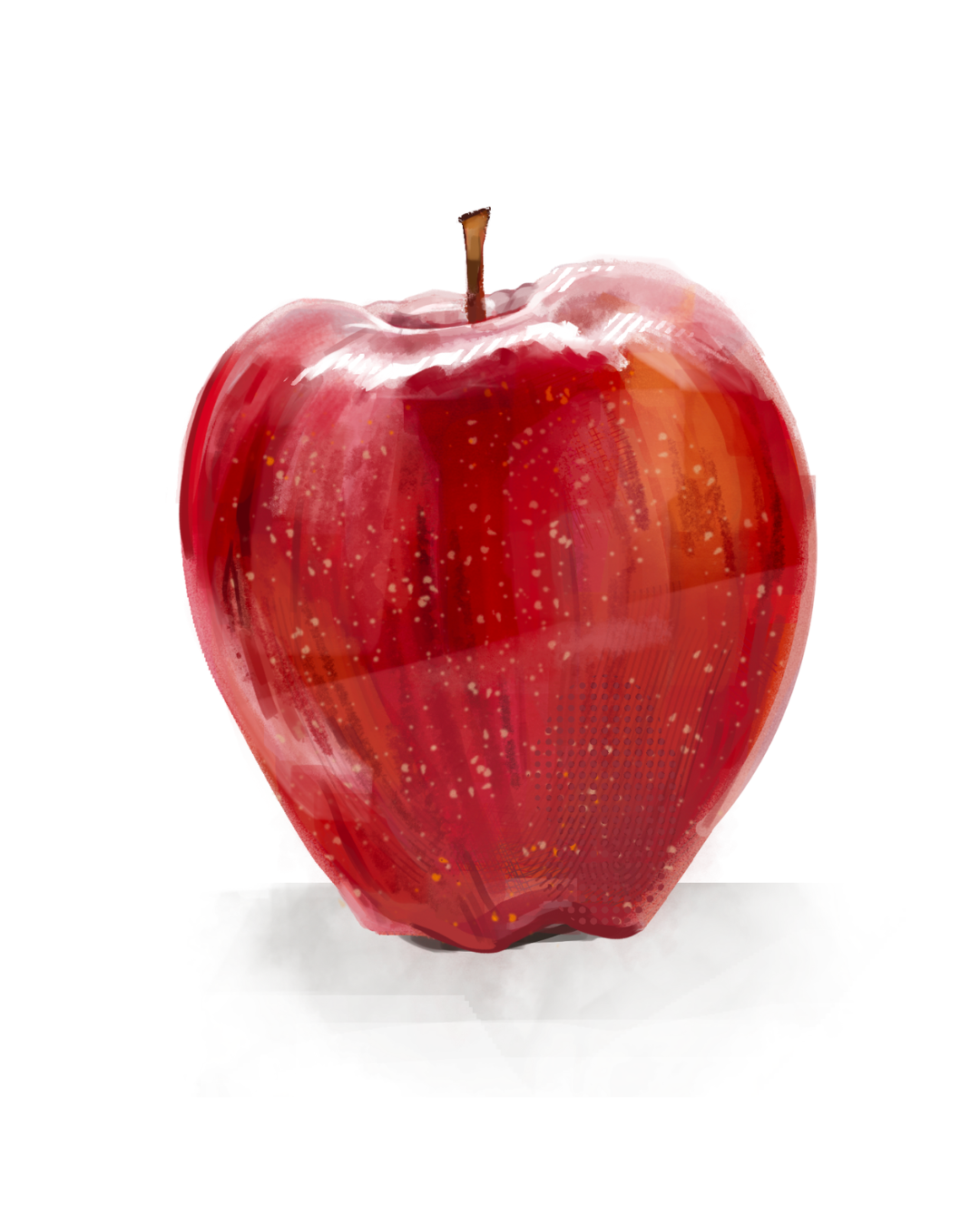
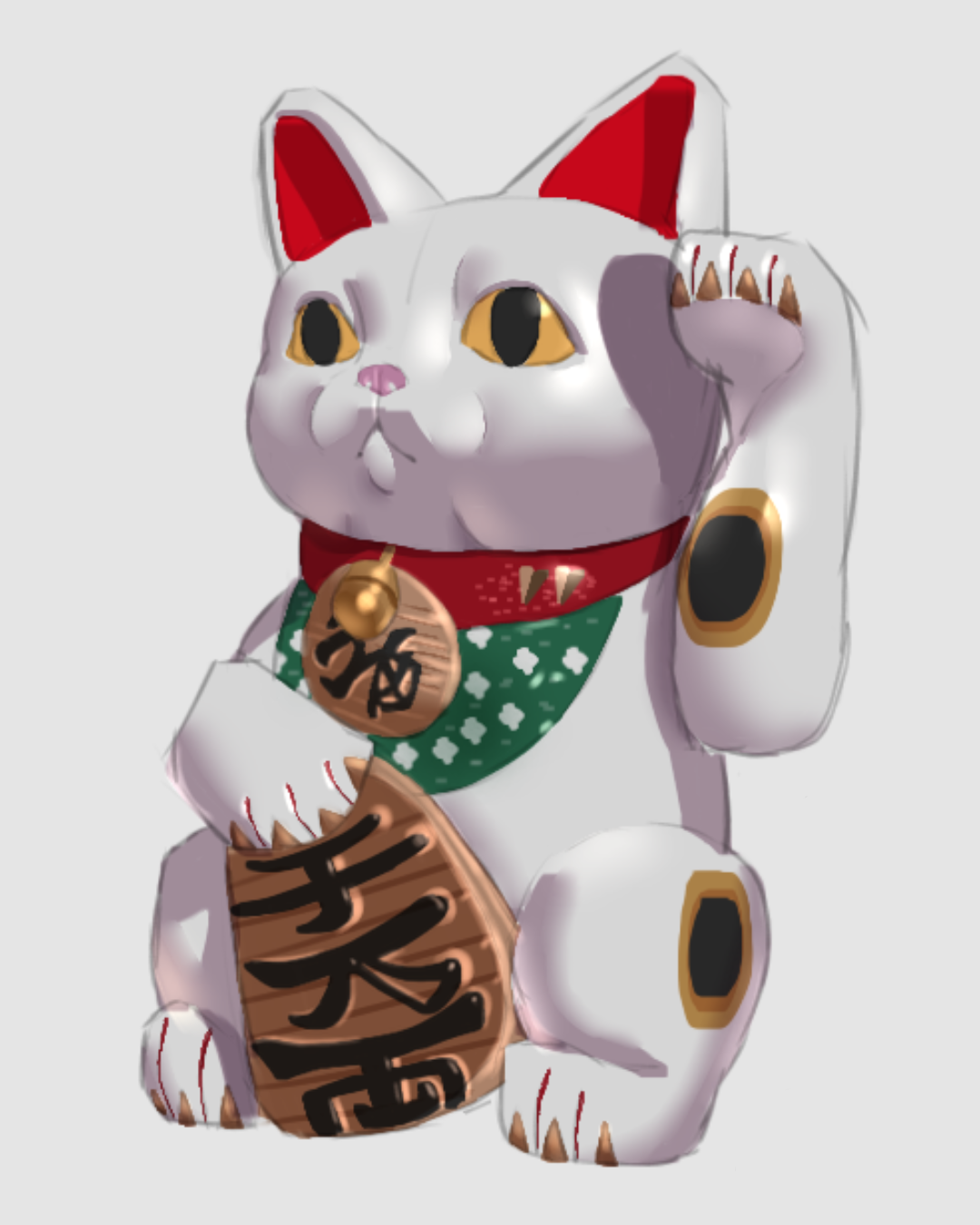
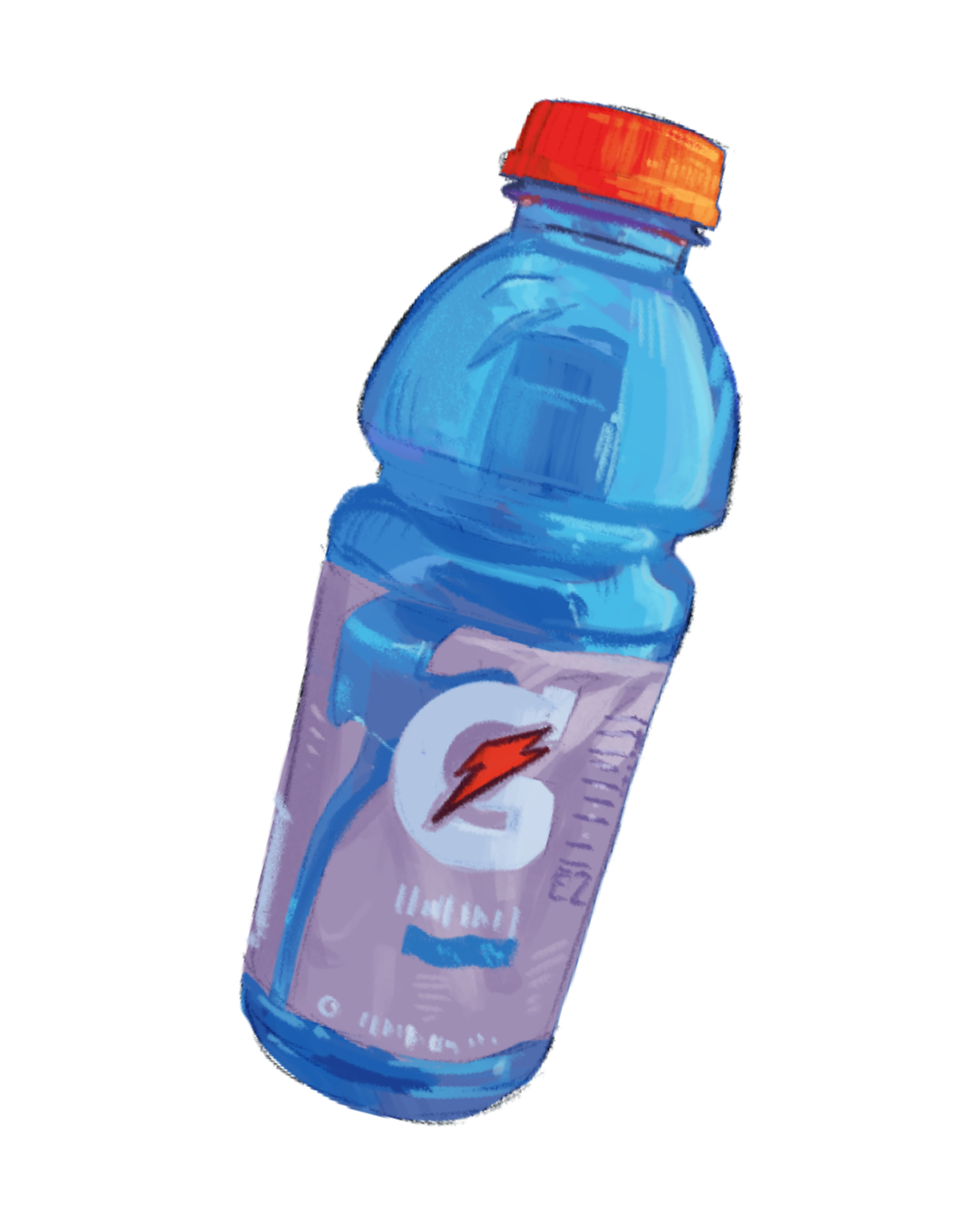
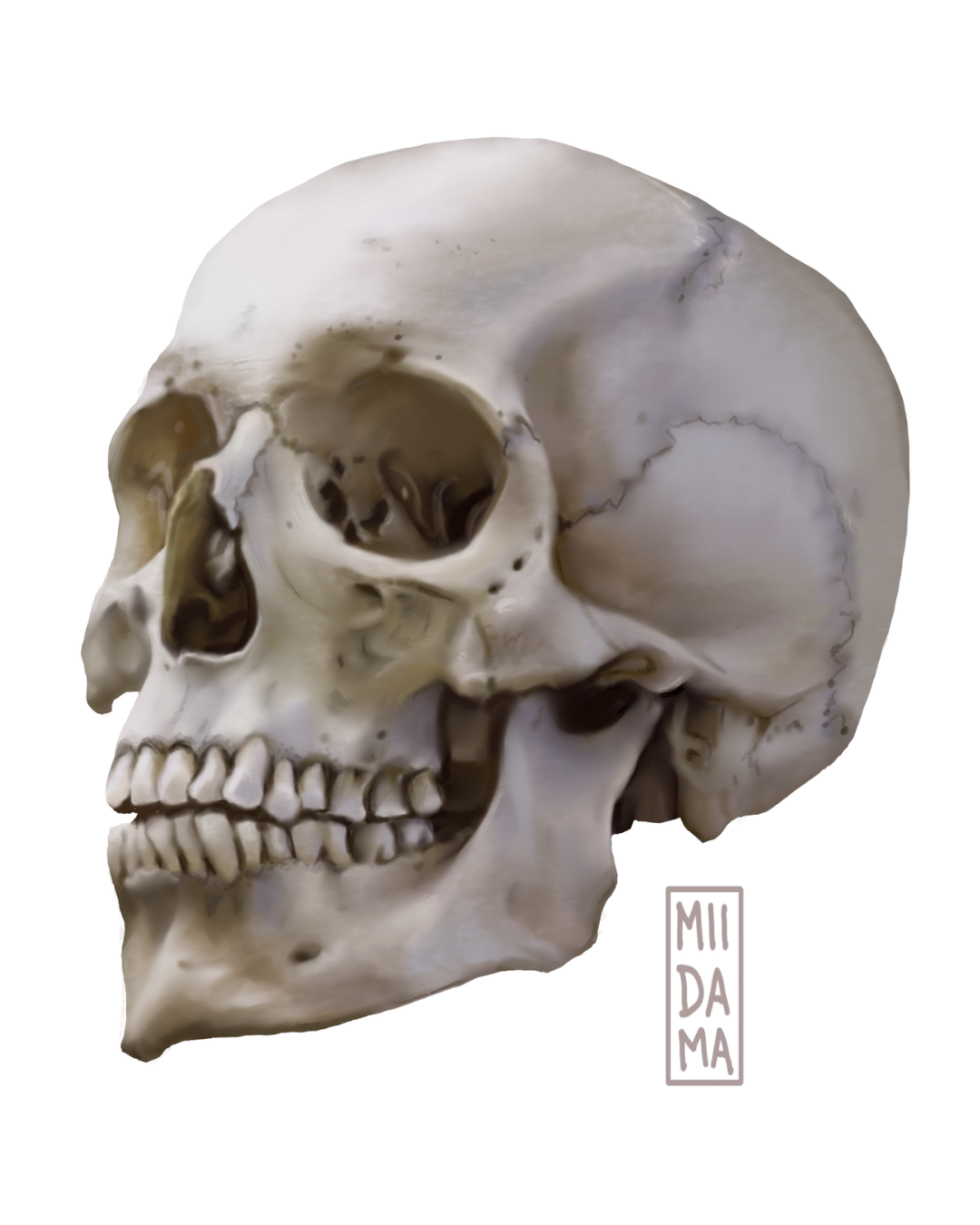
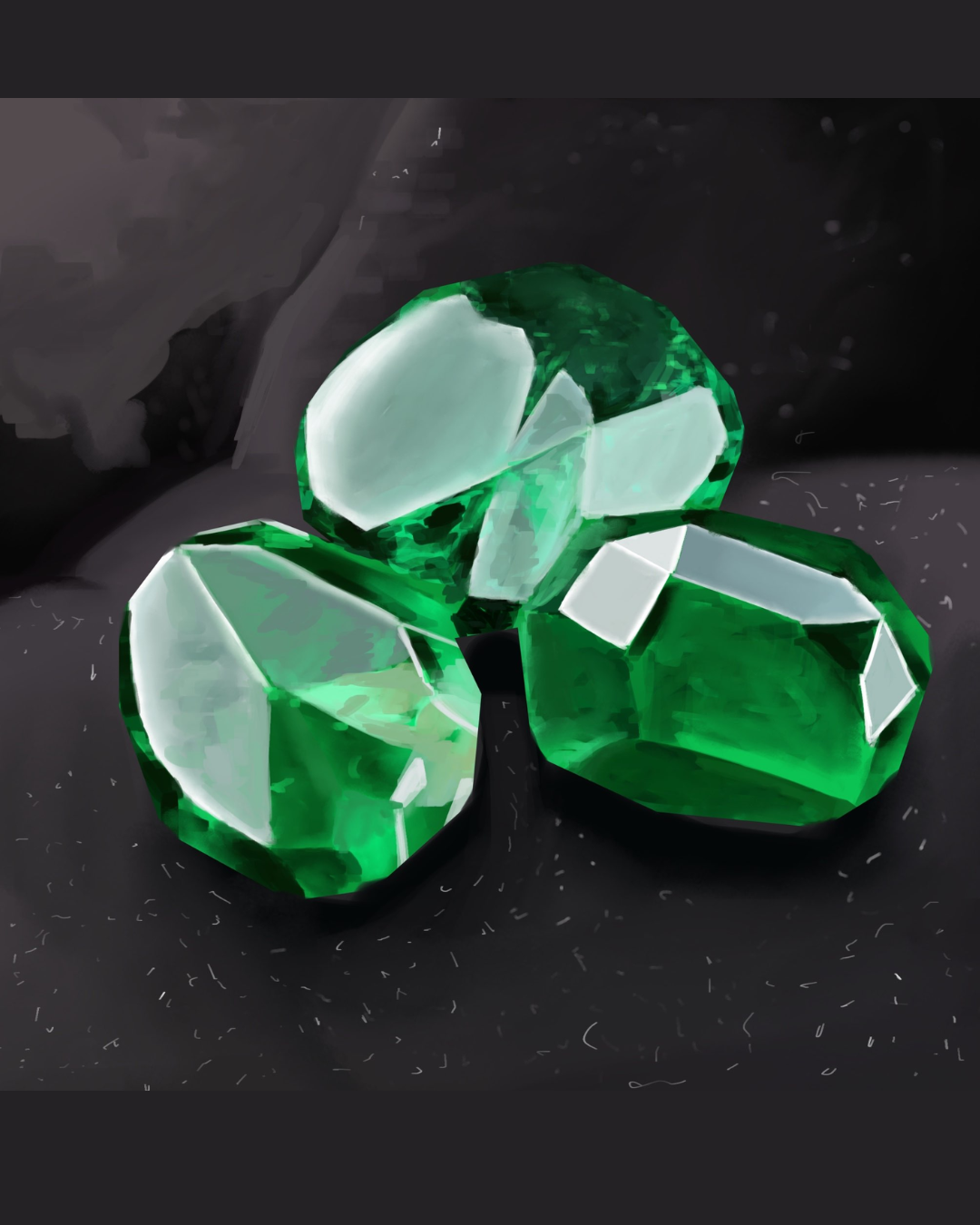
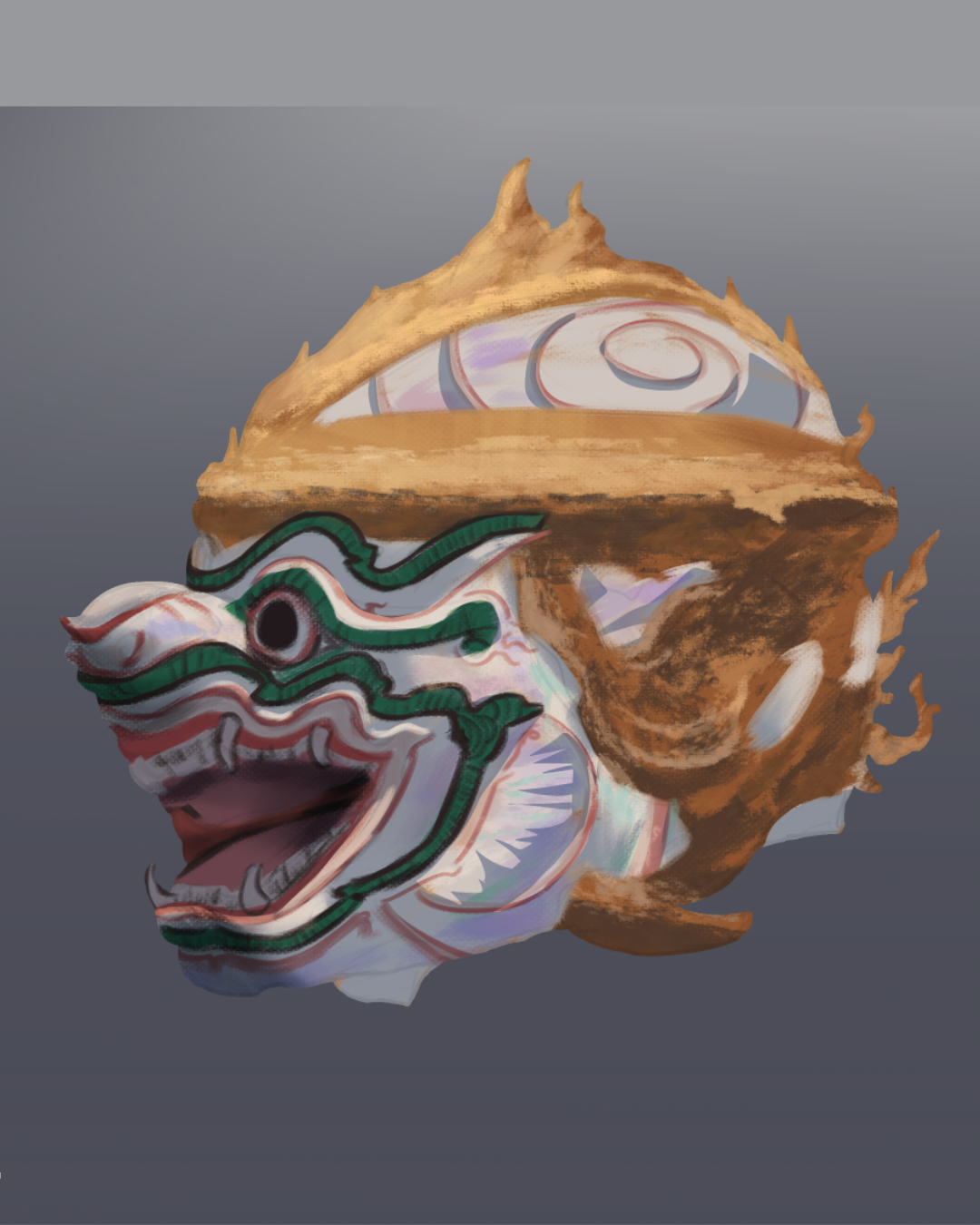
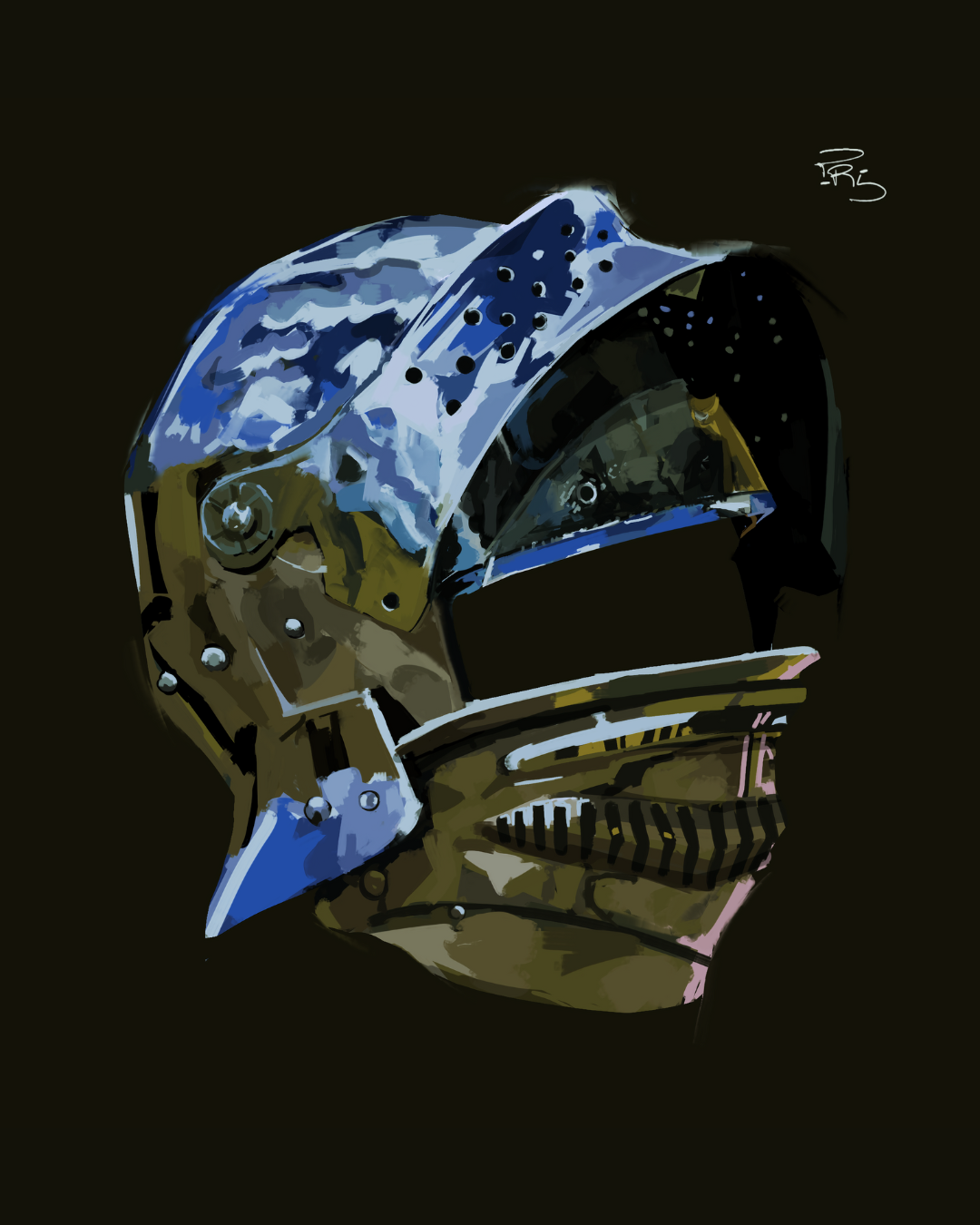
What My Students Are Doing


Course Content
The course has 6 modules for 9+ hours of learning and practice.
This is a hands-on, skill-focused course—so working alongside me, completing the projects, and doing the assignments in order is what makes it work. You'll learn by doing, not just watching.
The course is beginner-friendly. It starts with the fundamentals and builds from there. And mistakes? They're encouraged. Every stroke that doesn't work teaches you something. Every muddy blend gets you closer to understanding why the next one will be better.
Remember: Growth isn't a linear process.
It's built on iteration—mistakes, adjustments, and repetition.
What You'll Learn
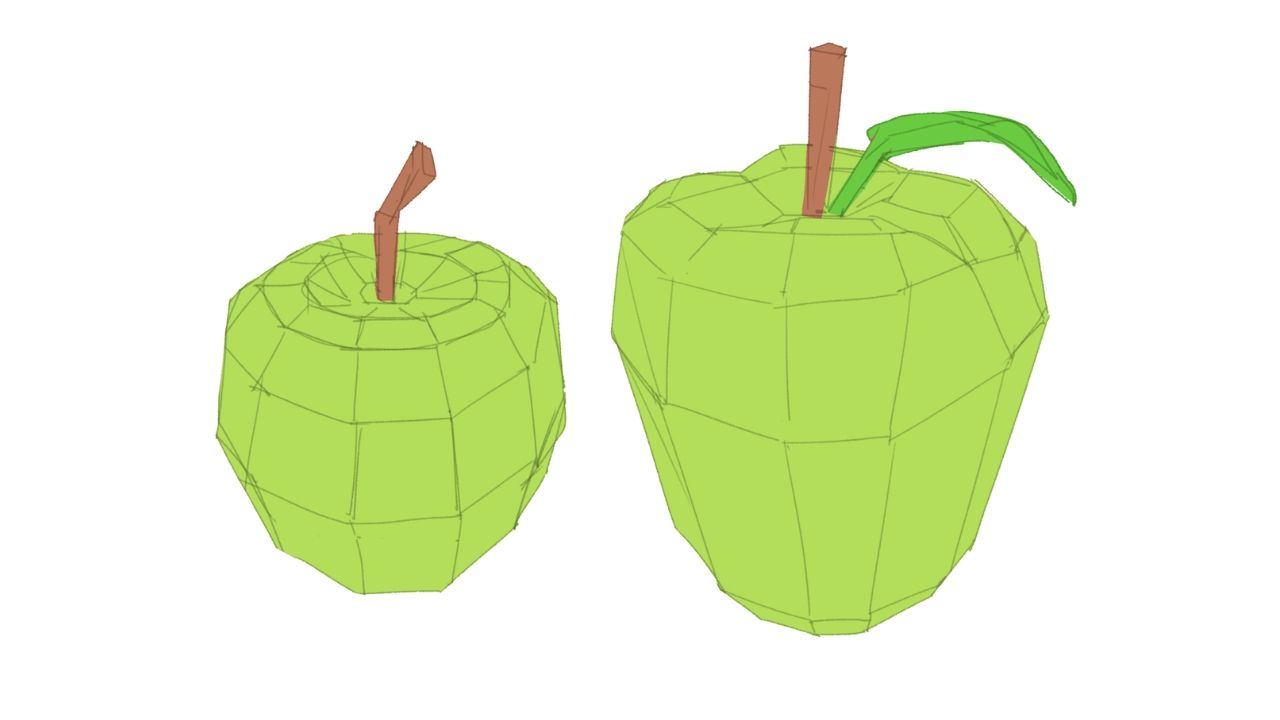
Form & Value Planning
Learn shape abstraction, break forms into planes, assign clear values, and set up strong foundations for rendering.
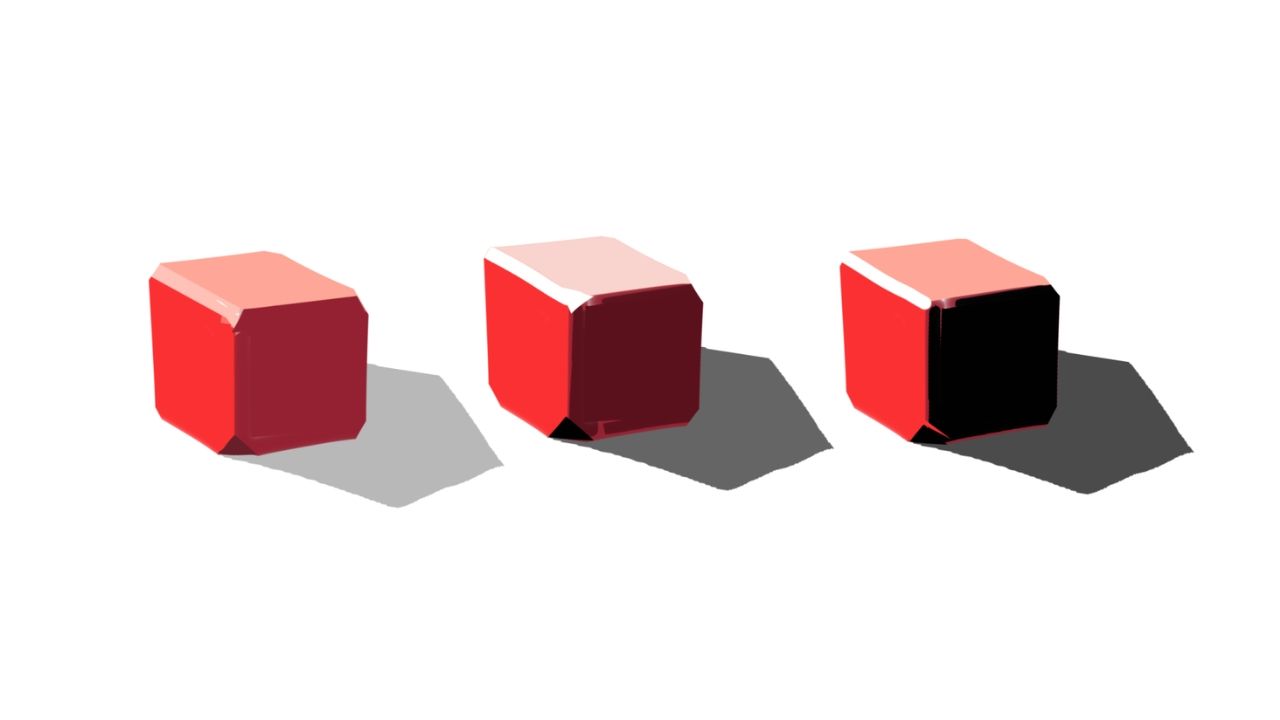
Structure and Depth
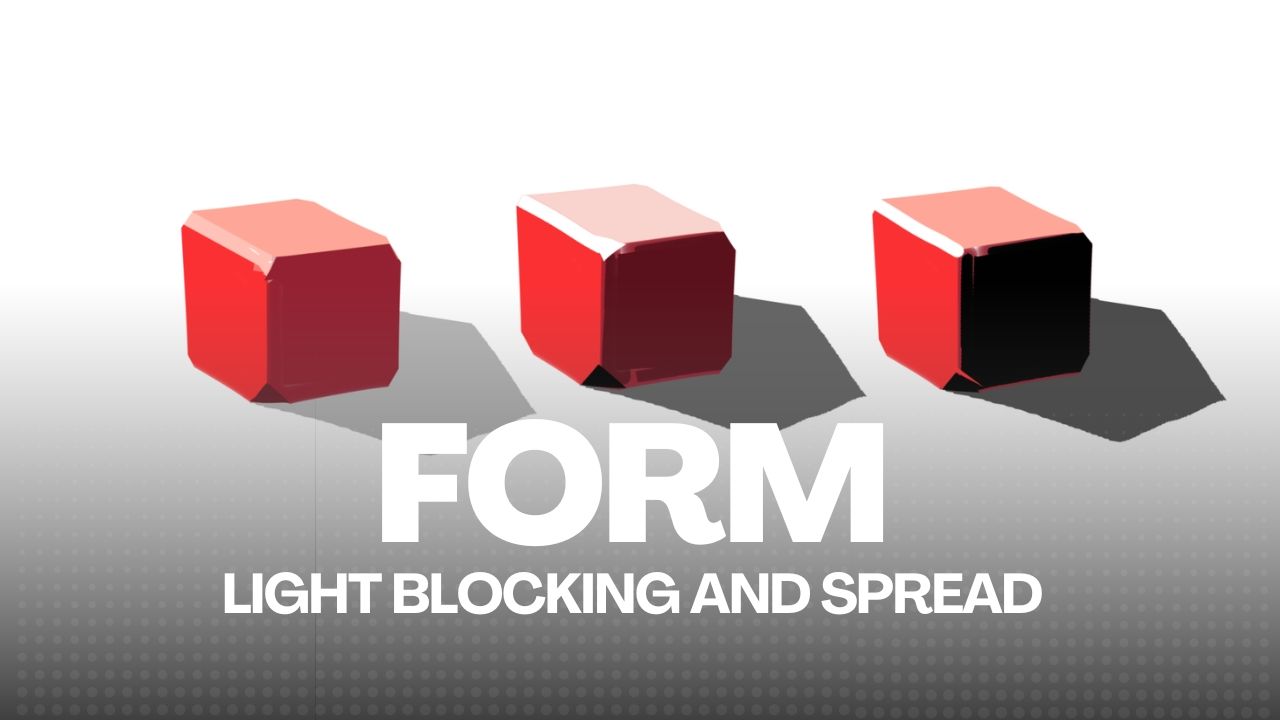
Understand 3D structure, chamfers, and planing to give your forms solidity and accurate depth.
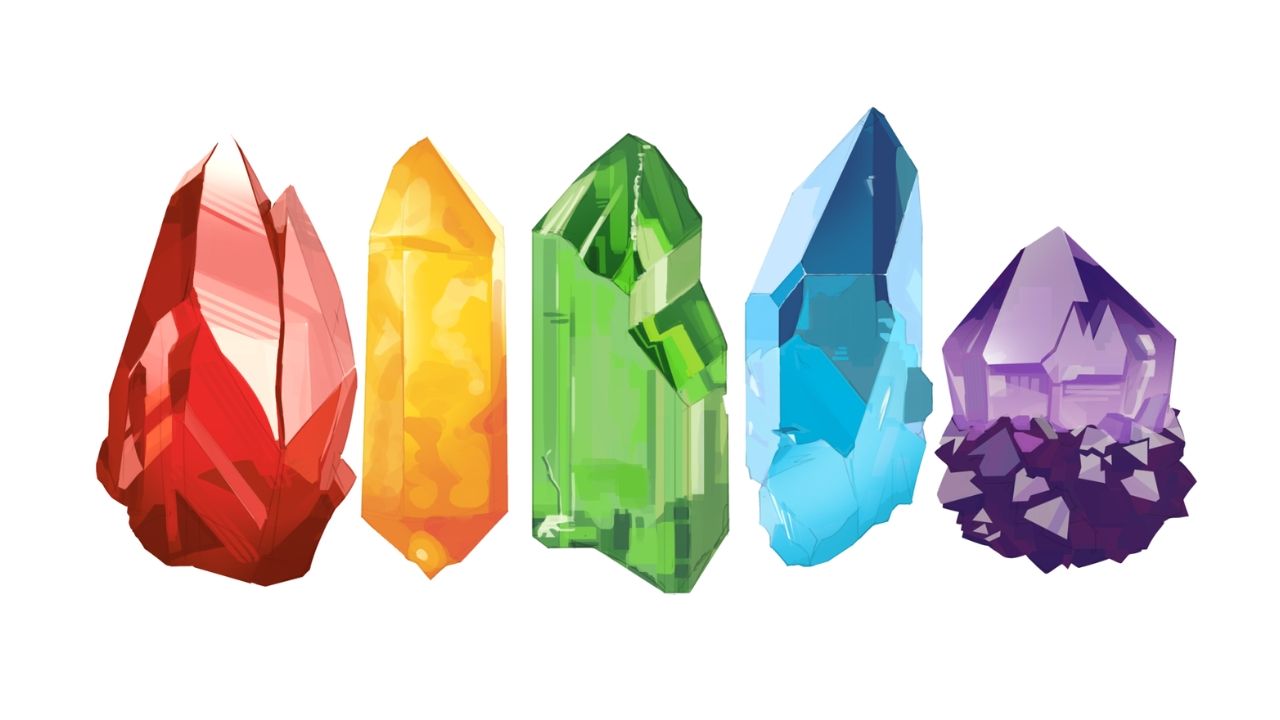
Confident Color Choices
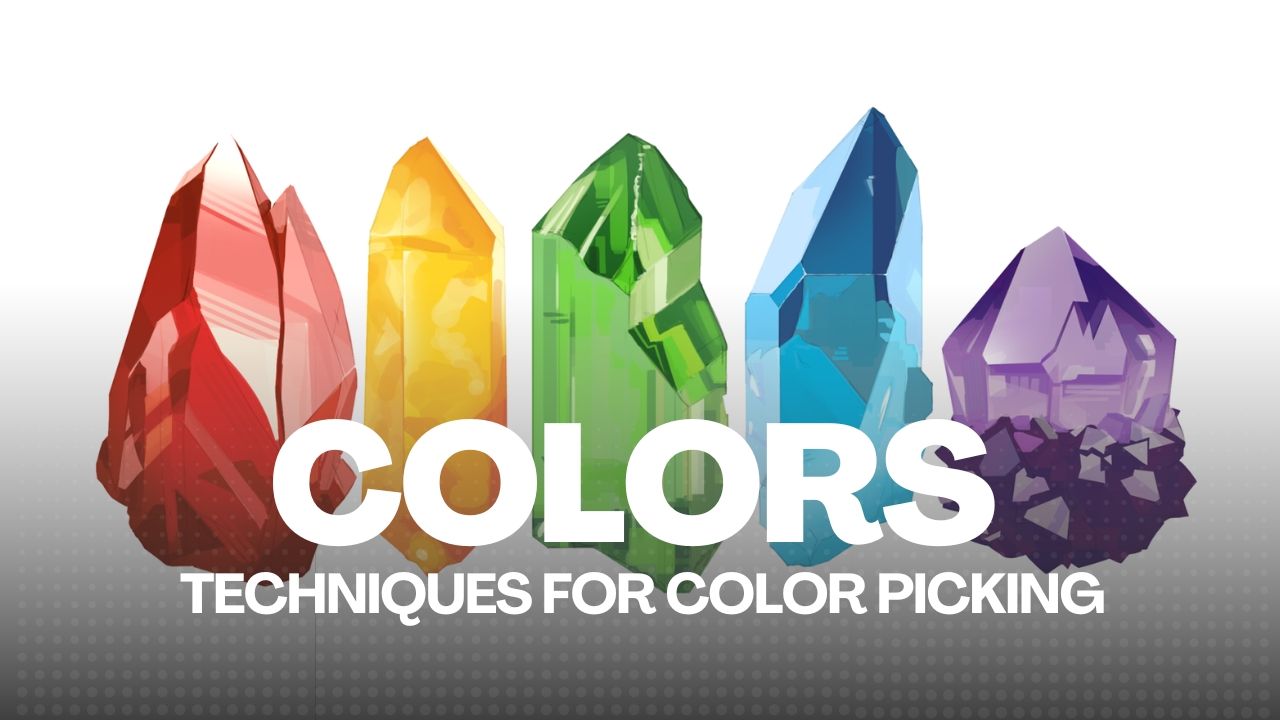
Build confidence in color picking by mastering value, hue shifts, and believable palettes.
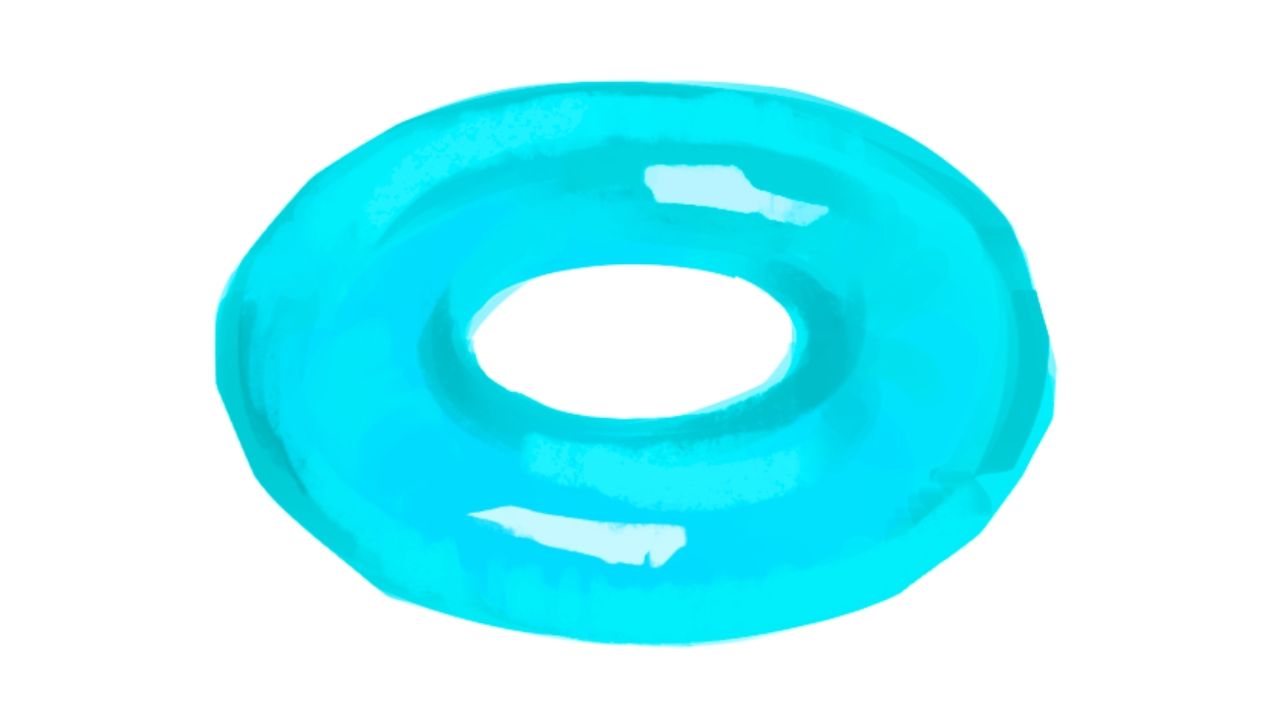
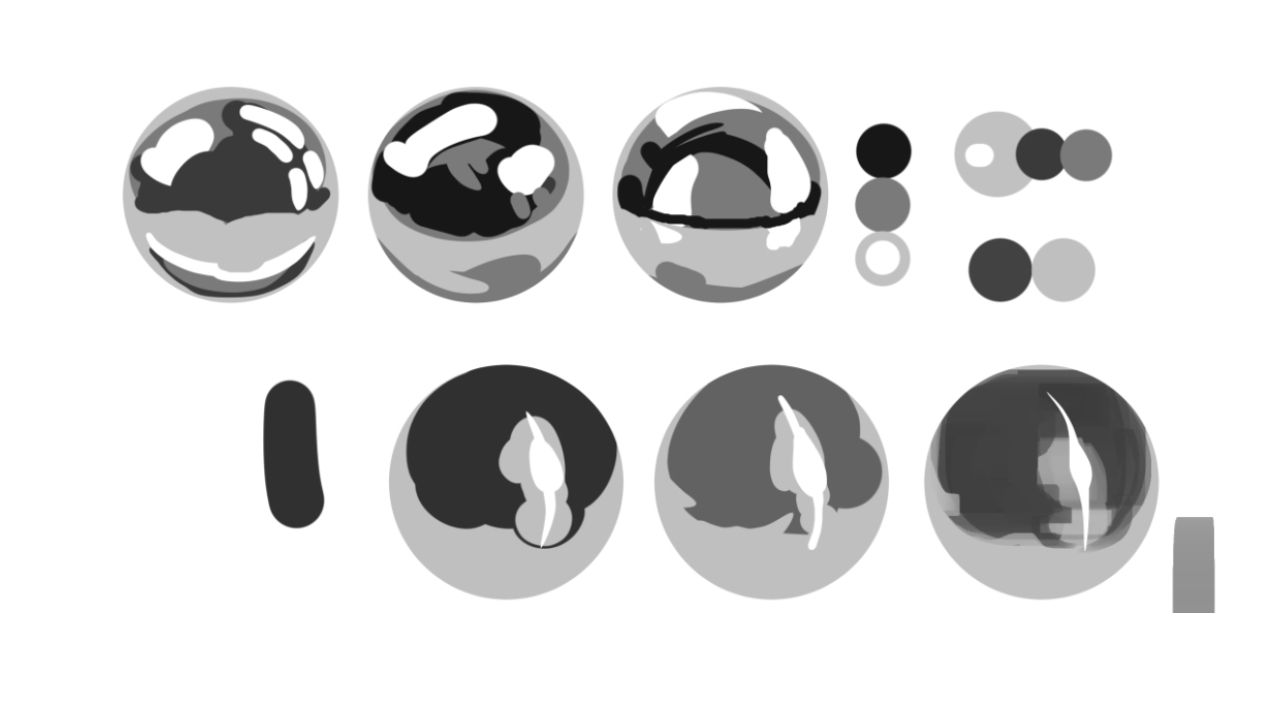
Surface Rendering
Simplify complex surfaces and blend colors for natural material rendering.
Smooth Transitions
Master blending techniques for smooth, controlled transitions without muddying your colors.
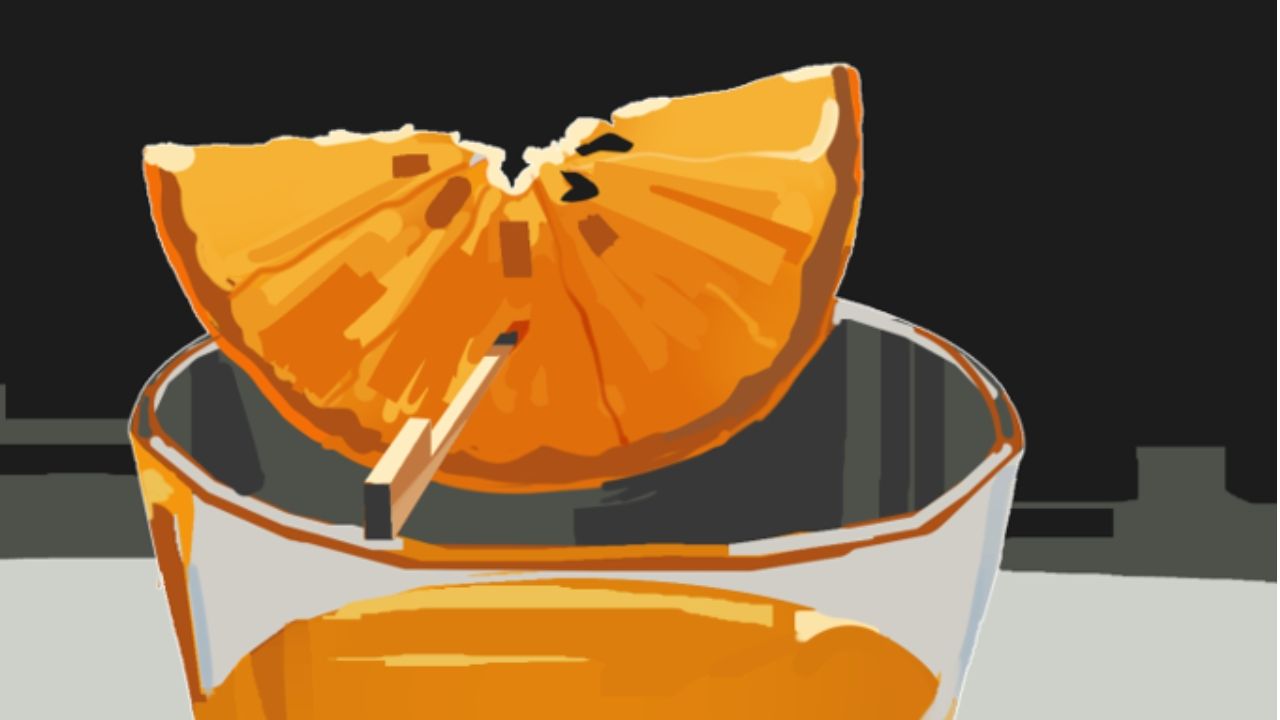
Capstone Painting Studies
Put it all together in real time references alongside me and apply every skill step by step.
Course Curriculum
A structured curriculum for learning modern character illustration.
1
Foundations & Airbrush Control
4 lessons • 2 hours
Foundations & Airbrush Control
4 lessons • 2 hours
- Lesson 1.1: Intro to Digital Painting and Rendering
- Lesson 1.2: Anatomy of a Shadow
- Lesson 1.3: Project 01 – Airbrush Control
- Lesson 1.4: 3D Bonus References – Core Shapes
2
Color Picking & Blocking
3 lessons • 1 hr 30 mins
Color Picking & Blocking
3 lessons • 1 hr 30 mins
- Lesson 2.1: Supervision – Grayscale Mode
- Lesson 2.2: How to Paint Color Logic
- Lesson 2.3: Project 02 – Color Blocking
3
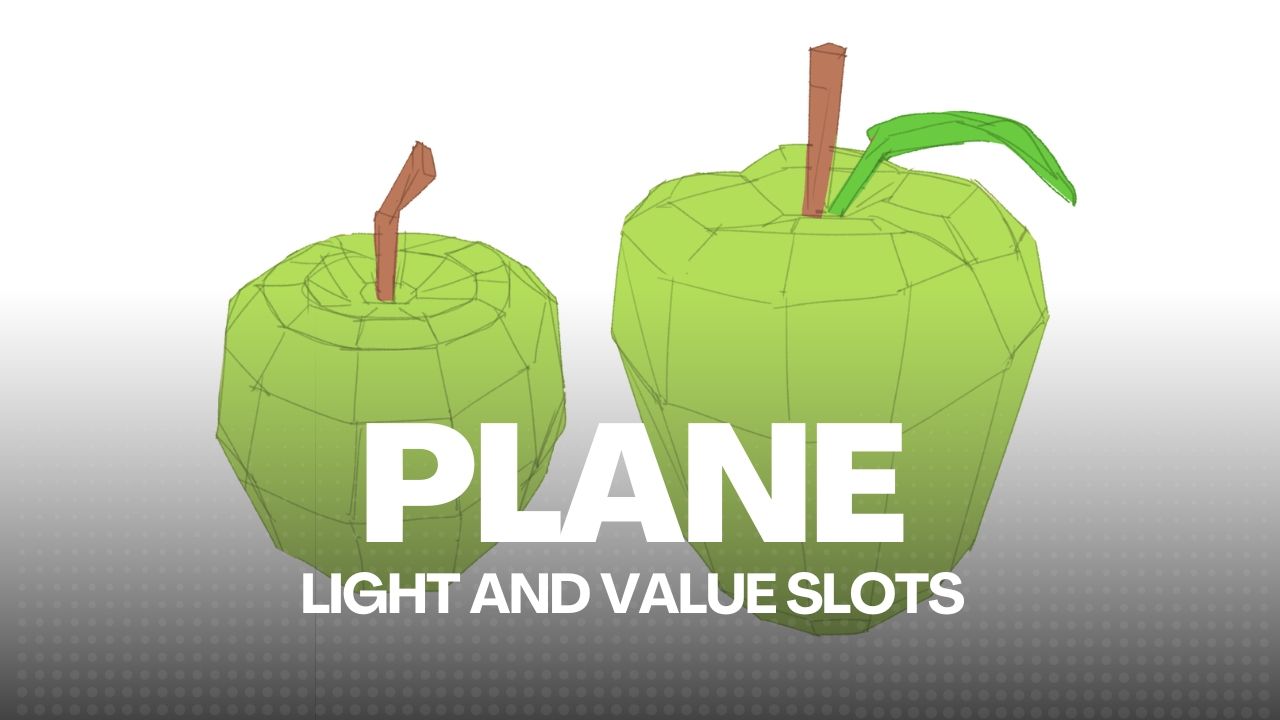
Planes & Value Control
3 lessons • 2 hours
Planes & Value Control
3 lessons • 2 hours
- Lesson 3.1: Brush Output Control
- Lesson 3.2: Seeing in Polygons
- Lesson 3.3: Project 03 – Soft and Hard Forms
4
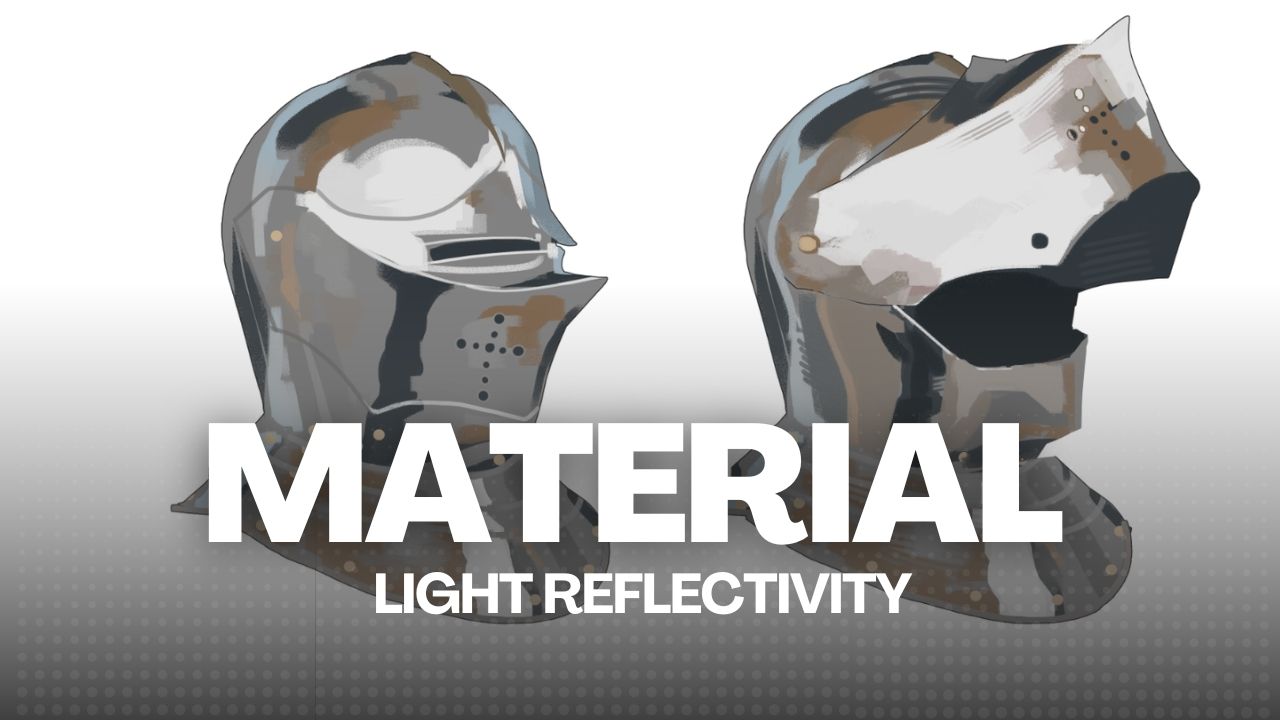
Materials and Reflectivity
2 lessons • 1 hr 30 mins
Materials and Reflectivity
2 lessons • 1 hr 30 mins
- Lesson 4.1: What are Materials
- Lesson 4.2: Project 04 – Metallics and Plane Changing
5
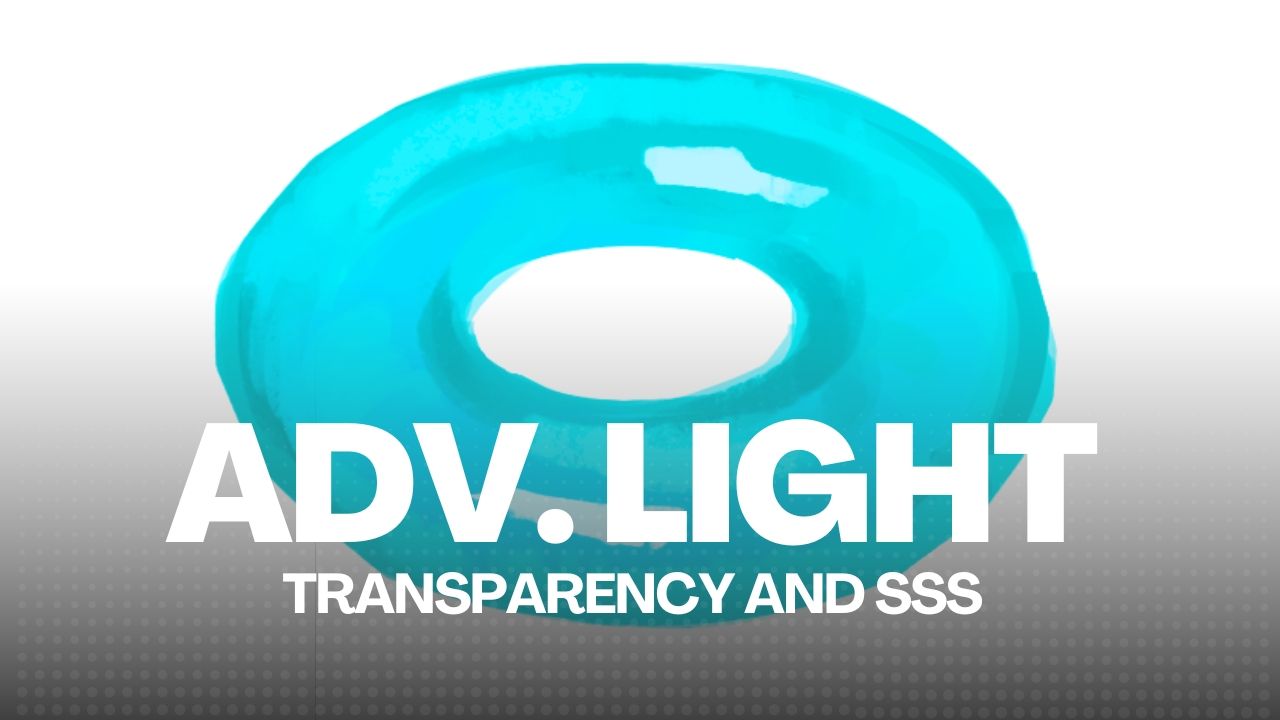
Advanced Light, Transparency & SSS
3 lessons • 2 hours
Advanced Light, Transparency & SSS
3 lessons • 2 hours
- Lesson 5.1: 3D Form and Light References – Bonus Shapes
- Lesson 5.2: Project 05 – Subsurface Scattering
- Lesson 5.3: Project 06 – Translucency and Transparency
6
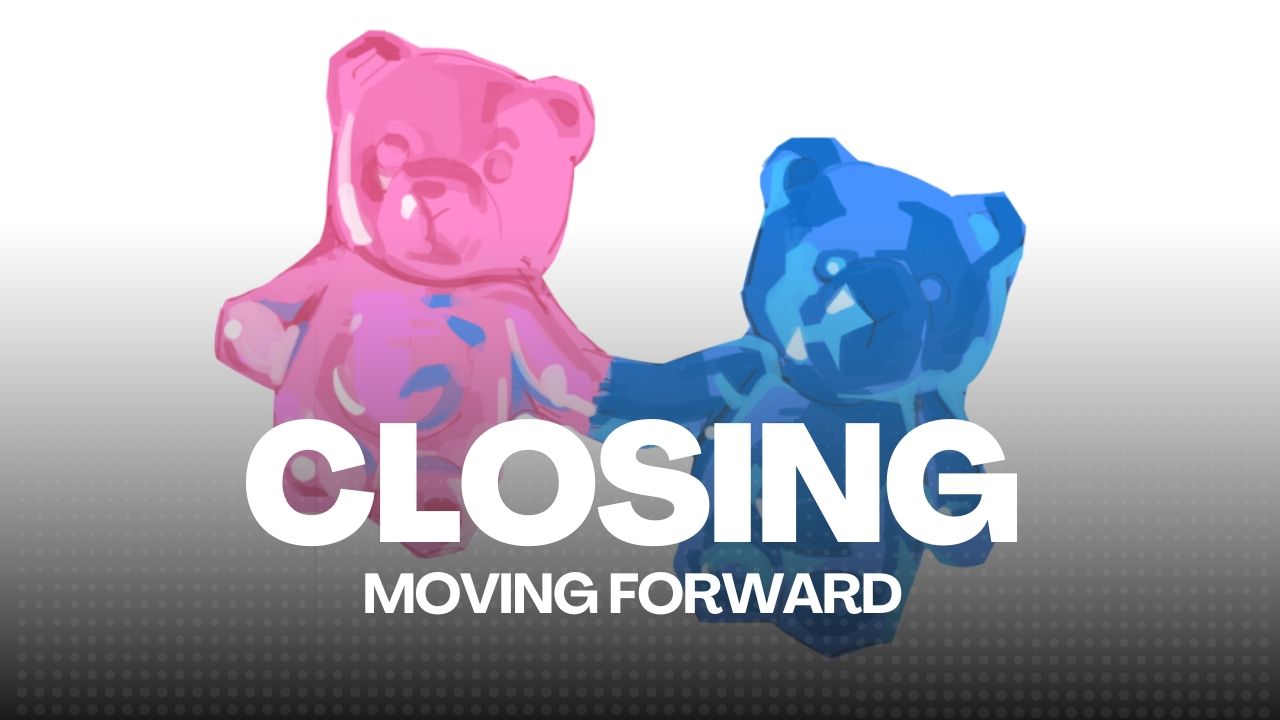
Closing
2 lessons
Closing
2 lessons
- Lesson 6.1: Downloadable Lessons
- Lesson 6.2: Moving Forward
★
Bonus Lessons
TBA • Drip: Schedule
Bonus Lessons
TBA • Drip: Schedule
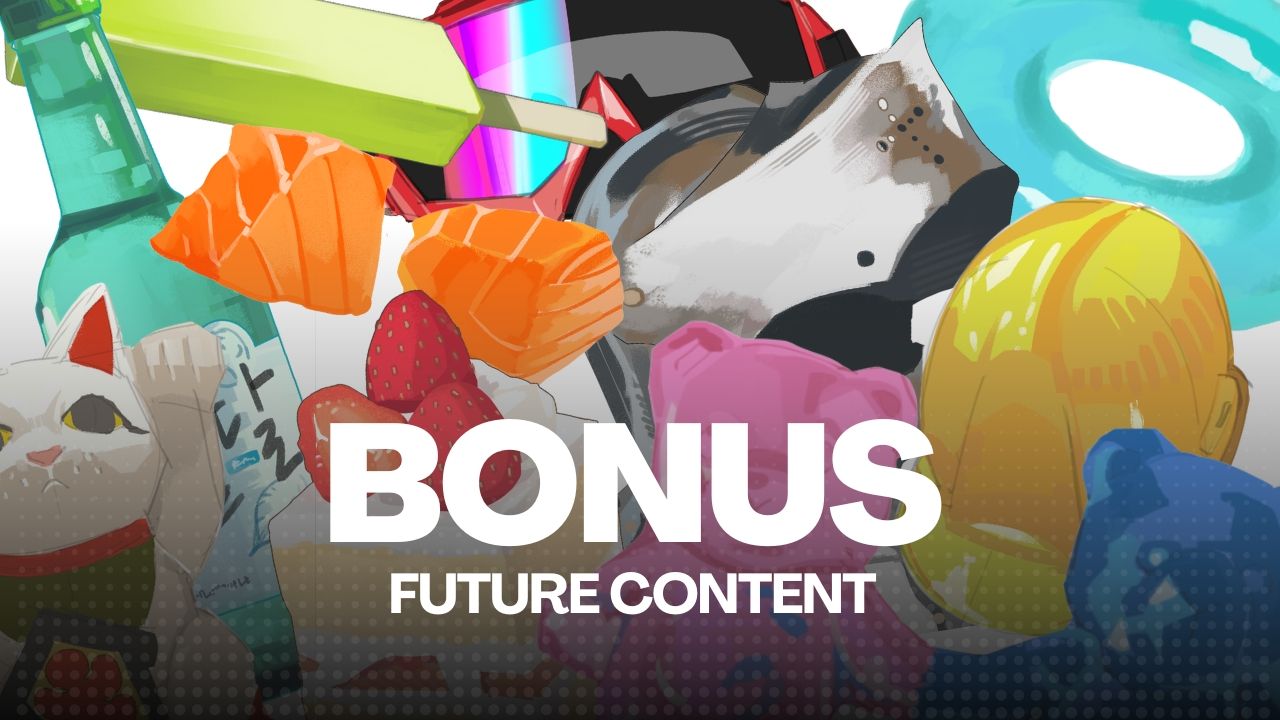
- Future content dripping at 60 days
Easy-To-Use Platform
✅ Watch a FREE Lesson Preview
I edit for efficiency. Every pause removed. Every retake cut. You're not sitting through dead air—you're just learning. The free preview lets you see exactly how I teach before you commit.
We build by doing, not just watching.
You’ll learn how to approach any project, break it down, render it with confidence, and repeat the process step by step until it becomes second nature.
Included In The Course

Unlimited Access
Enroll once, access forever.
You may learn at your own pace, revisit lessons as much as you want, and anywhere you want.
No deadlines, No pressure.

Private Community
You'll have access to a supportive community of fellow artists. Connect privately with fellow artists, share insights, your progress, and receive feedback under my supervision and tutelage.
There will be 5 Moderators on staff ;)
Direct Feedback
I'll be involved at every step of this process! Any questions, comments, or feedback regarding the course, content, and exercises will be answered by me.
Feel free to reach out!
Instructor's Work
Hey, I'm AJ! (Touch) ✌️
I've been a self-taught digital artist for 20+ years. I used to think we got better by copying cool art. But I noticed the best artists weren't special. They were simply brave enough to try drawing anything! They explored and understood colors, forms, structure, and light so well that they could switch art styles, take on any project, and never feel stuck!
They had a completed range and workflow.
That's what the fundamentals give you: FREEDOM.
Once you understand how these fundamentals actually work,
you stop fighting your illustrations, and start making them work.
This course is a collection of what worked.
" Digital Painting is a skill, not a gift— and with the right system you can learn how to own every rendering decision you make. "
Here's what happens after you enroll
Recommended Programs

Clip Studio Paint
⭐ Recommended
Photoshop
✅ Compatible
Procreate
✅ Compatible
This course is taught using Clip Studio Paint— it is recommended you install any version for an optimized learning experience.
The core rendering principles remain the same across ANY art program. Adobe Photoshop, Procreate, Krita, etc. but certain brushes, settings, features, and shortcuts should be adjusted accordingly.
Use whichever art software you are most comfortable with.
These software are not provided with the course.
BONUSES
Extra Content Included For FREE
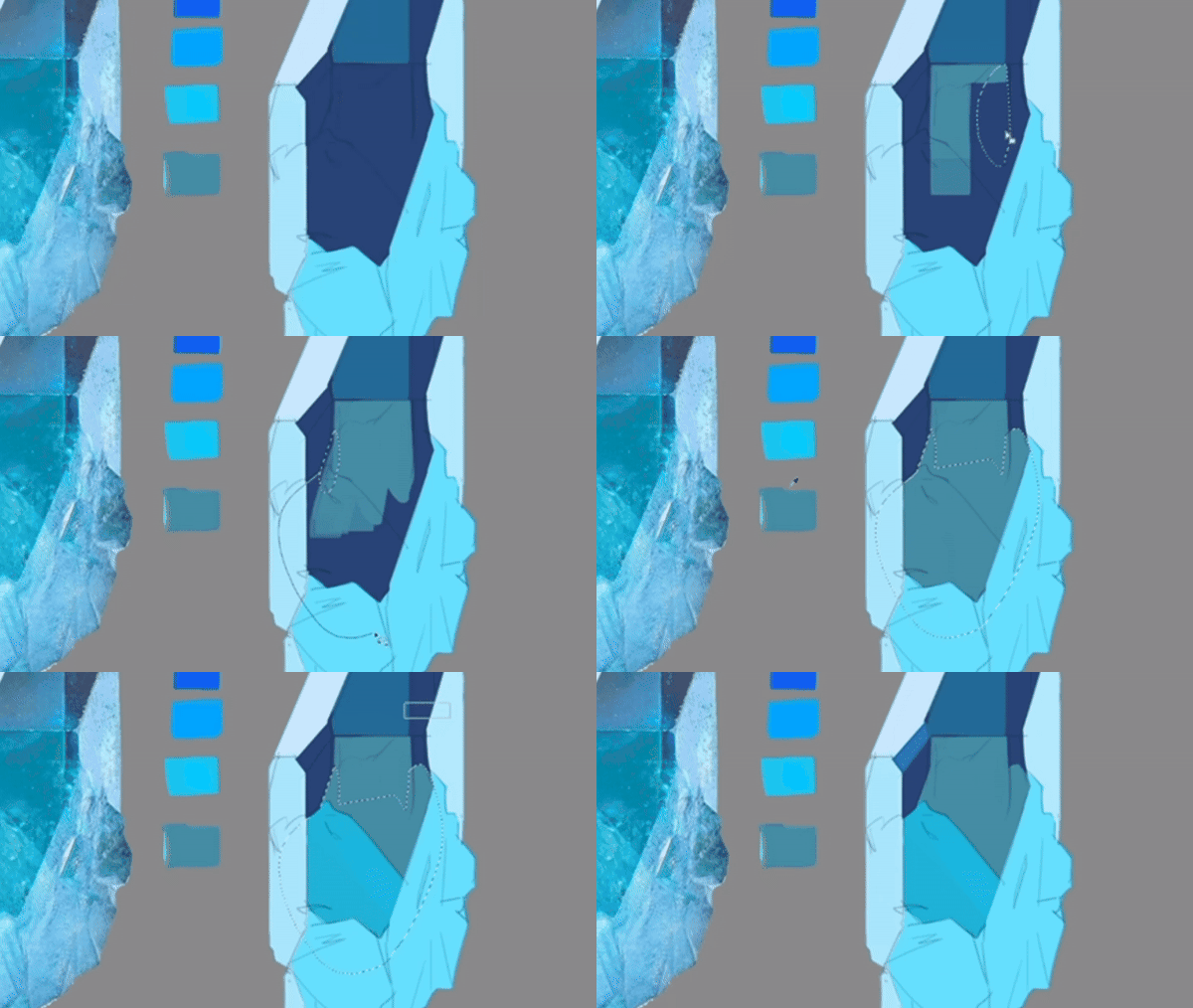
Brushes and Worksheets (Specialty)
Essential BRUSHES, Digital Files, Timelapses, and Follow-Alongs so you can focus on learning, not fighting your tools!
Everything’s ready to go—just open the files and start painting
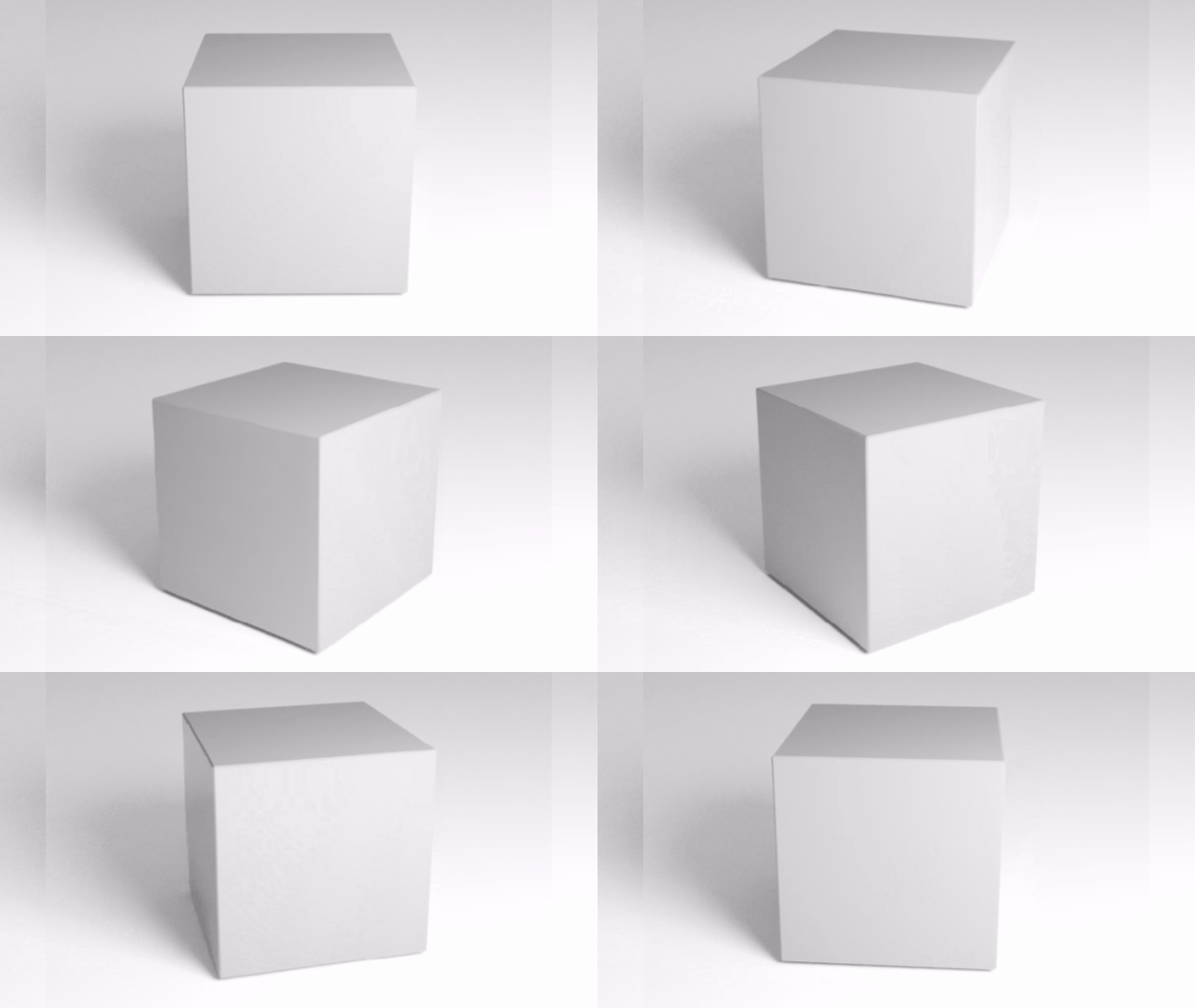
3D Form/Light Model Pack (Reference)
3D modeled references of different materials in different lighting scenarios included for your studies and reference!
3D Digital Assets
modeled from Blender
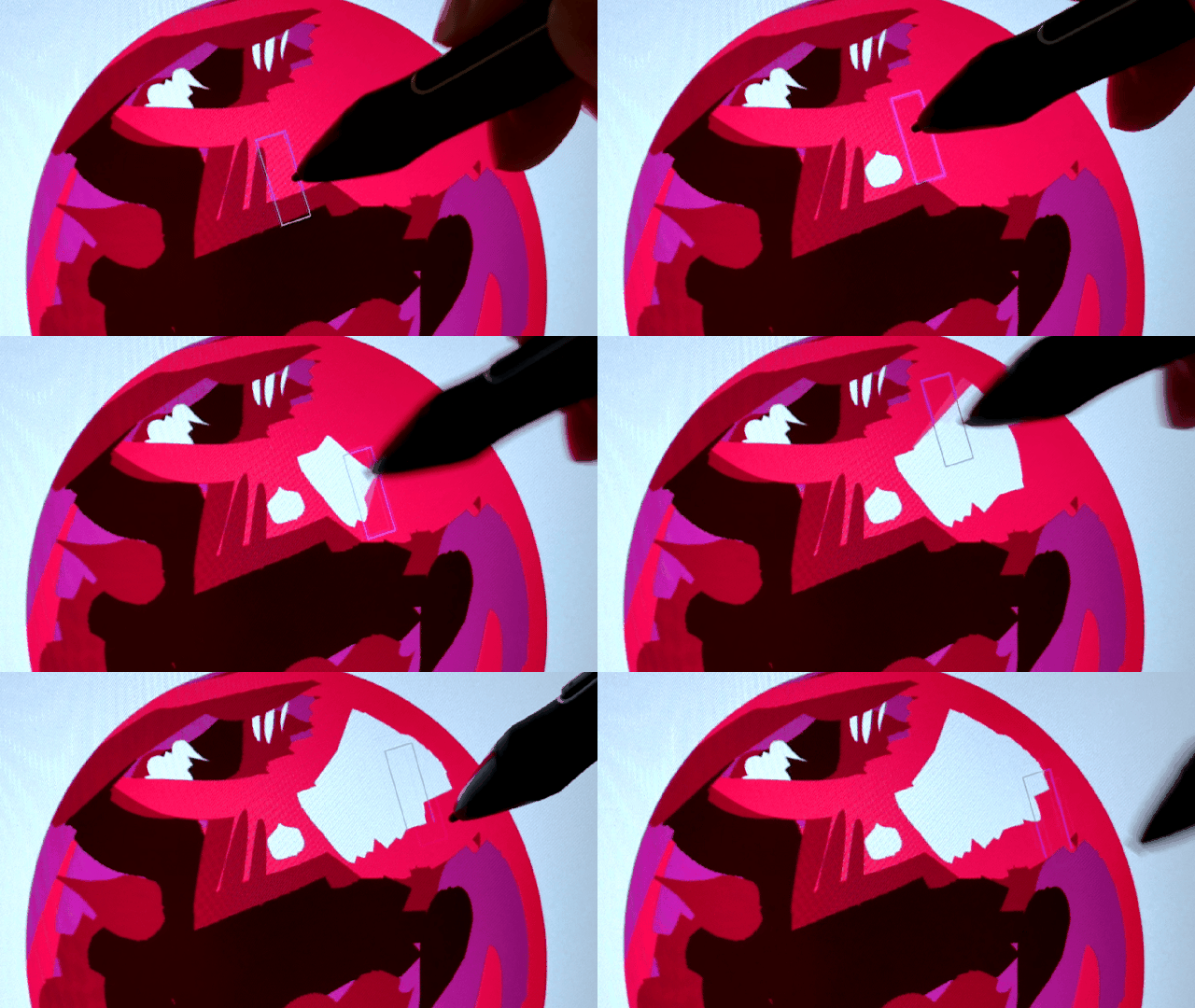
NEW Project Demo additions
As a student, you'll get to decide on any future projects/lessons that get added to this course!
I learn through your feedback



REGISTRATIONS CLOSE SOON!
Learn digital drawing once and for all!
00
DAYS
00
HOURS
00
MINS
00
SECS
Get Immediate Access to Digital Painting & Rendering!
The two options only differ in how you want to pay!
The first option is a one time fee and the second is a monthly option with three installments.
The price displayed below is in dollars, but you can pay with ANY currency.
For both options, you'll gain immediate access to the course.
Start learning today! :)
My 14-Day Guarantee Policy
If you’re not satisfied for any reason, you can request a full refund within 14 days, as long as you haven’t completed more than 60% of the course. I want every student to feel supported and confident in their purchase.
This guarantee exists because I only want you to keep the course if it truly helps you.
Feel free to explore the lessons and experience the program with zero pressure and lifetime access if you decide to stay.
STILL DECIDING? HERE ARE QUESTIONS I HEAR MOST...
Frequently Asked Questions
Is the course live?
What are the payment methods?
Can I buy the course as a gift to someone?
Why should I start this journey with you?
Will I have access to the course right away?
Can I pay with any currency?
Do you have a refund policy?
Will the registrations reopen soon?
Is the price just a one time payment?
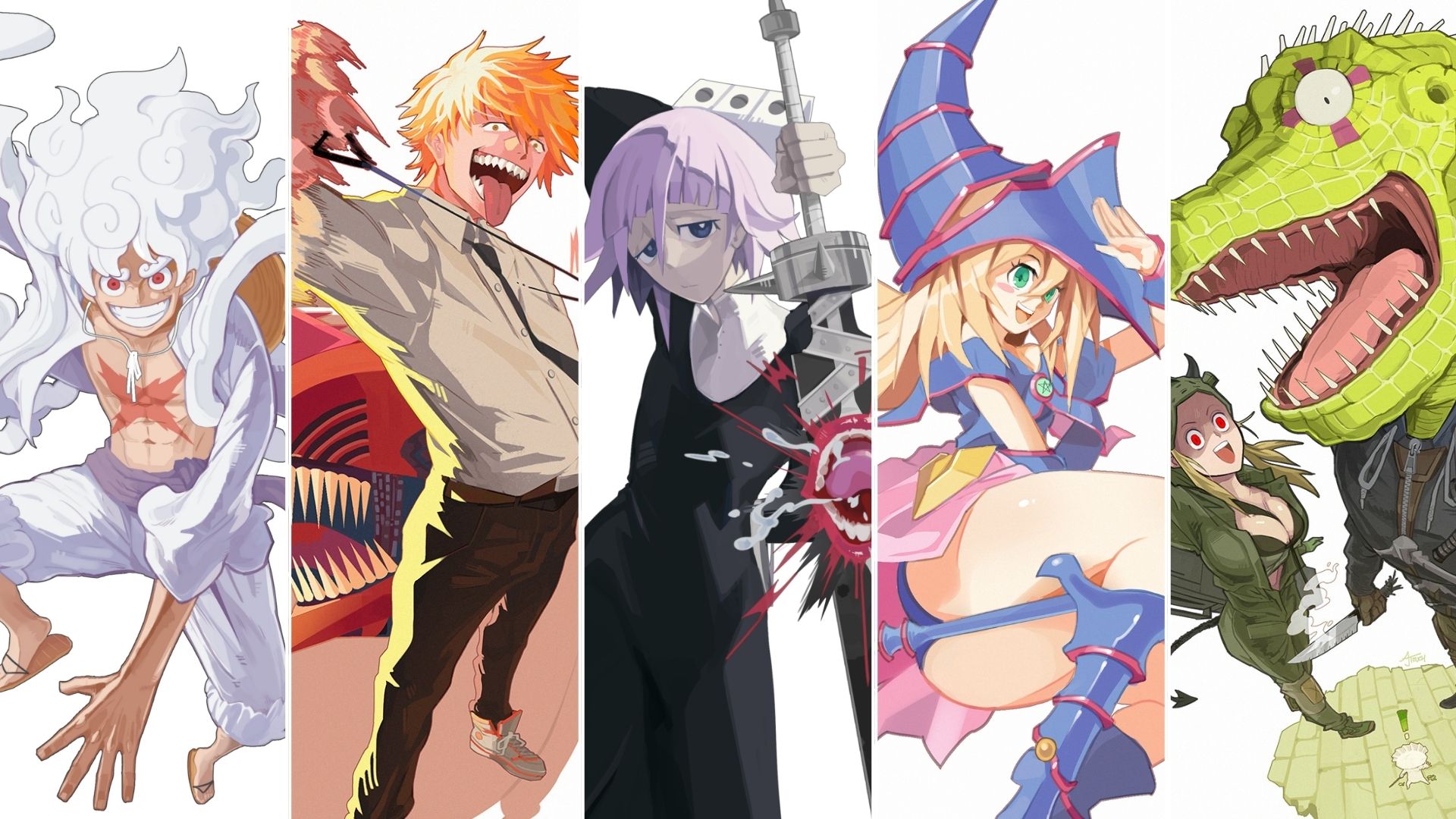

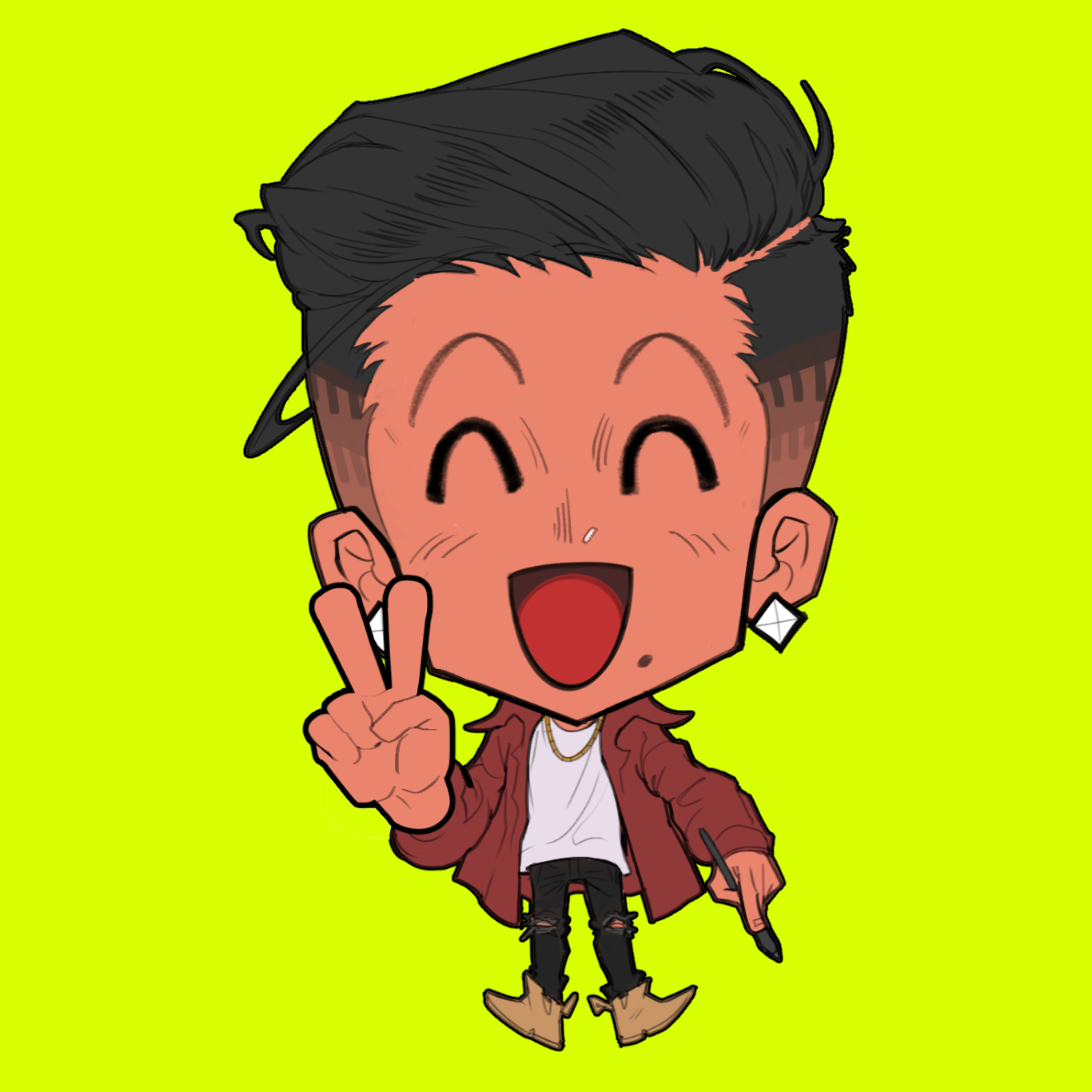
Illustrator, AJ Touch
[Current]
Based in Southeast Asia
Freelance Character Illustrator
International Judoka
Art Educator
Career & Community
[Exhibition & Events]
Anime Expo
San Diego Comic Con
Anime NYC
Twitch Con
[Platforms]
Twitch (Streaming)
Discords (10k+ Members)
Instagram (122k+ Followers)
[Art Courses]
Digital Art Basics: Character Illustration (2024)
Digital Painting & Rendering (2025)
Dynamic Perspective Drawing (2026)